1
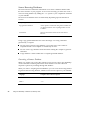
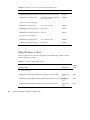
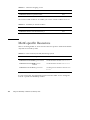
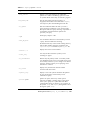
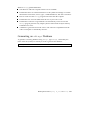
TABLE D–1
sbquery Options
(continued)
Arguments
Description
-no_case
Makes the query case-insensitive.
-sh_pattern
Uses shell-style expressions when issuing a query that
includes wildcards. This wildcard setting is the
default; include this option if you are doing other
pattern matching on the same command line.
See sh(1) for more information about shell-style
pattern matching.
-reg_expr
Uses regular expressions when issuing a query that
includes wildcards. If you do not include this option,
shell-style patterns are assumed.
-literal
Does not use any wildcard expressions for the query.
Useful when you want to search for a string that
contains meta characters from other wildcard schemes.
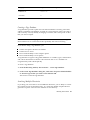
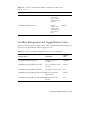
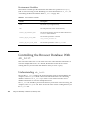
Two types of options are available to help you narrow your search: filter options (see
Table D–2) and focus options (see Table D–3.)
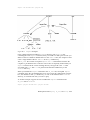
Filter Language Options
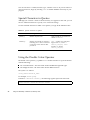
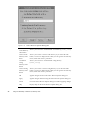
The filter options listed in Table D–2 are used to search for symbols based on how
they are used in a program. For example, you could limit your search to declarations
of variables.
sbquery -help_filter language
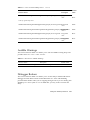
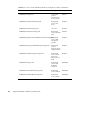
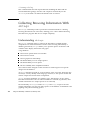
TABLE D–2
166
Filter Language Options
Filter Option
Description
ansi_c
C
sun_as
Assembly language
sun_c_plus_plus
C++
Using Sun WorkShop ♦ Revision A, February 1999