1
Chapter 2: BIOS Setup
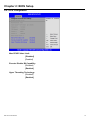
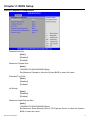
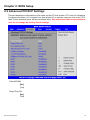
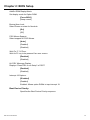
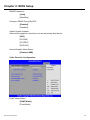
AddOn ROM Display Mode:
Set display mode for Option ROM.
[Force BIOS]
[Keep current]
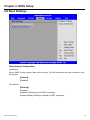
Bootup Num-Lock:
Select Power-on state for Numlock.
[On]
[Off]
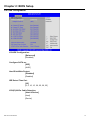
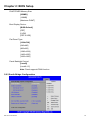
PS/2 Mouse Support:
Select support for PS/2 Mouse.
[Auto]
[Enabled]
[Disabled]
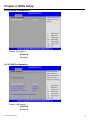
Wait For ‘F1’ If Error:
Wait for F1 key to be pressed if an error occurs.
[Enabled]
[Disabled]
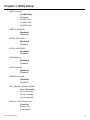
Hit ‘DEL’ Message Display:
Displays “Press DEL to run Setup” in POST.
[Enabled]
[Disabled]
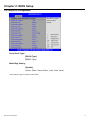
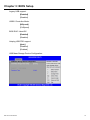
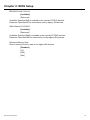
Interrupt 19 Capture:
[Disabled]
[Enabled]
Enabled: Allows option ROMs to trap interrupt 19.
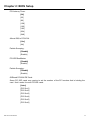
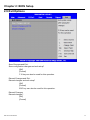
Boot Device Priority:
Specifies the Boot Device Priority sequence.
IMP-A1x2 User Manual
24