1
Chapter 32: Customization
391
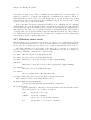
;; -*- mode: Lisp; fill-column: 75; comment-column: 50; -*-
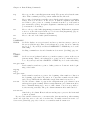
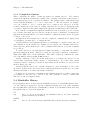
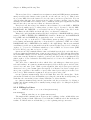
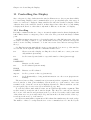
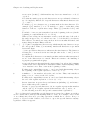
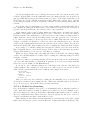
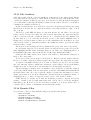
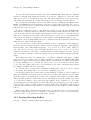
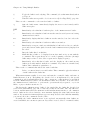
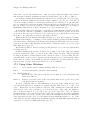
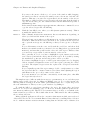
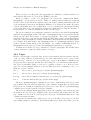
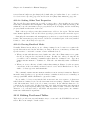
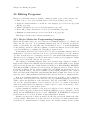
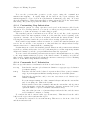
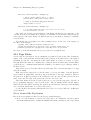
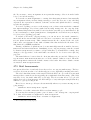
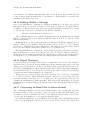
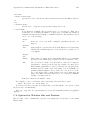
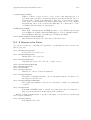
You can also specify the coding system for a file in this way: just specify a value for
the “variable” named coding. The “value” must be a coding system name that Emacs
recognizes. See Section 19.7 [Coding Systems], page 179. ‘unibyte: t’ specifies unibyte
loading for a particular Lisp file. See Section 19.2 [Enabling Multibyte], page 174.
The eval pseudo-variable, described below, can be specified in the first line as well.
In shell scripts, the first line is used to identify the script interpreter, so you cannot put
any local variables there. To accommodate this, Emacs looks for local variable specifications
in the second line when the first line specifies an interpreter.
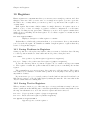
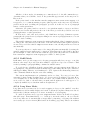
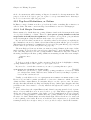
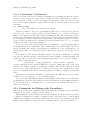
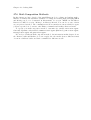
A local variables list goes near the end of the file, in the last page. (It is often best to
put it on a page by itself.) The local variables list starts with a line containing the string
‘Local Variables:’, and ends with a line containing the string ‘End:’. In between come
the variable names and values, one set per line, as ‘variable : value ’. The values are not
evaluated; they are used literally. If a file has both a local variables list and a ‘-*-’ line,
Emacs processes everything in the ‘-*-’ line first, and everything in the local variables list
afterward.
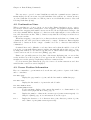
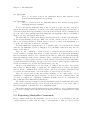
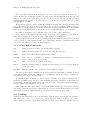
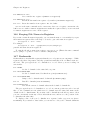
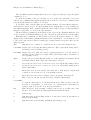
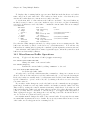
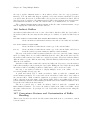
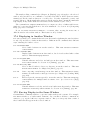
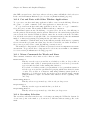
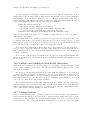
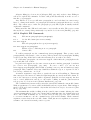
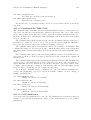
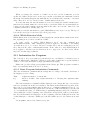
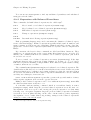
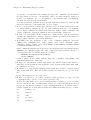
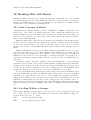
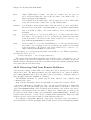
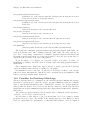
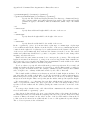
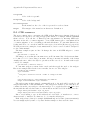
Here is an example of a local variables list:
;;
;;
;;
;;
;;
;;
Local Variables: **
mode:lisp **
comment-column:0 **
comment-start: ";; "
comment-end:"**" **
End: **
**
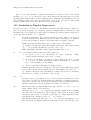
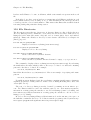
Each line starts with the prefix ‘;; ’ and each line ends with the suffix ‘ **’. Emacs
recognizes these as the prefix and suffix based on the first line of the list, by finding them
surrounding the magic string ‘Local Variables:’; then it automatically discards them from
the other lines of the list.
The usual reason for using a prefix and/or suffix is to embed the local variables list in
a comment, so it won’t confuse other programs that the file is intended as input for. The
example above is for a language where comment lines start with ‘;; ’ and end with ‘**’;
the local values for comment-start and comment-end customize the rest of Emacs for this
unusual syntax. Don’t use a prefix (or a suffix) if you don’t need one.
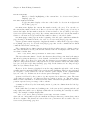
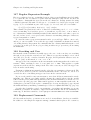
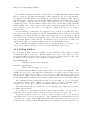
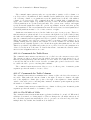
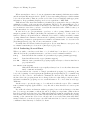
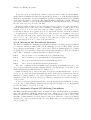
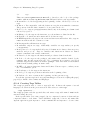
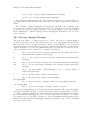
If you write a multi-line string value, you should put the prefix and suffix on each line,
even lines that start or end within the string. They will be stripped off for processing
the list. If you want to split a long string across multiple lines of the file, you can use
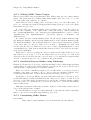
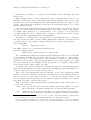
backslash-newline, which is ignored in Lisp string constants. Here’s an example of doing
this:
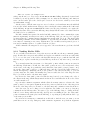
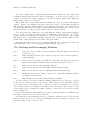
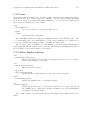
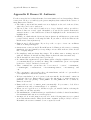
# Local Variables:
# compile-command: "cc foo.c -Dfoo=bar -Dhack=whatever \
#
-Dmumble=blaah"
# End:
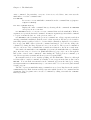
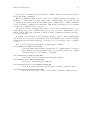
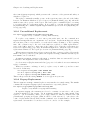
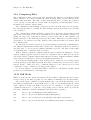
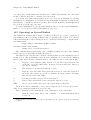
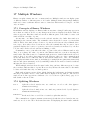
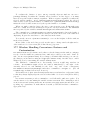
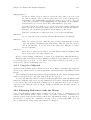
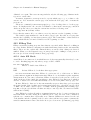
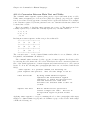
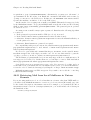
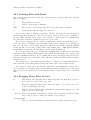
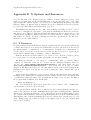
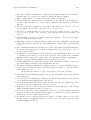
Some “variable names” have special meanings in a local variables list. Specifying the
“variable” mode really sets the major mode, while any value specified for the “variable” eval
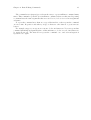
is simply evaluated as an expression (its value is ignored). A value for coding specifies the