1
dua1611-5aaa04.book Page 322 Friday, November 29, 2002 8:56 PM
322
APPENDIX G: CISCO WCCP COMMANDS
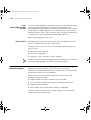
This rule is applied on a per interface basis and is applied to the interface
connected to the caches. It prevents packets being redirected to the
internet from looping back to the Webcaches.
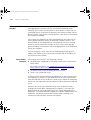
Configuring WCCP
Multicast
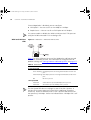
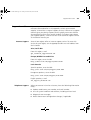
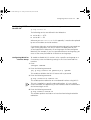
To enable or disable WCCP multicast on a Cisco router, enter the
following settings in the Cisco Command Line Interface:
1 Enter:
configure terminal
2 Enter the following command:
wccp <service-id> group-address <multicast address>
The multicast must be between 224/8 and address 239.255.255.255.
3 Enter the following command:
wccp <service-id> group-listen
This is for the interface receiving the multicast packets.
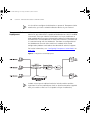
Example
Configurations
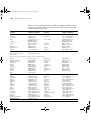
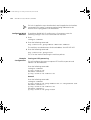
Turning on HTTP processing
This will configure the router to capture HTTP traffic on port 80 and
redirect it to the Webcache.
Enter the following commands:
configure terminal
ip wccp <service-id>
interface ethernet0
ip wccp <service-id> redirect out
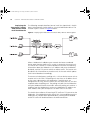
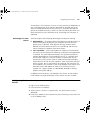
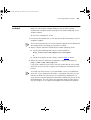
General
Enter the following commands:
configure terminal
ip wccp <service-id> group-address 224.1.1.100 password 3com
interface ethernet 0
ip wccp <service-id> redirect out
interface ethernet 1
ip wccp <service-id> group-listen