1
KDevelop User Manual
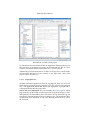
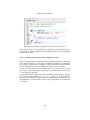
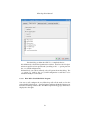
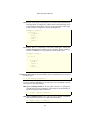
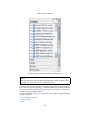
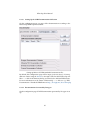
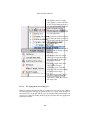
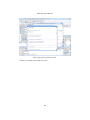
the one you are interested in and the corresponding documentation will be
displayed in an editor window.
N OTE
If this did not work, then there is probably no documents index yet. Did you initialize
the indexes as shown above? If not, please do so, then come back here and try
again.
2.4.2.2
Project Internal Declarations and Definitions
Such search facilities in external documentation have their limitations, however. Of course one cannot look up an identifier externally if it is only defined
and used inside the current project. But there is help. KDevelop can use indexes built by the CTags application to search the sources in your project.
Before we can use this on our Hello example project, we must however first
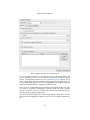
generate a suitable index. This is done by the CTags tool view at the bottom of
the workspace area.
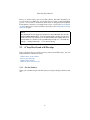
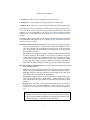
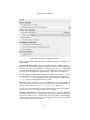
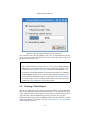
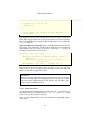
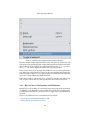
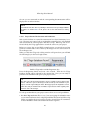
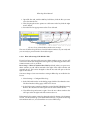
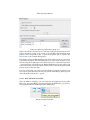
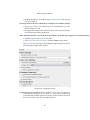
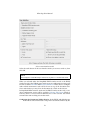
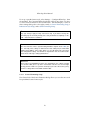
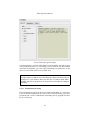
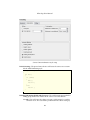
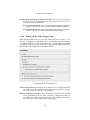
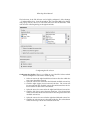
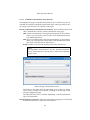
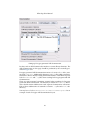
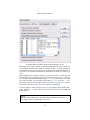
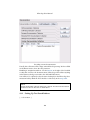
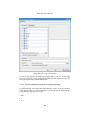
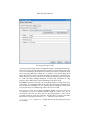
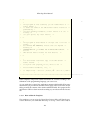
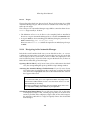
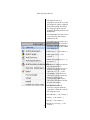
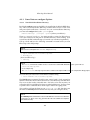
When you click the CTags tab, a dialog window will open where you will find
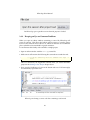
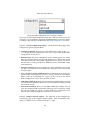
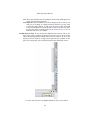
the following key in the lower right corner.
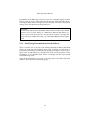
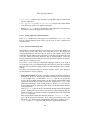
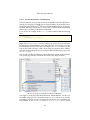
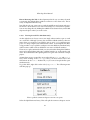
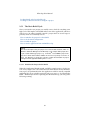
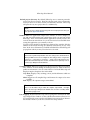
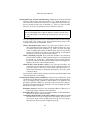
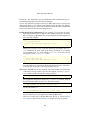
Build a CTags index with the Regenerate key.
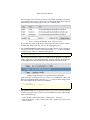
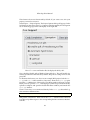
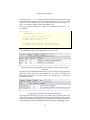
Press the Regenerate button and wait a few seconds. Then the No CTags
Database Found will be replaced by the current date. Now you are ready to
perform some identifier look ups in your project source.
T IP
The date next to the Regenerate button is there to remind you of possibly too old
indexes. Whenever you are obviously not able to look up some identifier in your
project, consider regenerating the index. On large projects this might take considerable time, but you should make it a habit to regenerate the index regularly after
extensive source file changes.
To look up an identifier in your project sources there are several possibilities.
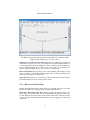
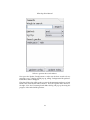
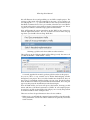
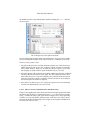
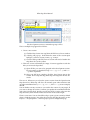
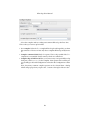
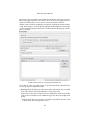
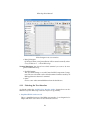
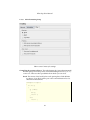
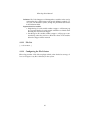
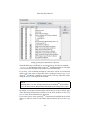
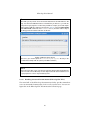
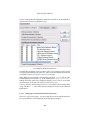
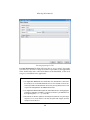
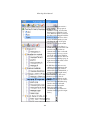
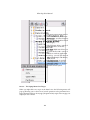
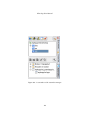
• Use the CTags tool view This is easy. Just start typing the identifier name
you are interested in into the Lookup input field in the bottom left. KDevelop
will try to complete the word you have typed so far and show all occurrences
of those identifiers which start with this character sequence.
26