1
CREATE ROLE
CREATE ROLE
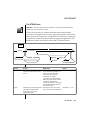
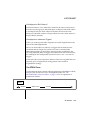
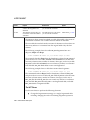
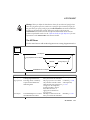
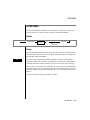
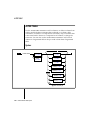
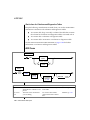
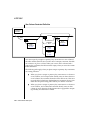
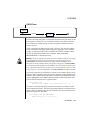
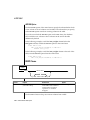
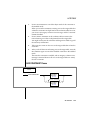
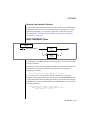
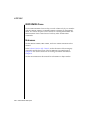
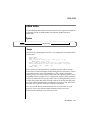
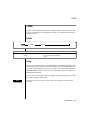
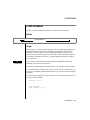
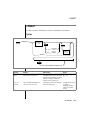
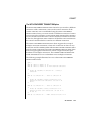
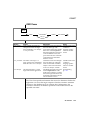
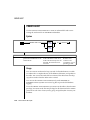
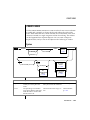
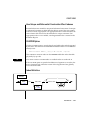
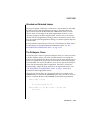
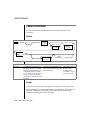
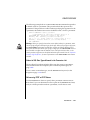
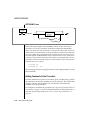
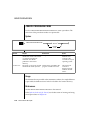
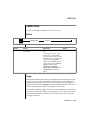
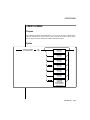
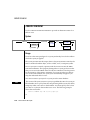
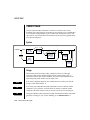
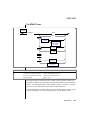
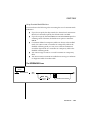
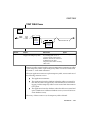
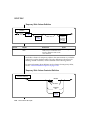
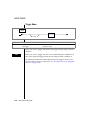
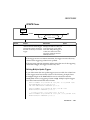
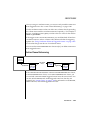
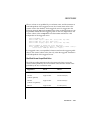
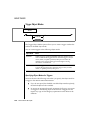
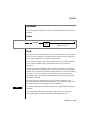
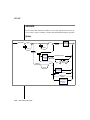
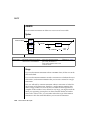
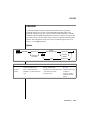
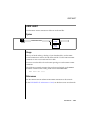
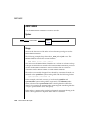
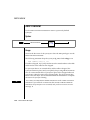
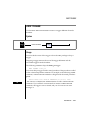
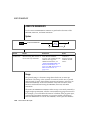
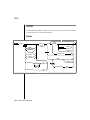
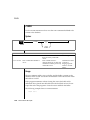
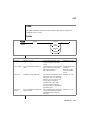
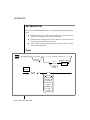
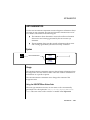
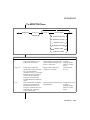
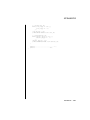
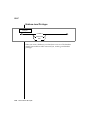
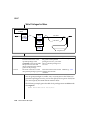
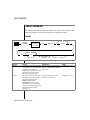
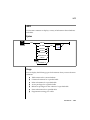
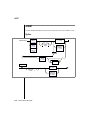
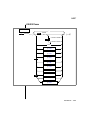
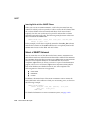
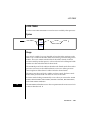
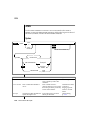
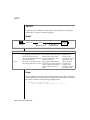
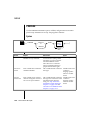
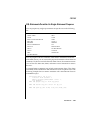
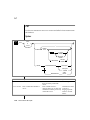
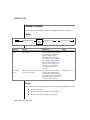
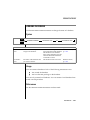
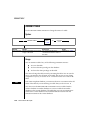
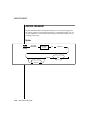
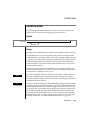
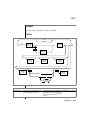
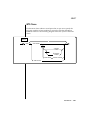
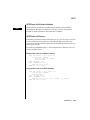
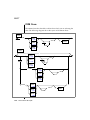
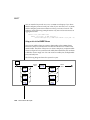
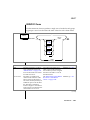
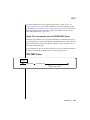
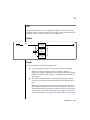
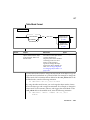
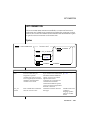
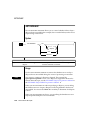
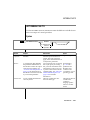
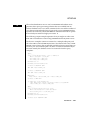
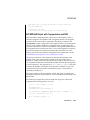
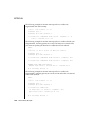
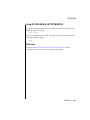
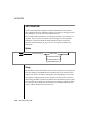
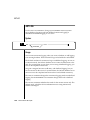
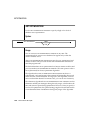
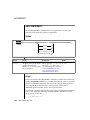
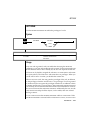
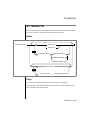
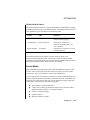
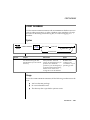
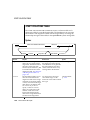
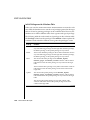
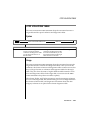
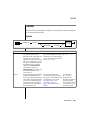
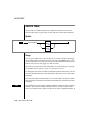
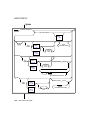
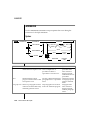
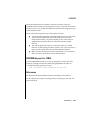
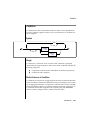
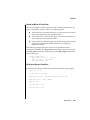
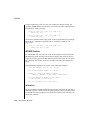
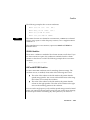
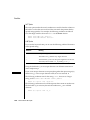
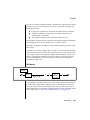
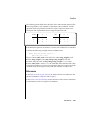
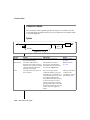
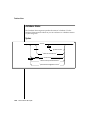
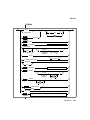
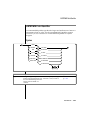
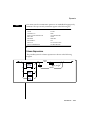
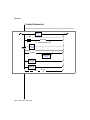
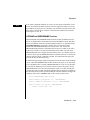
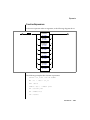
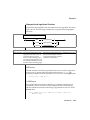
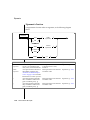
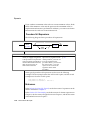
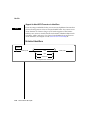
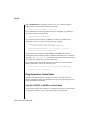
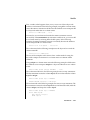
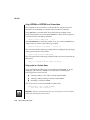
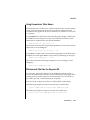
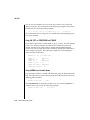
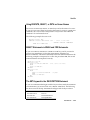
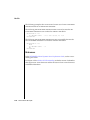
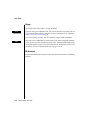
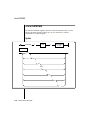
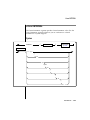
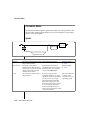
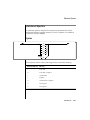
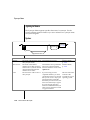
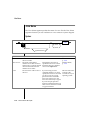
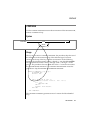
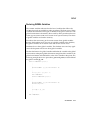
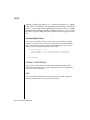
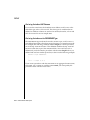
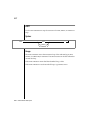
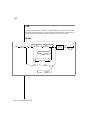
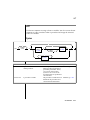
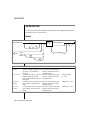
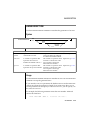
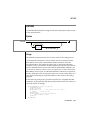
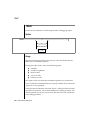
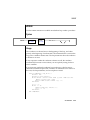
Use the CREATE ROLE statement to create a new role.
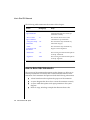
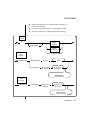
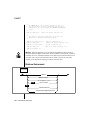
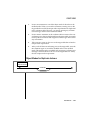
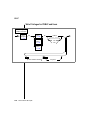
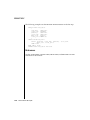
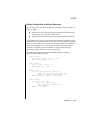
Syntax
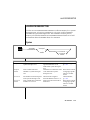
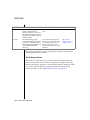
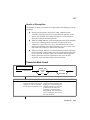
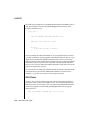
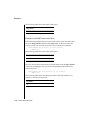
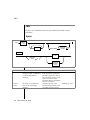
+
OL
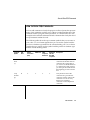
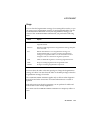
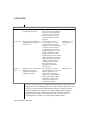
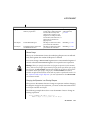
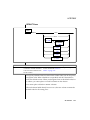
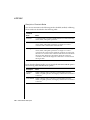
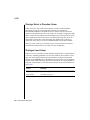
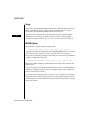
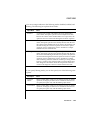
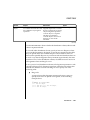
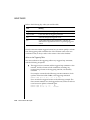
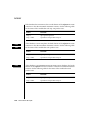
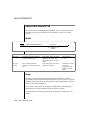
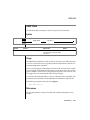
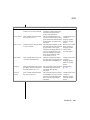
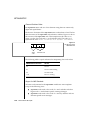
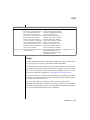
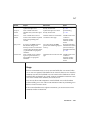
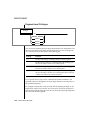
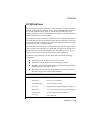
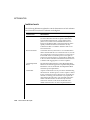
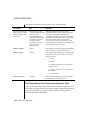
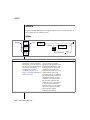
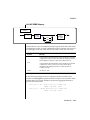
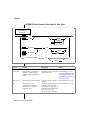
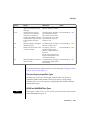
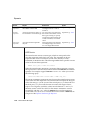
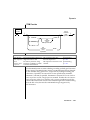
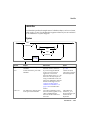
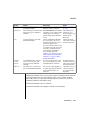
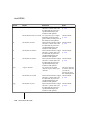
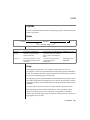
Element
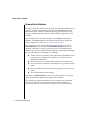
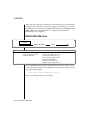
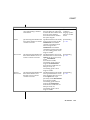
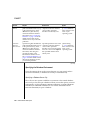
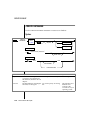
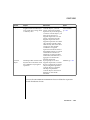
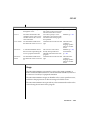
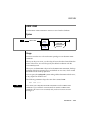
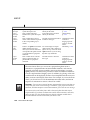
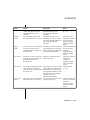
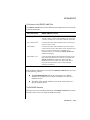
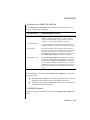
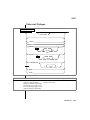
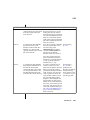
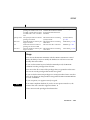
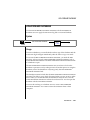
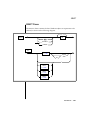
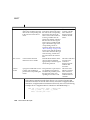
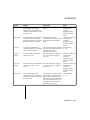
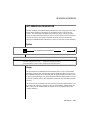
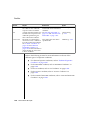
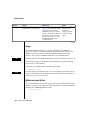
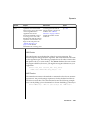
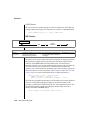
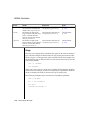
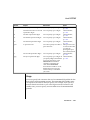
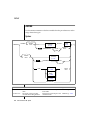
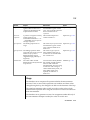
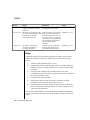
role name
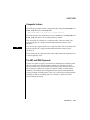
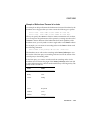
CREATE ROLE
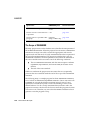
role name
Purpose
Restrictions
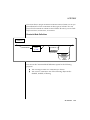
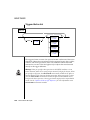
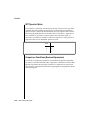
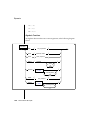
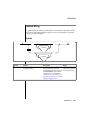
Syntax
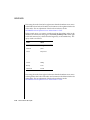
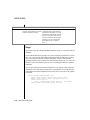
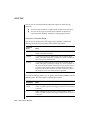
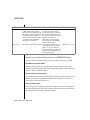
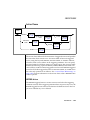
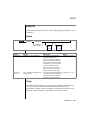
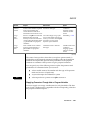
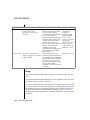
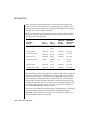
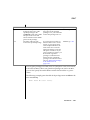
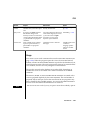
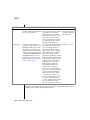
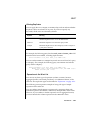
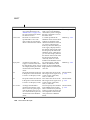
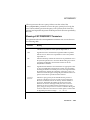
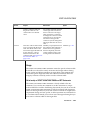
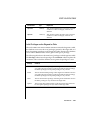
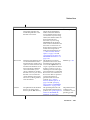
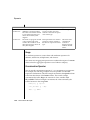
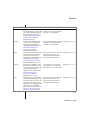
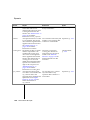
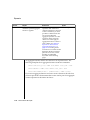
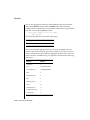
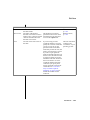
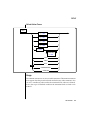
Name assigned to a role created Maximum number of characters Identifier, p. 1-723
by the DBA
is 8.
A role name cannot be a user
name known to the database
server or the operating system of
the database server. A role name
cannot be in the username
column of the sysusers system
catalog table or in the grantor or
grantee columns of the
systabauth, syscolauth,
sysprocauth, sysfragauth, and
sysroleauth system catalog
tables.
Usage
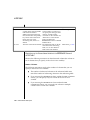
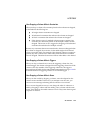
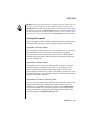
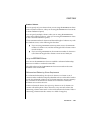
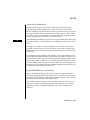
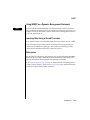
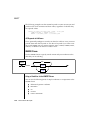
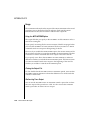
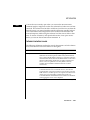
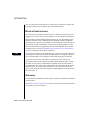
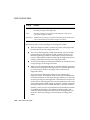
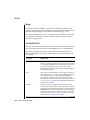
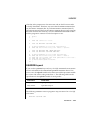
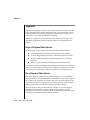
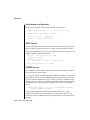
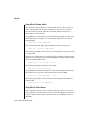
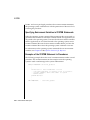
The database administrator (DBA) uses the CREATE ROLE statement to create
a new role. A role can be considered as a classification, with privileges on
database objects granted to the role. The DBA can assign the privileges of a
related work task, such as engineer, to a role and then grant that role to users,
instead of granting the same set of privileges to every user.
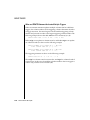
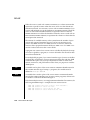
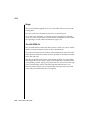
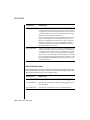
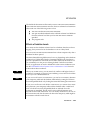
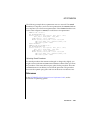
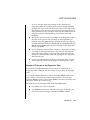
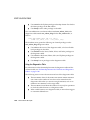
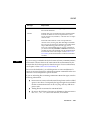
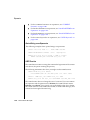
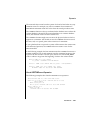
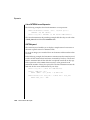
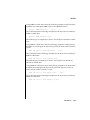
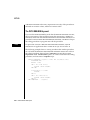
After a role is created, the DBA can use the GRANT statement to grant the role
to users or to other roles. When a role is granted to a user, the user must use
the SET ROLE statement to enable the role. Only then can the user use the
privileges of the role.
SQL Statements 1-145