1
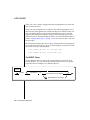
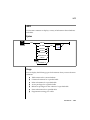
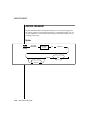
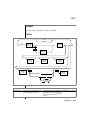
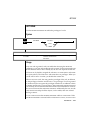
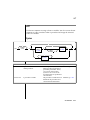
SET
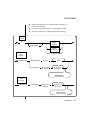
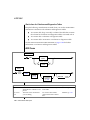
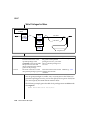
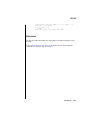
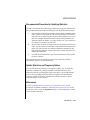
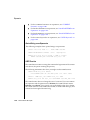
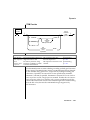
How to Stop the Violations and Diagnostics Tables
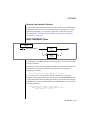
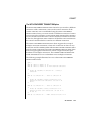
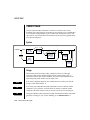
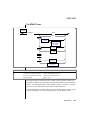
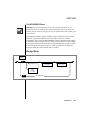
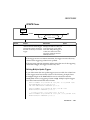
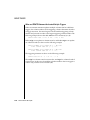
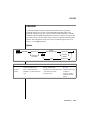
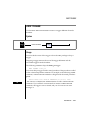
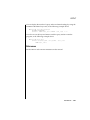
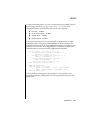
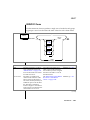
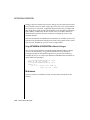
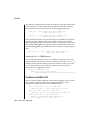
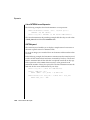
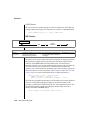
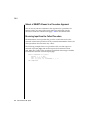
After you turn off filtering mode for the objects that are defined on a target
table, and you no longer need the violations and diagnostics tables, use the
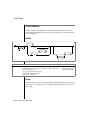
STOP VIOLATIONS TABLE statement to drop the association between the
target table and the violations and diagnostics tables. In this statement, you
specify the name of the target table whose association with the violations and
diagnostics tables is to be dropped.
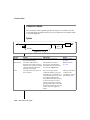
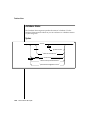
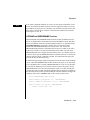
For further information on using the STOP VIOLATIONS TABLE statement, see
the STOP VIOLATIONS TABLE statement on page 1-603.
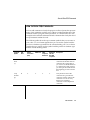
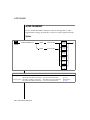
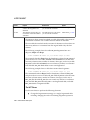
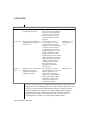
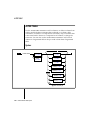
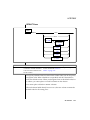
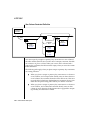
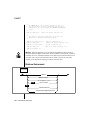
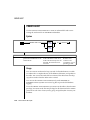
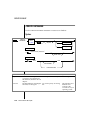
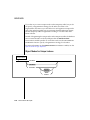
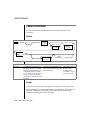
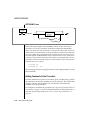
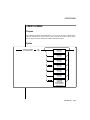
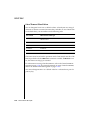
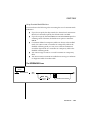
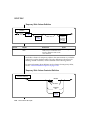
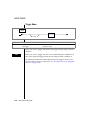
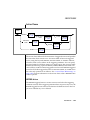
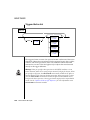
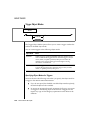
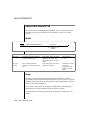
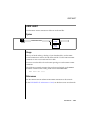
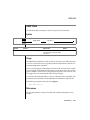
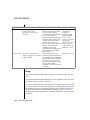
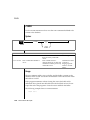
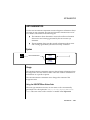
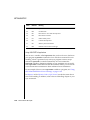
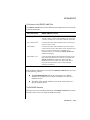
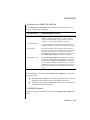
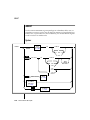
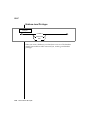
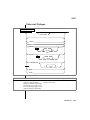
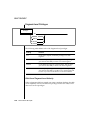
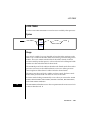
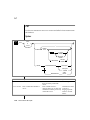
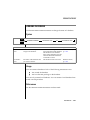
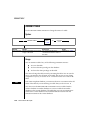
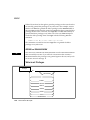
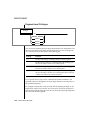
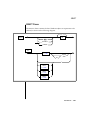
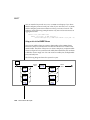
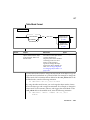
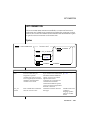
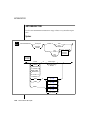
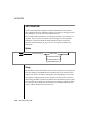
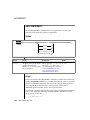
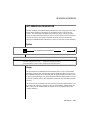
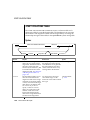
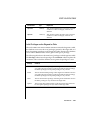
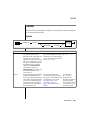
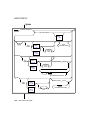
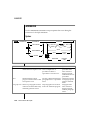
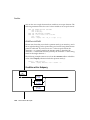
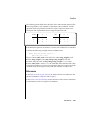
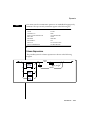
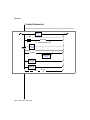
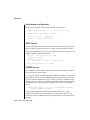
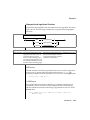
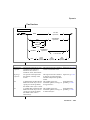
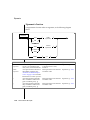
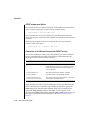
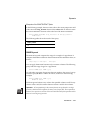
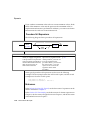
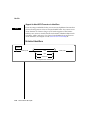
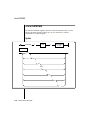
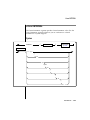
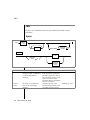
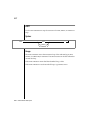
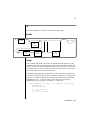
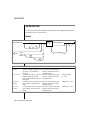
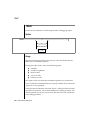
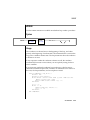
Object Modes for Triggers and Duplicate Indexes
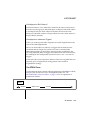
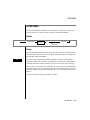
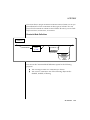
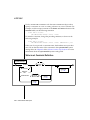
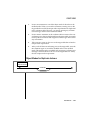
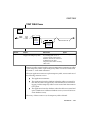
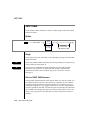
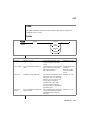
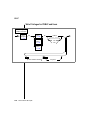
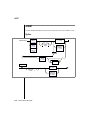
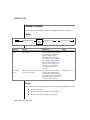
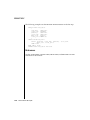
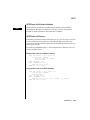
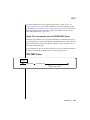
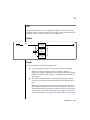
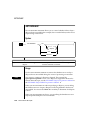
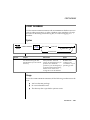
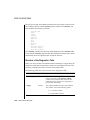
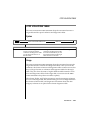
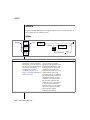
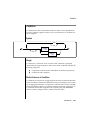
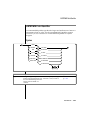
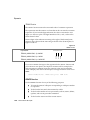
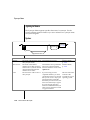
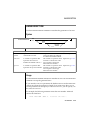
Object Modes for Triggers
and Duplicate Indexes
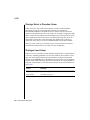
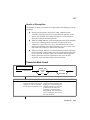
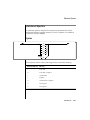
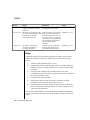
DISABLED
ENABLED
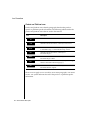
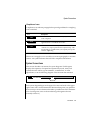
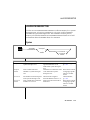
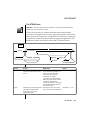
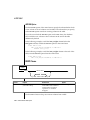
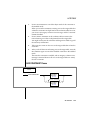
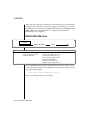
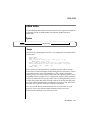
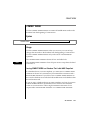
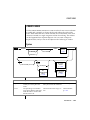
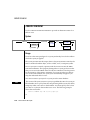
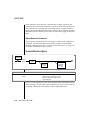
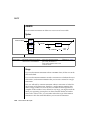
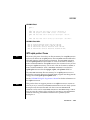
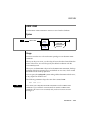
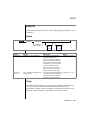
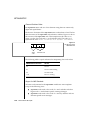
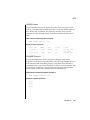
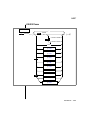
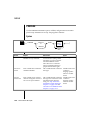
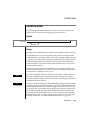
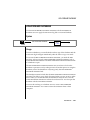
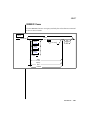
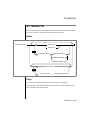
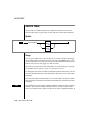
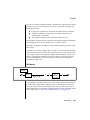
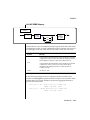
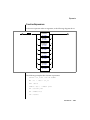
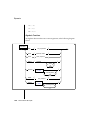
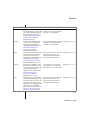
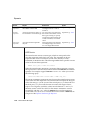
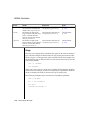
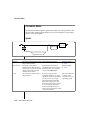
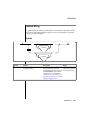
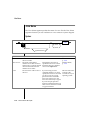
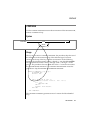
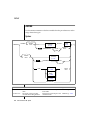
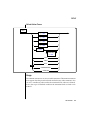
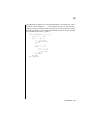
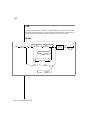
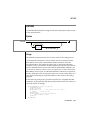
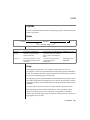
You can specify the disabled or enabled object modes for triggers or duplicate
indexes. You must specify one of these object modes in your SET statement.
The SET statement has no default object mode.
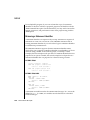
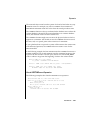
You can also specify the object mode for a trigger when you create the trigger
with the CREATE TRIGGER statement. If you do not specify the object mode
for a trigger in the CREATE TRIGGER statement or in a SET statement, the
trigger is in the enabled object mode by default.
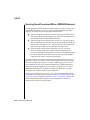
You can also specify the object mode for a duplicate index when you create
the index with the CREATE INDEX statement. If you do not specify the object
mode for a duplicate index in the CREATE INDEX statement or in a SET
statement, the duplicate index is in the enabled object mode by default.
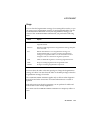
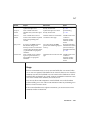
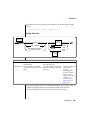
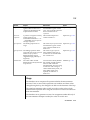
For definitions of the disabled and enabled object modes, see “Using Object
Modes with Data Manipulation Statements” on page 1-509. For an explanation of the benefits of these two object modes, see “Benefits of Object
Modes” on page 1-521.
SQL Statements 1-507