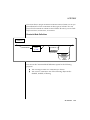
1
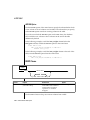
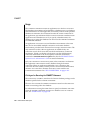
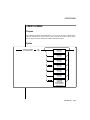
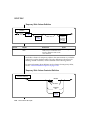
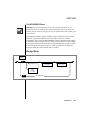
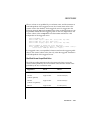
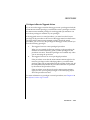
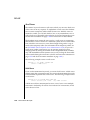
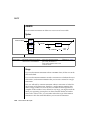
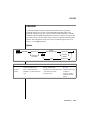
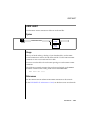
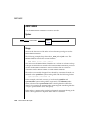
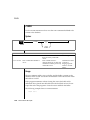
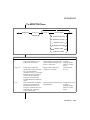
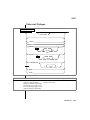
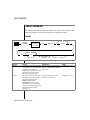
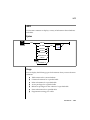
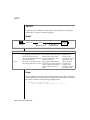
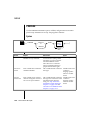
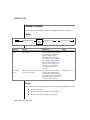
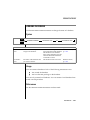
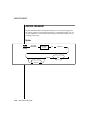
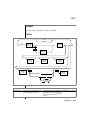
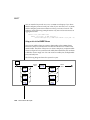
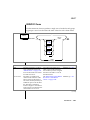
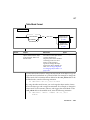
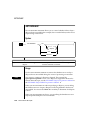
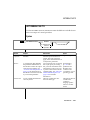
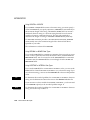
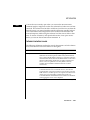
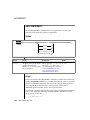
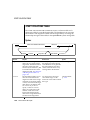
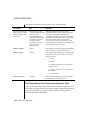
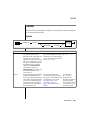
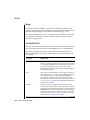
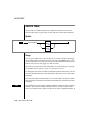
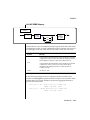
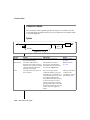
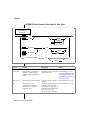
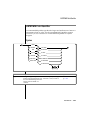
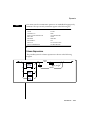
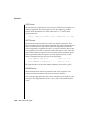
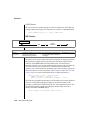
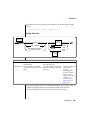
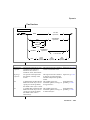
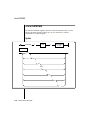
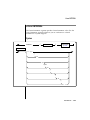
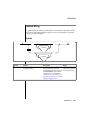
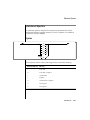
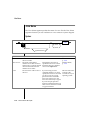
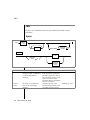
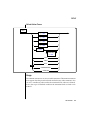
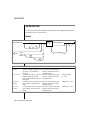
ALTER FRAGMENT
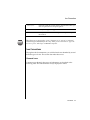
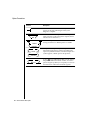
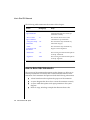
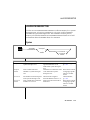
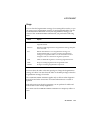
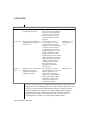
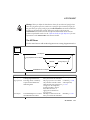
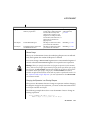
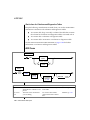
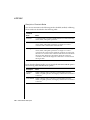
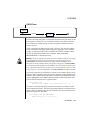
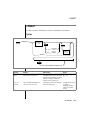
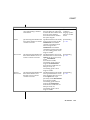
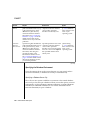
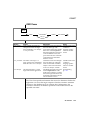
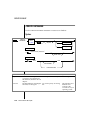
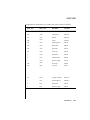
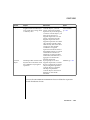
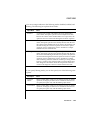
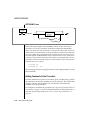
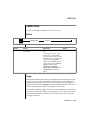
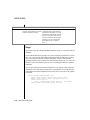
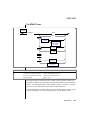
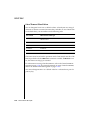
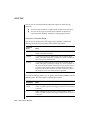
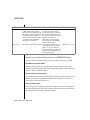
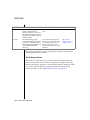
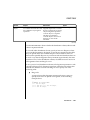
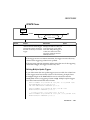
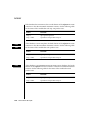
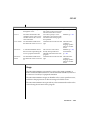
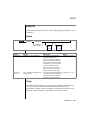
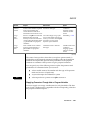
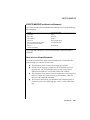
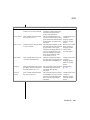
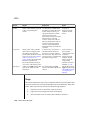
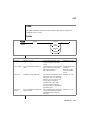
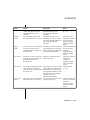
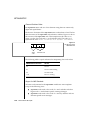
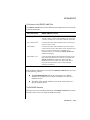
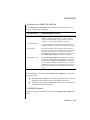
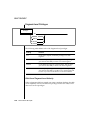
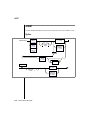
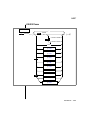
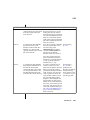
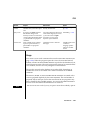
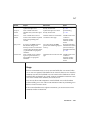
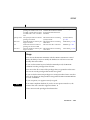
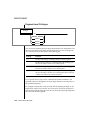
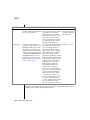
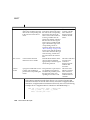
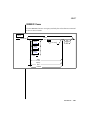
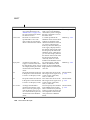
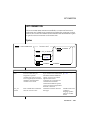
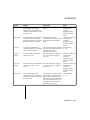
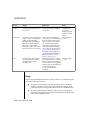
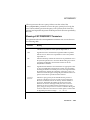
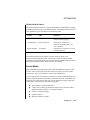
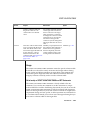
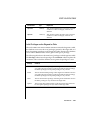
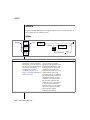
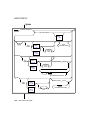
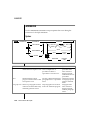
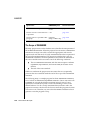
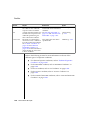
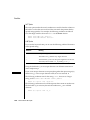
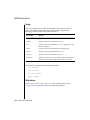
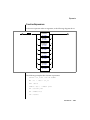
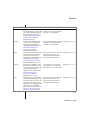
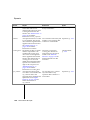
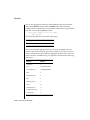
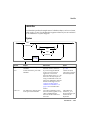
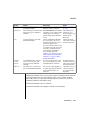
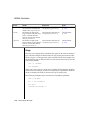
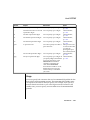
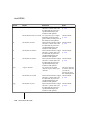
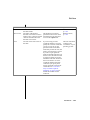
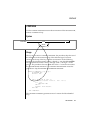
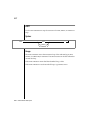
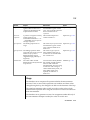
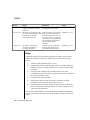
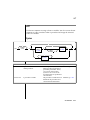
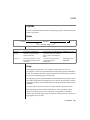
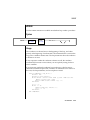
Element
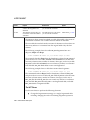
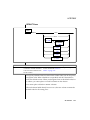
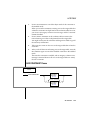
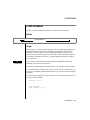
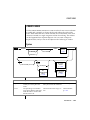
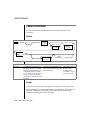
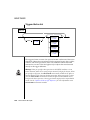
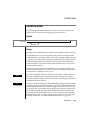
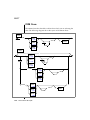
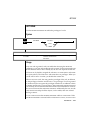
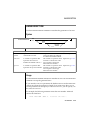
frag-expression
Purpose
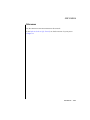
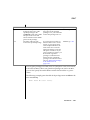
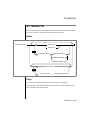
The modified range, hash, or
arbitrary expression
mod-dbspace
The modified dbspace
new-dbspace
The dbspace that contains the
modified information
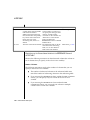
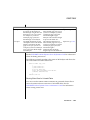
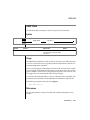
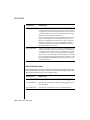
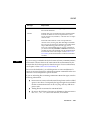
Restrictions
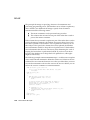
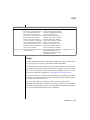
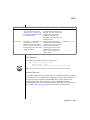
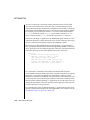
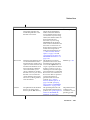
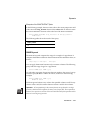
The fragment expression can
contain only columns from the
current table and only data
values from a single row. No
subqueries, stored procedures,
current date/time functions, or
aggregates are allowed in
frag-expression.
The dbspace must exist when
you execute the statement.
The dbspace must exist when
you execute the statement.
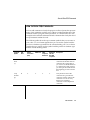
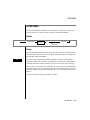
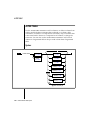
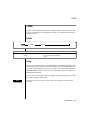
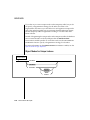
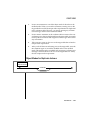
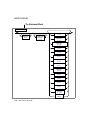
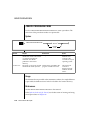
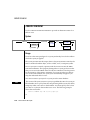
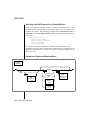
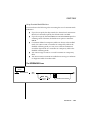
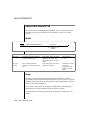
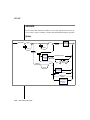
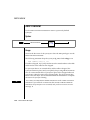
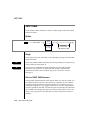
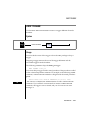
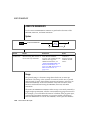
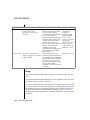
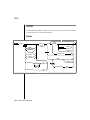
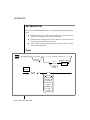
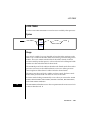
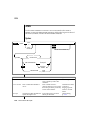
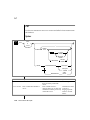
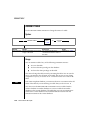
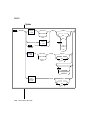
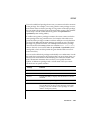
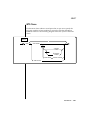
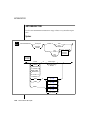
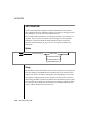
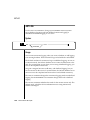
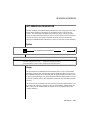
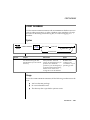
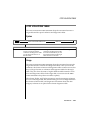
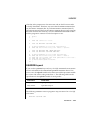
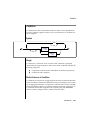
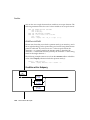
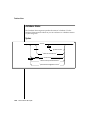
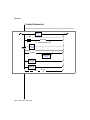
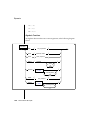
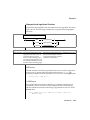
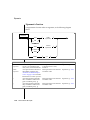
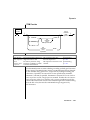
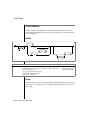
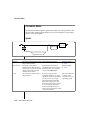
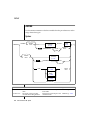
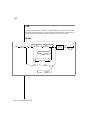
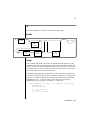
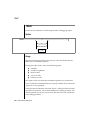
Syntax
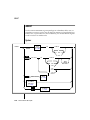
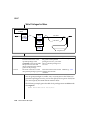
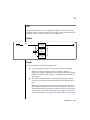
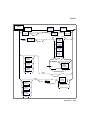
Condition, p. 1-643,
and Expression,
p. 1-671
Identifier, p. 1-723
Identifier, p. 1-723
General Usage
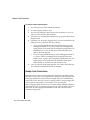
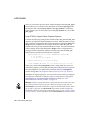
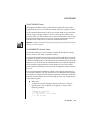
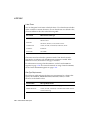
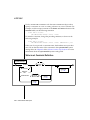
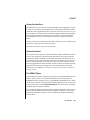
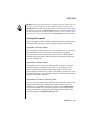
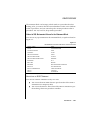
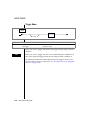
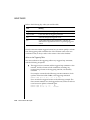
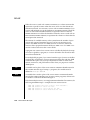
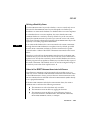
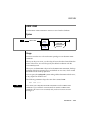
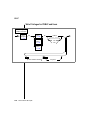
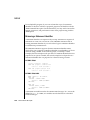
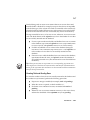
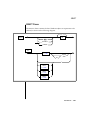
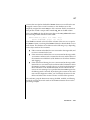
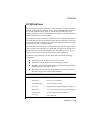
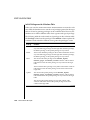
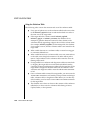
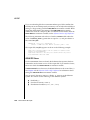
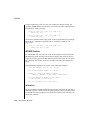
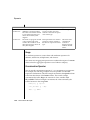
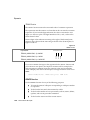
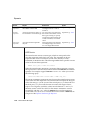
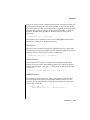
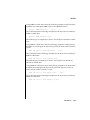
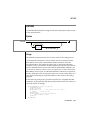
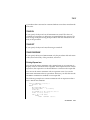
When you use the MODIFY clause, the underlying dbspaces are not affected.
Only the fragment data within the dbspaces is affected.
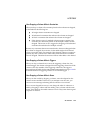
You cannot change a REMAINDER fragment into a nonremainder fragment if
records within the REMAINDER fragment do not pass the new expression.
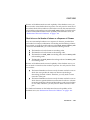
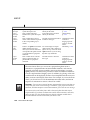
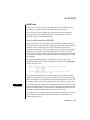
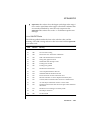
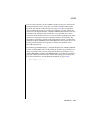
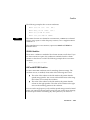
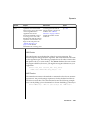
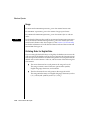
Warning: When you specify a date value in a fragment expression in the MODIFY
clause, make sure to specify 4 digits instead of 2 digits for the year. When you specify
a 4-digit year, the DBCENTURY environment variable has no effect on the distribution scheme. When you specify a 2-digit year, the DBCENTURY environment
variable can affect the distribution scheme and can produce unpredictable results. See
the “Informix Guide to SQL: Reference” for more information on the DBCENTURY
environment variable.
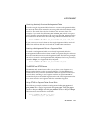
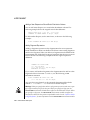
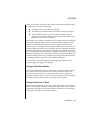
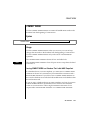
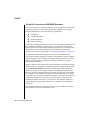
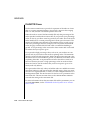
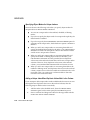
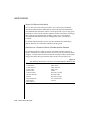
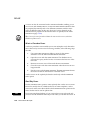
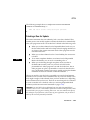
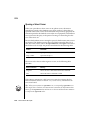
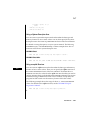
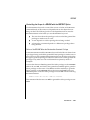
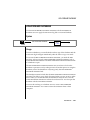
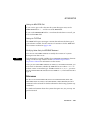
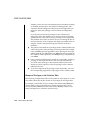
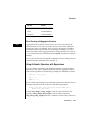
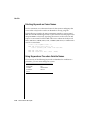
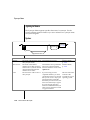
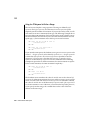
Changing the Expression in an Existing Dbspace
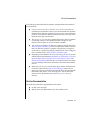
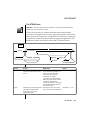
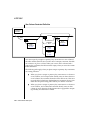
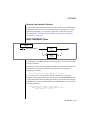
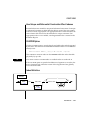
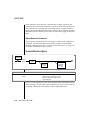
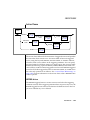
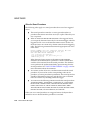
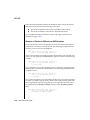
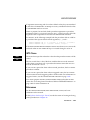
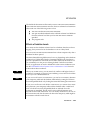
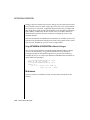
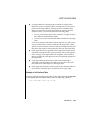
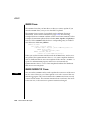
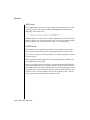
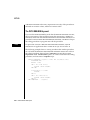
When you use the MODIFY clause to change an expression without changing
the dbspace storage for the expression, you must use the same name for the
mod dbspace and the new dbspace.
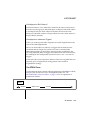
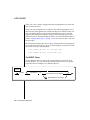
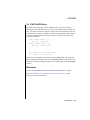
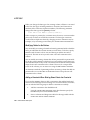
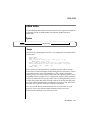
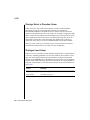
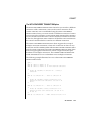
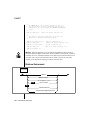
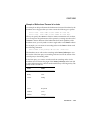
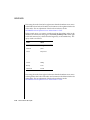
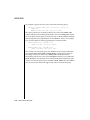
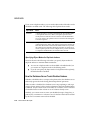
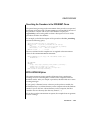
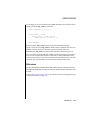
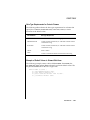
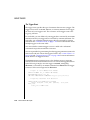
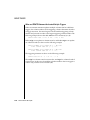
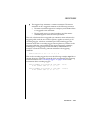
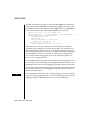
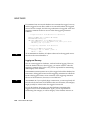
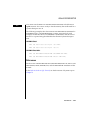
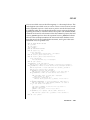
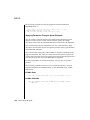
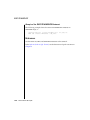
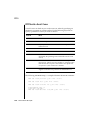
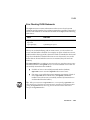
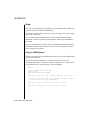
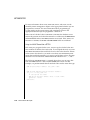
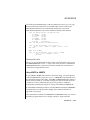
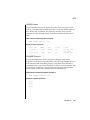
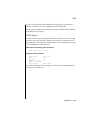
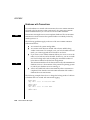
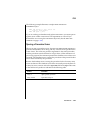
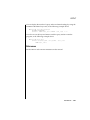
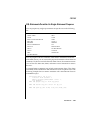
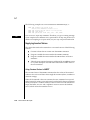
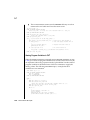
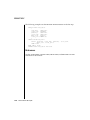
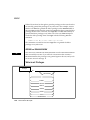
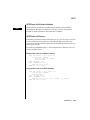
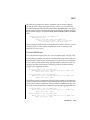
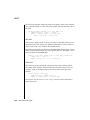
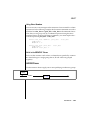
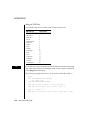
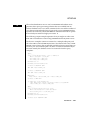
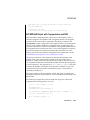
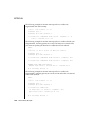
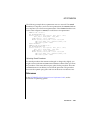
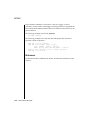
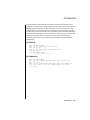
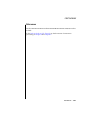
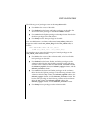
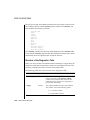
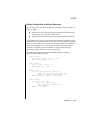
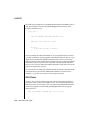
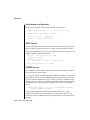
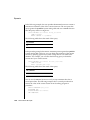
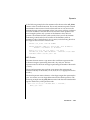
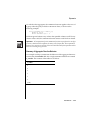
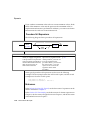
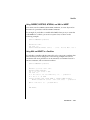
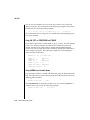
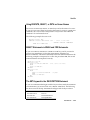
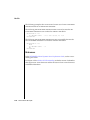
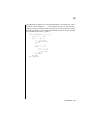
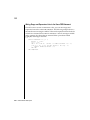
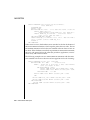
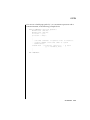
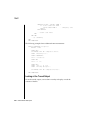
The following example shows how to use the MODIFY clause to change an
existing expression:
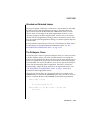
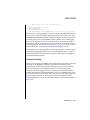
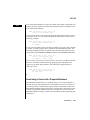
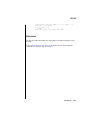
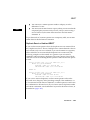
ALTER FRAGMENT ON TABLE cust_acct
MODIFY dbsp1 to acct_num < 65 IN dbsp1
SQL Statements 1-41