1
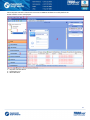
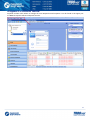
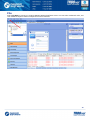
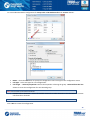
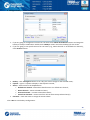
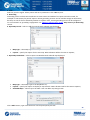
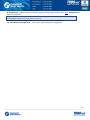
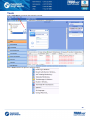
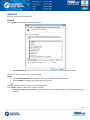
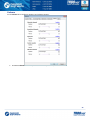
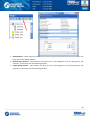
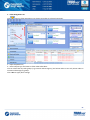
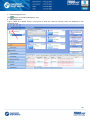
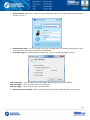
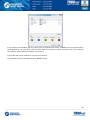
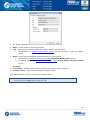
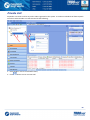
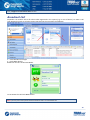
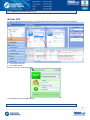
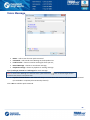
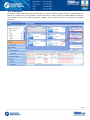
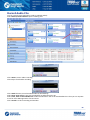
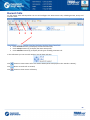
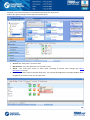
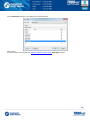
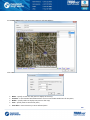
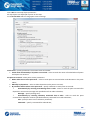
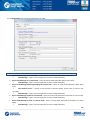
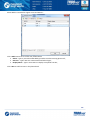
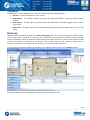
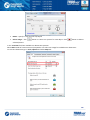
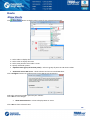
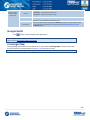
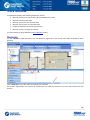
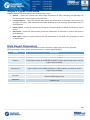
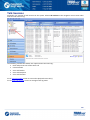
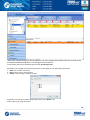
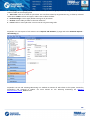
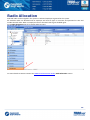
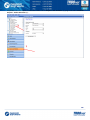
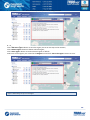
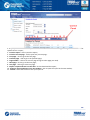
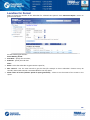
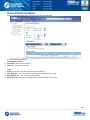
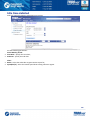
Alarm Go to Alarm tab to configure radio in Alarm mode settings: Radio in alarm mode in new window – select to display any radio in alarm mode in new window on the selected map type. Map – in the field default map for radio is displayed. Click «Select map» button and specify a default map type for displaying radio in alarm mode; Always show radio in alarm mode on map – select if you want offline radios in alarm mode to be displayed on selected map type anytime when an alarm from any radio comes. Note: When Always show radio in alarm mode on map option selected, you cannot disable offline radios in alarm mode displaying on map: Click «Default» button to reset settings to defaults. Click «OK» to save modified Dispatch Console options. 44