1
7.2
Introduction
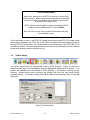
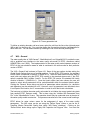
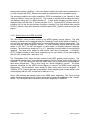
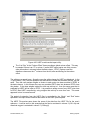
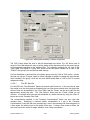
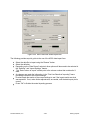
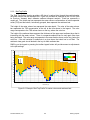
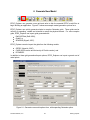
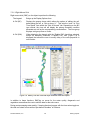
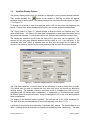
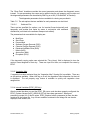
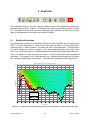
The ViewPlan form viewing options is adjusted based on what parameters were simulated, what
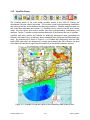
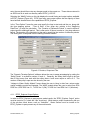
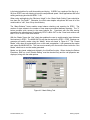
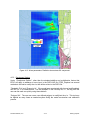
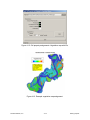
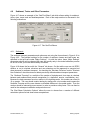
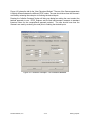
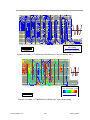
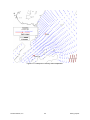
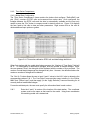
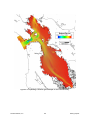
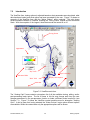
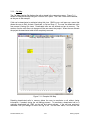
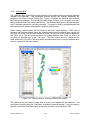
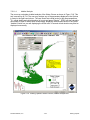
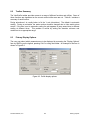
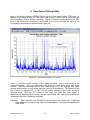
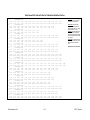
data has been loaded, and what option has been requested by the user. Figure 7-2 shows an
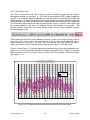
example of the ViewPlan form with the “Water Column” option selected. This plot shows
several standard features of ViewPlan including the Timing Frame, Legend and the Horizontal
Scale. With the exception of the Legend, these features can be turned on or off.
Timing Frame
Legend Box
“Dry” Cells
Layer 2 Overlays
Horizontal Scale
Display Units System
“Wet” Cells
Status Bar
Figure 7-2 ViewPlan main form.
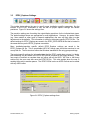
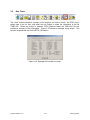
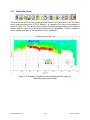
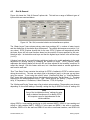
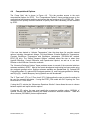
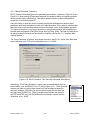
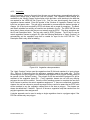
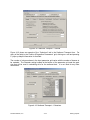
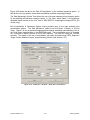
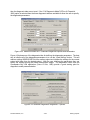
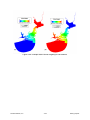
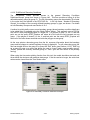
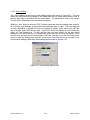
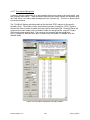
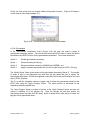
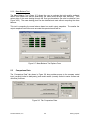
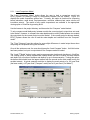
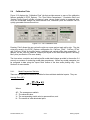
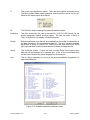
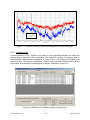
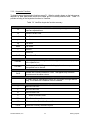
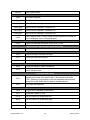
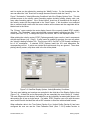
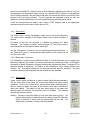
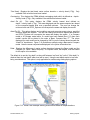
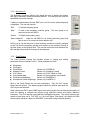
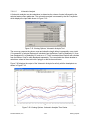
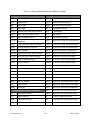
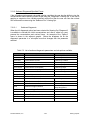
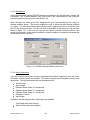
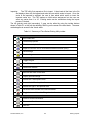
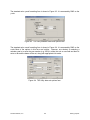
The “Viewing Opt’s” frame contains a dropdown list of all the available viewing, editing, and/or
post-processing major topics. The list of items in this list may change each time the user
changes parameters in the pre-processor function or loads a different model results file (see
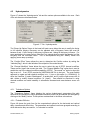
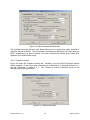
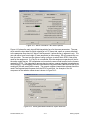
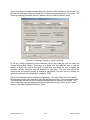
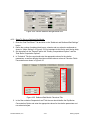
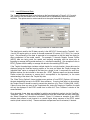
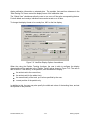
Section 7.1). Figure 7.3 shows the ViewPlan context sensitive area for alternative “Viewing
Opt’s”. It can be seen that having selected the “Water Column” major option different options
are available. Within the context area only the appropriate options will be shown.
DS-International, LLC.
7-4
EFDC_Explorer