1
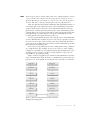
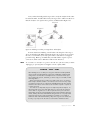
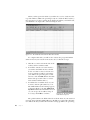
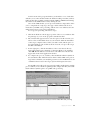
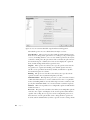
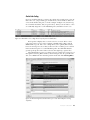
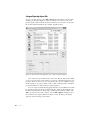
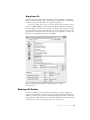
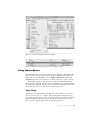
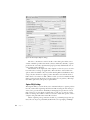
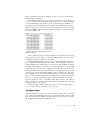
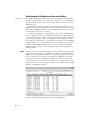
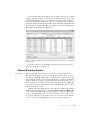
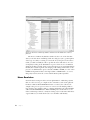
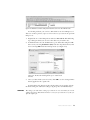
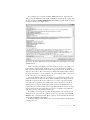
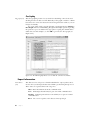
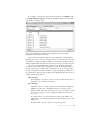
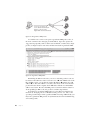
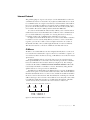
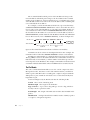
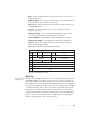
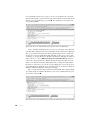
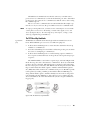
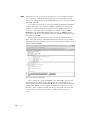
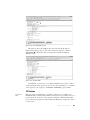
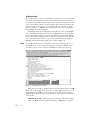
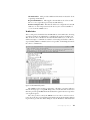
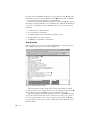
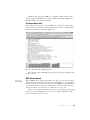
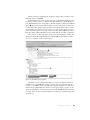
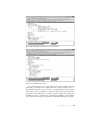
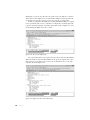
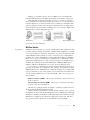
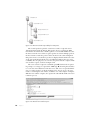
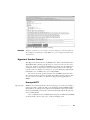
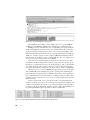
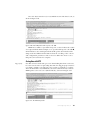
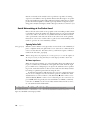
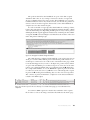
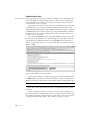
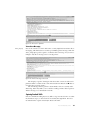
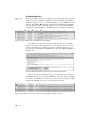
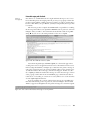
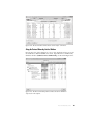
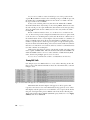
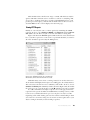
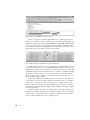
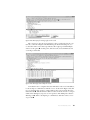
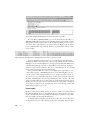
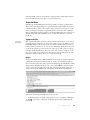
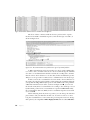
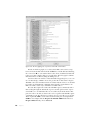
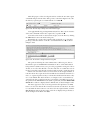
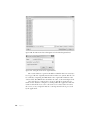
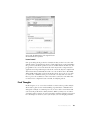
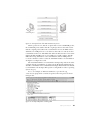
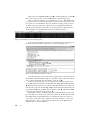
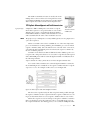
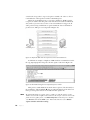
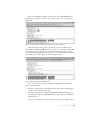
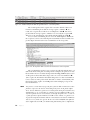
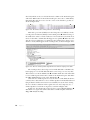
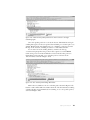
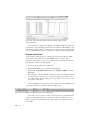
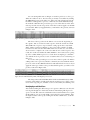
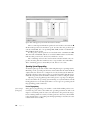
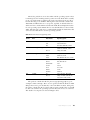
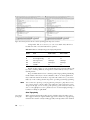
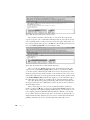
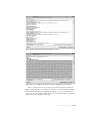
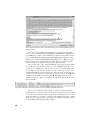
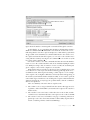
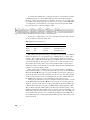
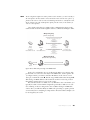
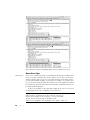
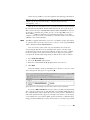
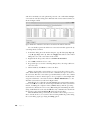
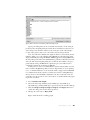
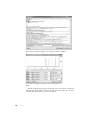
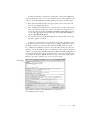
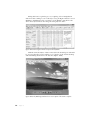
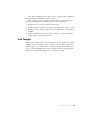
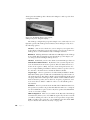
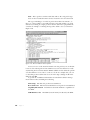
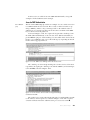
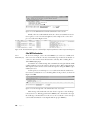
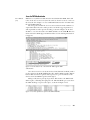
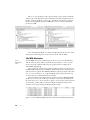
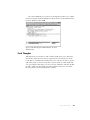
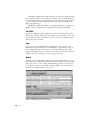
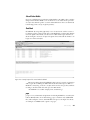
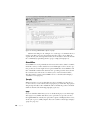
Successful WPA Authentication 80211-WPAauth .pcap WPA uses a very different authentication mechanism than WEP, but it still relies on the user to enter a key into the wireless client in order to connect to the network. An example of a successful WPA authentication is found in the file 80211-WPAauth.pcap. The first packet in this file is a beacon broadcast from the WAP. Let’s expand the 802.11 header of this packet, look under tagged parameters, and expand the Vendor Specific heading, as shown in Figure 11-16. You should see a section devoted to the WPA attributes of the WAP . This lets us know that the WAP supports WPA and the version and implementation it supports. Figure 11-16: This beacon lets us know that the WAP supports WPA authentication. Once the beacon is received, the wireless client (00:14:6c:7e:40:80) sends a probe request for the WAP (00:0f:b5:88:ac:82), and the WAP responds. Authentication and association requests and responses are generated between the wireless client and WAP in packets 4 through 7. Things really start to pick up in packet 8. This is where the WPA handshake begins, continuing through packet 11. This handshake process is where the WPA challenge response takes place, as shown in Figure 11-17. Figure 11-17: These packets are a part of the WPA handshake. Wireless P a ck et Analysis 231