1
GGIG Graphical Interface Generator – User Guide
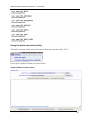
Changing the value for the medium color
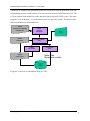
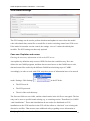
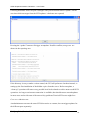
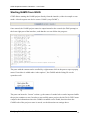
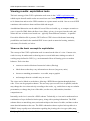
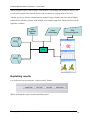
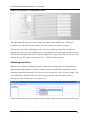
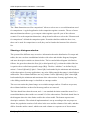
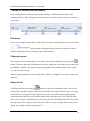
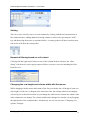
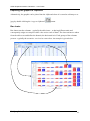
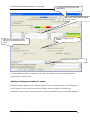
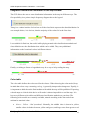
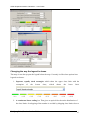
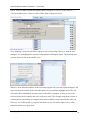
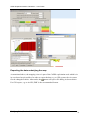
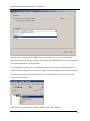
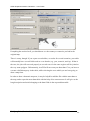
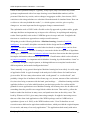
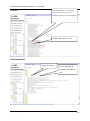
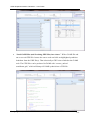
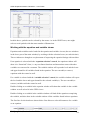
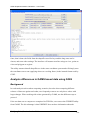
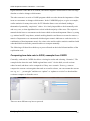
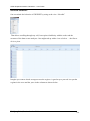
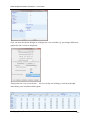
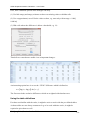
Normally, the medium color (yellow or gray) is assigned to the middle class. Sometimes, the
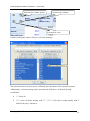
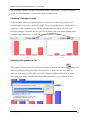
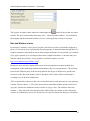
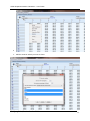
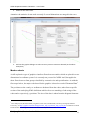
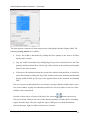
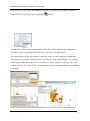
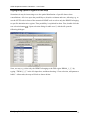
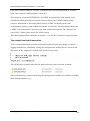
user may wish to change the class where the color switches. First, the “Set value for color
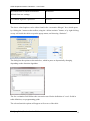
change” must be ticked. Next, in the now enabled drop-down box, choose the class limit for
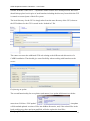
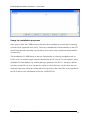
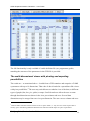
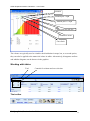
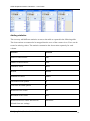
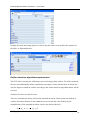
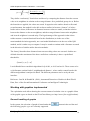
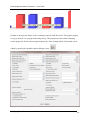
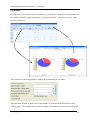
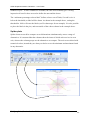
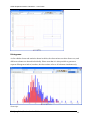
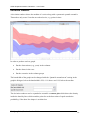
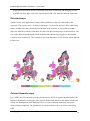
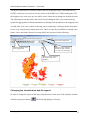
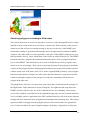
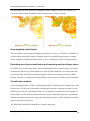
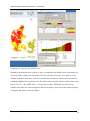
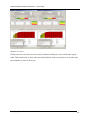
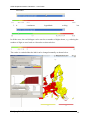
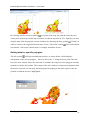
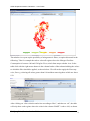
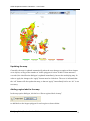
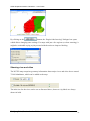
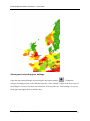
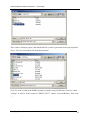
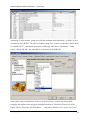
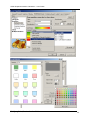
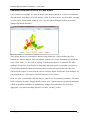
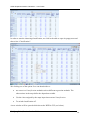
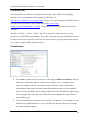
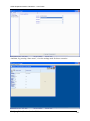
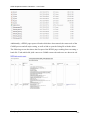
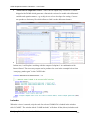
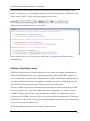
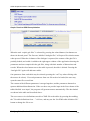
which the middle color should be used. The effect is shown below. Before, values in the class
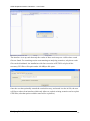
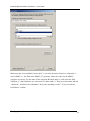
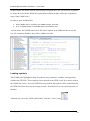
below “392.70” – the middle class – were drawn in yellow. When the user now selects
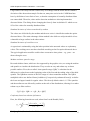
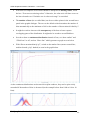
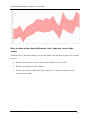
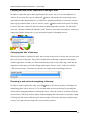
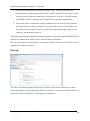
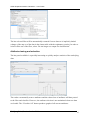
another class limit, the colors assigned to the classes change. Here one of the shades of green
is dropped and shades of red are added.
Wolfgang Britz, Version October 2014
65