1
Tutorial 5: Working with Scores
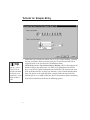
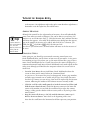
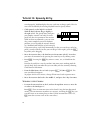
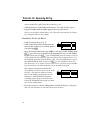
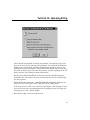
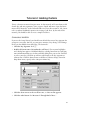
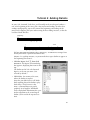
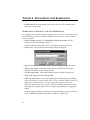
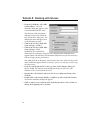
• Click OK. Your bracket should now surround the staves of your entire string
quartet.
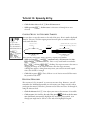
SELECTING PARTIAL MEASURES;
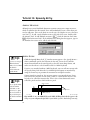
Up to this point, you’ve done all your manipulation of music in one-measure increments. Using the Mass Mover Tool, you’ve clicked a measure to select it, dragenclosed several whole measures, clicked the first measure and d-clicked the
last measure, or clicked in the left margin to select an entire staff.
But selecting a measure at a time is like selecting a word at a time in a word processor—it’s a nice shortcut, but sometimes you need to select in smaller units.
What if you want to select half a measure—or only one note?
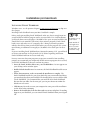
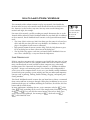
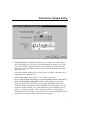
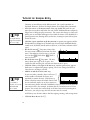
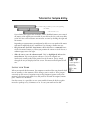
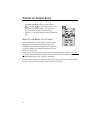
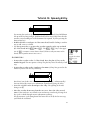
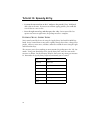
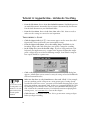
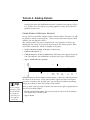
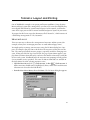
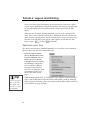
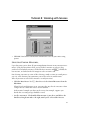
• Click the Mass Mover Tool l, then choose Select Partial Measures from the
Edit Menu.
When Select Partial Measures is on, you can select any slice of a measure—from
a single note to a motif that crosses several barlines.
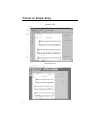
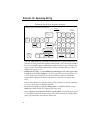
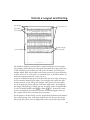
In the musical example you have on the screen, for example, suppose you
decide that a certain passage should be erased.
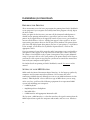
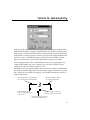
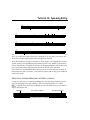
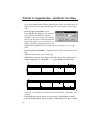
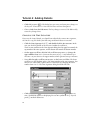
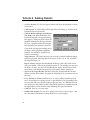
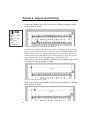
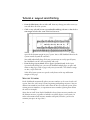
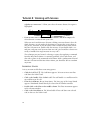
• Scroll to measure 6. Click and hold in measure 6, just above and before the
third beat. Drag down and to the right, until you’ve selected the first two
81