1
Card Holder (Cont.)
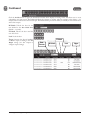
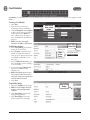
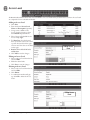
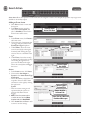
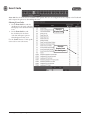
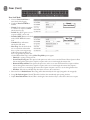
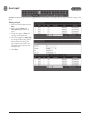
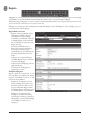
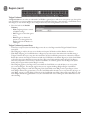
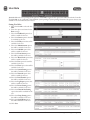
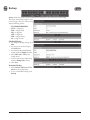
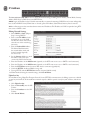
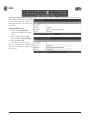
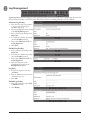
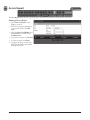
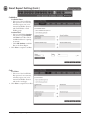
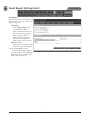
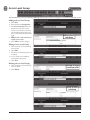
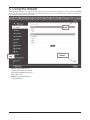
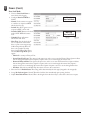
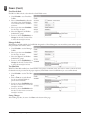
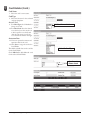
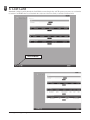
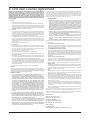
Assigning a Card to an Existing Card Holder
1. Select the Card Holder from the
main window.
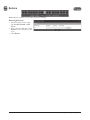
2. Click Add Card.
Click Add Card
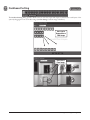
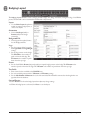
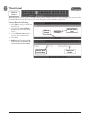
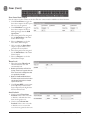
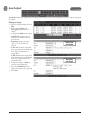
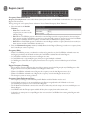
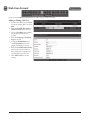
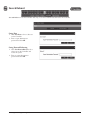
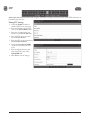
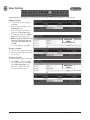
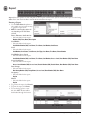
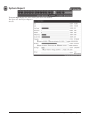
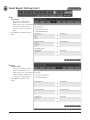
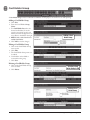
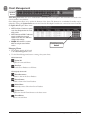
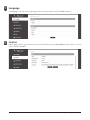
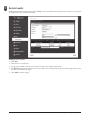
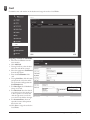
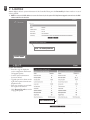
Card Format
3. Select the appropriate Card Format
from the drop-down field.
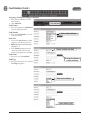
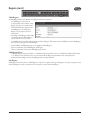
Card Number
Choose the Card Format
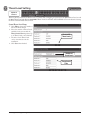
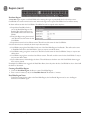
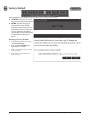
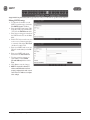
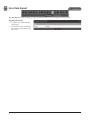
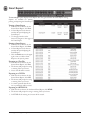
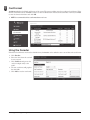
4. Enter the Card Number, or use the
Auto Scan feature.
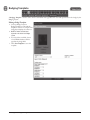
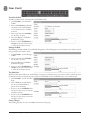
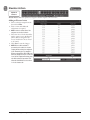
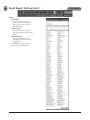
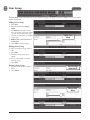
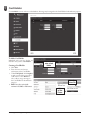
Auto Scan
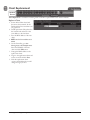
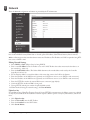
5. Choose the Auto Scan door reader
where the card will be presented.
✓ NOTE: Card scanner can only be used
with doors 1 - 4.
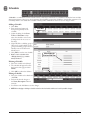
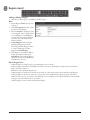
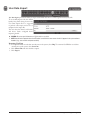
6. Click Card Scan and present the
card to the reader. The new card
number will populate the data field.
Choose the Auto Scan Door
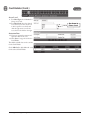
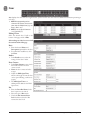
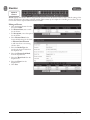
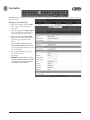
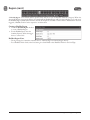
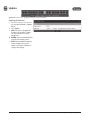
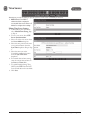
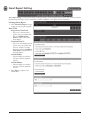
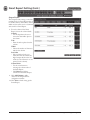
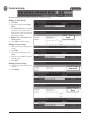
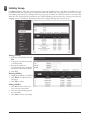
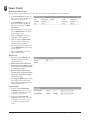
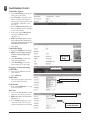
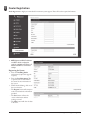
Card Status
7. Select the current Card Status.
Enter the Card Number
or Click Card Scan
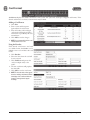
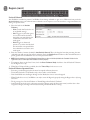
Card Type
8. Select the function for the card with
Card Type dropdown.
Select the Card Status
Select the Card Type
13
e3 eMerge User Programming Guide