1
SMTP
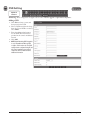
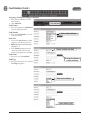
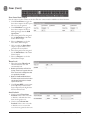
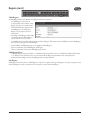
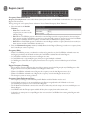
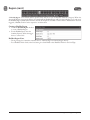
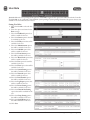
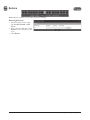
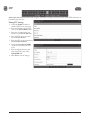
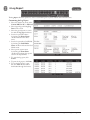
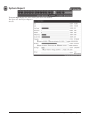
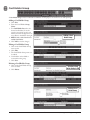
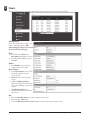
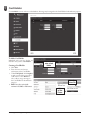
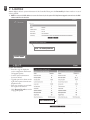
Simple Mail Transfer Protocol (SMTP) provides the ability to send email to specified email addresses.
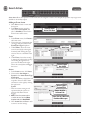
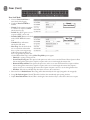
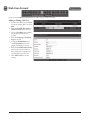
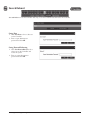
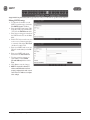
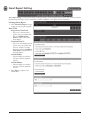
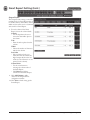
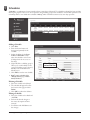
Editing SMTP Settings
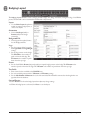
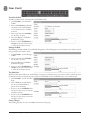
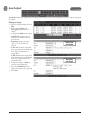
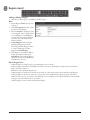
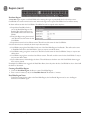
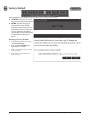
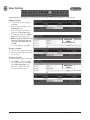
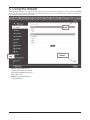
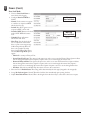
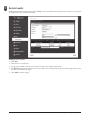
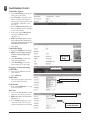
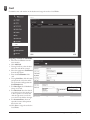
1. To allow the Controller to send
SMTP e-mail messages, check the
Use SMTP Service checkbox.
2. Enter the SMTP mail server URL
(typically “mail.your email domain.
com”) the the SMTP Server field.
3. Enter the incoming port number of
the SMTP mail server in the Port
field.
4. Enable TLS if your mail server uses
secure server communication (this
is common). Check the TLS Used
checkbox to enable TLS.
5. Enter your SMTP mail server user
ID (your email address) in the ID
field.
6. Enter your SMTP mail server
Password in the Password field.
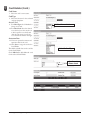
7. Test the system by entering an
email address in the Send to
(E-mail Address) field and click
Test.
8. Click Save to save the changes.
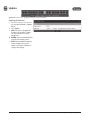
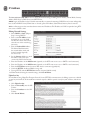
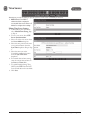
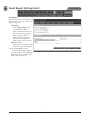
✓ NOTE: The Controller’s Gateway IP
address and DNS address must be
properly configured to be able to send
email. Refer to IP Address to configure
these settings.
e3 eMerge User Programming Guide
54