1
SESAM
Program version 3.5
Framework
20-DEC-2007
3-7
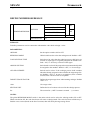
Framework reads any member concept information defined on the Results Interface File and creates the
member definitions when establishing the Framework model file. Definitions of can, stub and conical member segments are also read from the Results Interface File.
The member concept definition on the Results Interface File is also used to hold non-geometric information,
i.e. hydrodynamic properties and stability parameters. Framework also reads the stability parameters (buckling length and effective length factor) and the flooding coefficient assigned to the members. The flooding
coefficient (i.e. flooding status; either non-flooded (value = 0.0), or flooded (value = 1.0)) is used when calculating yield and stability utilisation of a member with pipe cross section exposed to hydrostatic water
pressure.
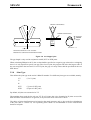
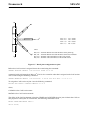
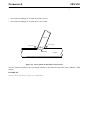
When conceptual information is read from the Results Interface File instructing Framework to create a conical member segment between two pipe segments, then two new cross sections will be created. The outer
diameter and wall thickness for the new sections (for each cylinder-cone transition) will be:
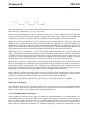
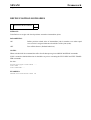
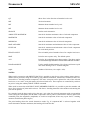
Diameter = Diameter of cylinder (pipe) in transition
Wall thk = Wall thickness of pipe element used in stiffness analysis
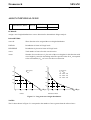
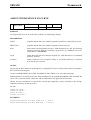
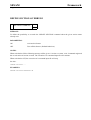
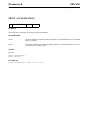
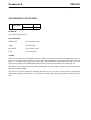
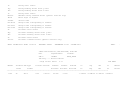
The new cross sections will be named as Cx_yyyyy, where:
x
= 1 or 2 for start and end of cone respectively
yyyyy
= unique concept number given on the Results Interface File
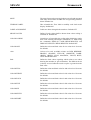
Optionally, the SESAM Interface File elastic material definition card MISOSEL can contain data regarding
yield strength. Framework will use this data when available.
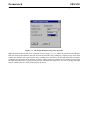
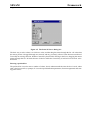
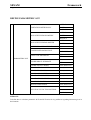
Note that prior to opening and transferring the model from the results file, it is possible to switch off reading
the conceptual information (member definitions and names (members, nodes, materials, sections)) when
establishing the Framework model. It is also possible to skip reading the named sets (element sets and / or
joint (node) sets).
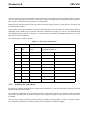
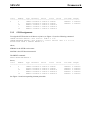
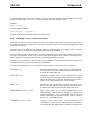
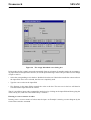
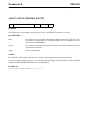
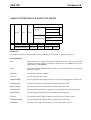
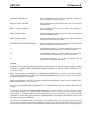
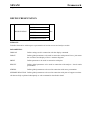
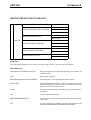
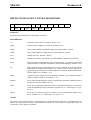
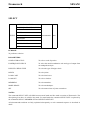
How to establish load case names based on available information on the results file must be set prior to
opening the results file, and selection alternatives are;
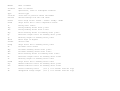
• INTERNAL-RESULT-ID, i.e. create name from internal (sequential) load number. Default.
• EXTERNAL-RESULT-ID, i.e.create name from external load number, e.g. result combination defined in
Prepost.
• LOAD-CASE-NAME, i.e. use load case name when available. Defined on result file by use of the
TDLOAD card.
• RESULT-CASE-NAME, i.e. use result case name when available. Defined on result file by use of the
TDRESREF card.
It should be noted that Framework process 2 node structural beam elements only.
3.1.1
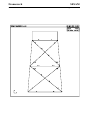
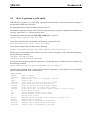
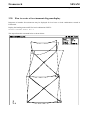
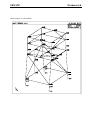
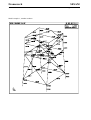
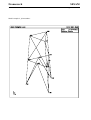
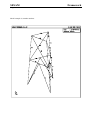
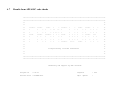
Present a display of the model
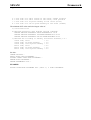
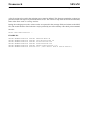
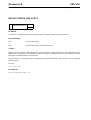
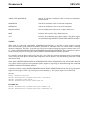
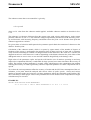
If you are running on a terminal capable of producing a graphic display then set the kind of device you are
using (e.g. an X-terminal).
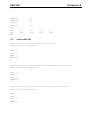
SET DISPLAY DEVICE X