1
5 ADDED FUNCTIONS TO CORRESPOND TO A SAFETY
PROGRAMMABLE CONTROLLER
MELSOFT
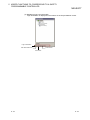
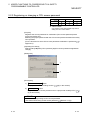
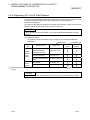
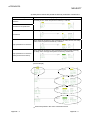
(5) Link Start/Stop
Admin.
Develop.
Users
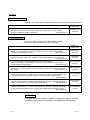
SAFETY
TEST
: Cannot execute link start/stop, forced link start
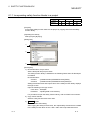
[Purpose]
Executes data link start/stop to the specified station. Disable receiving data from
other stations and sending data of the own station in the case of such as debugging.
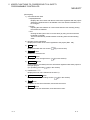
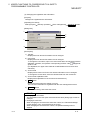
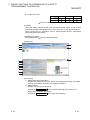
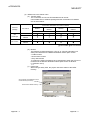
[Operating Procedure]
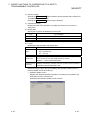
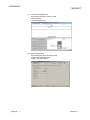
Select [Diagnostics]
[CC IE Field Diagnostics]
Link Start/Stop button.
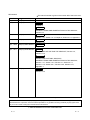
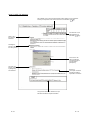
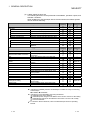
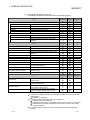
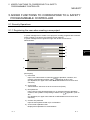
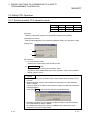
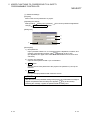
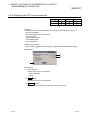
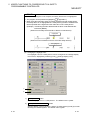
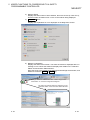
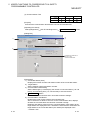
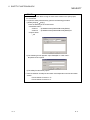
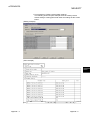
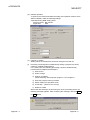
[Dialog Box]
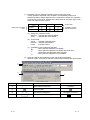
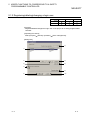
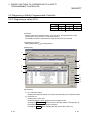
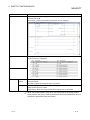
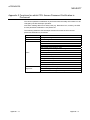
1)
2)
3)
4)
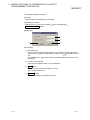
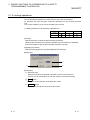
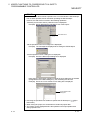
[Description]
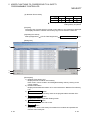
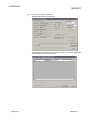
1) Connected Station Information
Displays the network information of the connected station.
2) All Stations Information
Display the link status of all stations on the same network which are performing
the data link with the connected station. Target stations of the link start/stop
operation can be selected in "Selective Status".
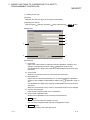
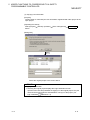
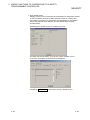
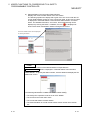
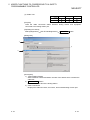
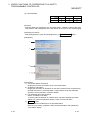
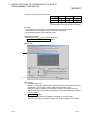
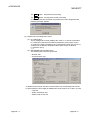
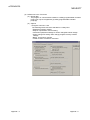
3) Link Start/Stop Executing Contents
Select "Link Start"/"Link Stop".
To forcibly start the data link of a station which has been stopped by another
station or a special relay/special register, check "Forced Link Start".
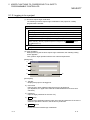
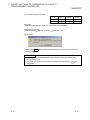
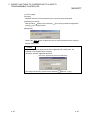
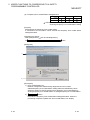
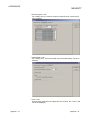
4)
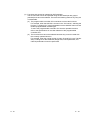
Execute button
Executes batch link start/stop to the specified station.
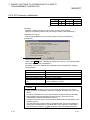
When the processing completed, clears the selected status and updates the
"Link Status" display.
5 - 45
5 - 45