1
User Guide – Using the Firefighter Response System
Reports
Utilizing Reports
FFRS reports can be used to track your members’ responses and man-hours. This can be useful for OSHA 300 reporting, as well as
point systems used for paying members’ for the incidents they respond on.
Creating a Report
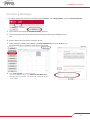
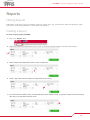
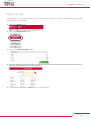
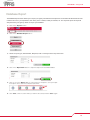
To create a report, log into your FFRS:
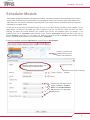
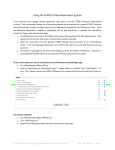
1. Click on the “Reports” button
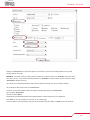
2. Select a date range from the drop-down menu or create a custom time frame by entering a start date and an end date
3. Select a Report; either Department, Station, Group, or Responder
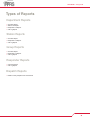
4. Select a Type; either Overview, Station List, Responder List, or Call Log
5. If you have selected a Station, Group, or Responder report, select a station number, or a group or member name from the dropdown menu or by manually entering the name.
16