1
User Guide – Using FFRS
Programing Your Speed Dial
Each of your FFRS tabs (stations, etc) has been provisioned with a unique virtual toll free phone number. These unique toll free numbers
need to be programmed in your mobile phone. This will enable you to push just one button on your cell phone to call the FFRS application. Your station numbers should coincide with your mobile phone buttons if possible (i.e. Station 1 = Button 1, Station 2 = Button 2,
etc). If your department allows you to respond directly to the incident, a virtual toll free number will be provisioned for this as well. This
number should also be added to your speed dial.
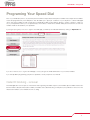
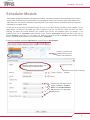
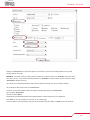
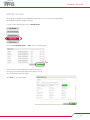
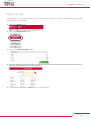
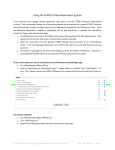
If your agency has given you access to sign into the FFRS app, you will find your FFRS tab numbers by clicking on “My Profile” link
If you do not have access to log into the FFRS app, contact your agencies FFRS administrator for your toll free numbers.
If you have problems programming your phone’s speed dial, consult your phone’s user manual.
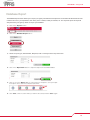
Caller ID blocking - removal
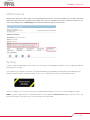
The FFRS application uses two pieces of information when registering a member’s response; the members phone number and the number the member called (the virtual station number). If members have caller ID blocking on their phones, they will have to remove it for the
virtual station numbers so the FFRS knows who is calling.
3