1
E5AN
CHAPTER 2 PREPARATIONS
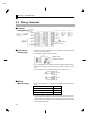
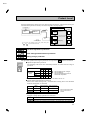
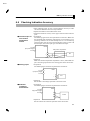
JMounting
Adaptor
Terminal cover
F How to attach the
E5AN on the
panel
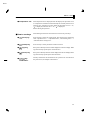
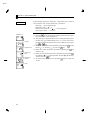
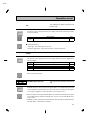
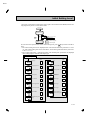
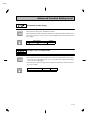
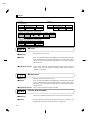
(1) Insert the main unit through the mounting hole in the panel (1Ć8 mm
thickness). Pull the adapter along the body of the main unit from rear
case up to the panel and fasten temporarily.
(2) Tighten the upper and lower screws alternately with only one turn of
the screwdriver at a time to maintain an even torque balance.
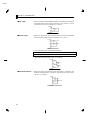
F How to attach the
terminal cover
Fit terminal cover E53-COV11 onto the upper and lower hooks.
Attach the terminal cover so that the OMRON mark of terminal Nos.1 to
10 faces down and the OMRON mark of terminal Nos.11 to 20 faces up. If
the cover is attached the other way round, the fixture can no longer be atĆ
tached.
2–4