1
__________________________________
Reference Guide Ver 3.9
_________________________________
2.6.8 - Configuring Admin
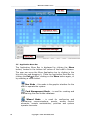
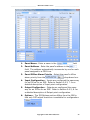
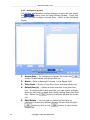
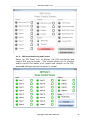
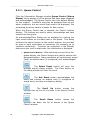
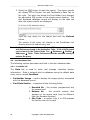
The Admin configuration screen displays as soon as you select
the
symbol from the Main Wizard Screen. From this
screen, you can configure Users, Remote Workstations,
Priorities and DVR. Refer to the following figure:
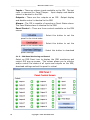
1.
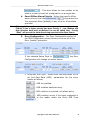
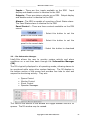
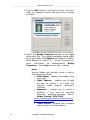
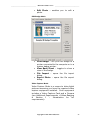
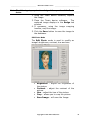
Users – The Users section of the Admin screen allows you to
add and edit system users:
Copyright © 1999- 2013 OSSI, LLC
45