1
Moxa Command Line Interface
Commands
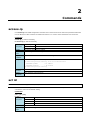
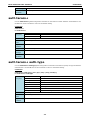
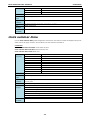
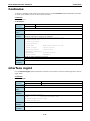
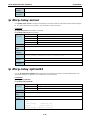
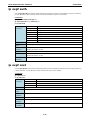
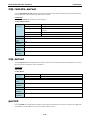
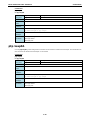
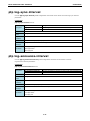
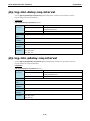
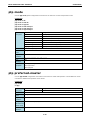
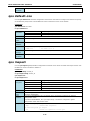
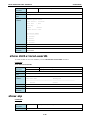
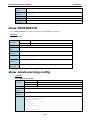
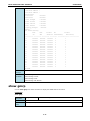
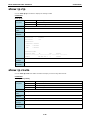
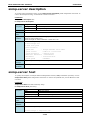
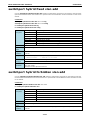
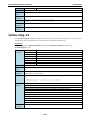
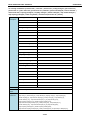
ptp mode
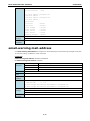
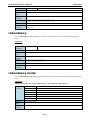
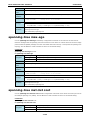
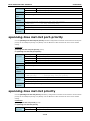
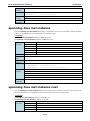
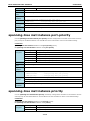
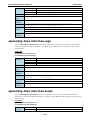
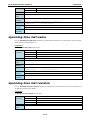
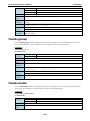
Use the ptp mode global configuration command on the switch to set the PTP operation mode.
Commands
ptp mode v1-bc
ptp mode v2-e2e-bc
ptp mode v2-p2p-bc
ptp mode v2-e2e-1step-tc
ptp mode v2-e2e-2step-tc
ptp mode v2-p2p-2step-tc
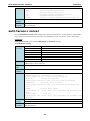
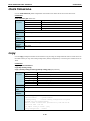
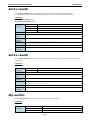
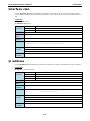
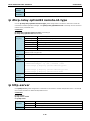
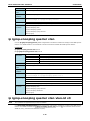
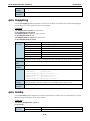
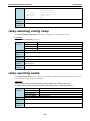
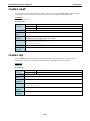
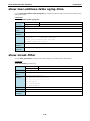
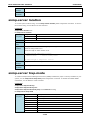
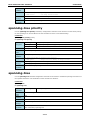
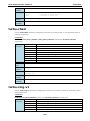
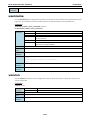
Syntax
ptp
Configure PTP
Description
mode
Set the ptp operation mode
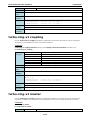
v1-bc
ptp v1 boundary clock mode
v2-e2e-bc
ptp v2 end-to-end boundary clock mode
v2-p2p-bc
ptp v2 peer-to-peer boundary clock mode
v2-e2e-1step-tc
ptp v2 end-to-end 1-step transparent clock mode
v2-e2e-2step-tc
ptp v2 end-to-end 2-step transparent clock mode
v2-p2p-2step-tc
ptp v2 peer-to-peer 2-step transparent clock mode
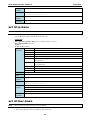
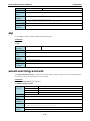
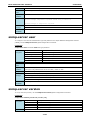
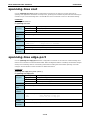
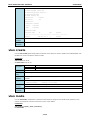
Defaults
Default setting of ptp is v1-bc mode
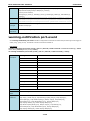
Command
configuration
Modes
Usage
N/A
Guidelines
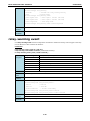
Examples
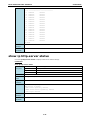
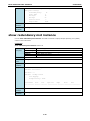
PT-7828(config)# ptp mode v1-bc
Error
N/A
messages
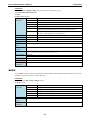
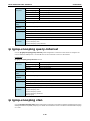
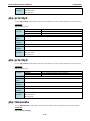
Related
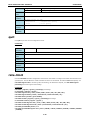
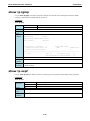
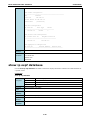
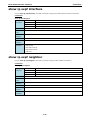
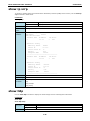
Show ptp settings
commands
Show ptp status
Show ptp port
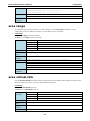
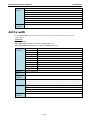
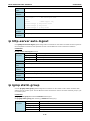
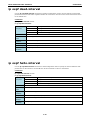
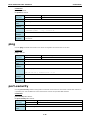
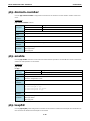
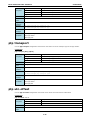
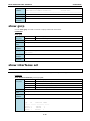
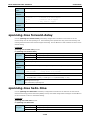
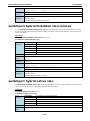
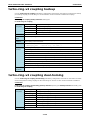
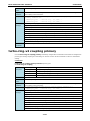
ptp preferred-master
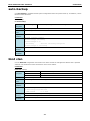
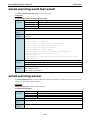
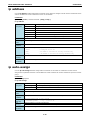
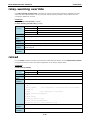
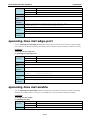
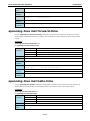
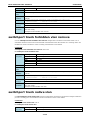
Use the ptp enable configuration command on the switch to enable PTP operation. Use the no form of this
command to disable PTP operation on the switch.
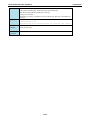
Commands
ptp enable
no ptp
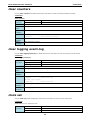
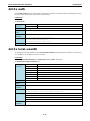
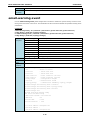
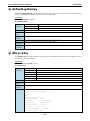
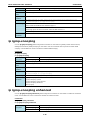
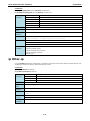
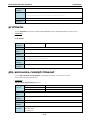
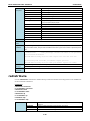
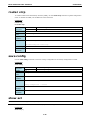
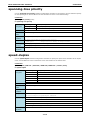
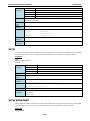
Syntax
ptp
Configure PTP
Description
preferred-master
Set the local clock as the master clock(only valid in v1-bc mode)
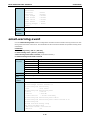
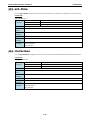
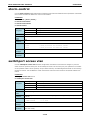
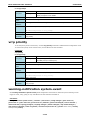
Defaults
default disable
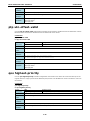
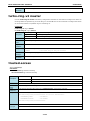
Command
configuration
Modes
Usage
N/A
Guidelines
Examples (set PT-7828(config)# ptp preferred-master
switch as local
master clock)
Error
N/A
messages
2-53