1
User’s Manual
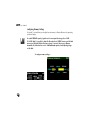
When your system is idle, the screen displays a clock icon. You can choose whether to display
the clock.
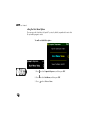
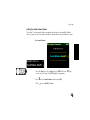
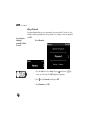
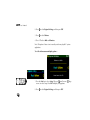
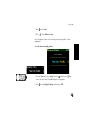
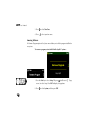
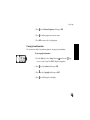
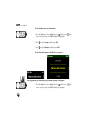
To set the Start Menu timeout value—
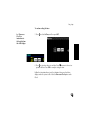
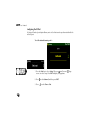
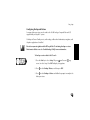
1. Press the Start key to select Setup. OR press
(small screen) /
screen) to select Setup. Press ENT to display Setup options.
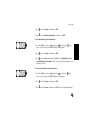
2. Press
to select Display, and then press ENT.
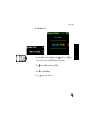
3. Press
to select Menu Timeouts, and then press ENT.
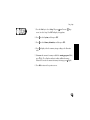
4. Press
to select Start Menu.
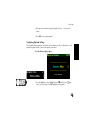
5. Press
106
to select a timeout value.
(large