1
User’s Manual
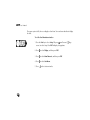
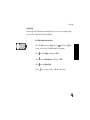
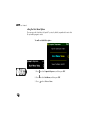
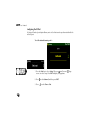
To set the date—
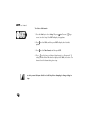
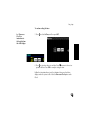
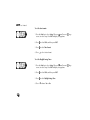
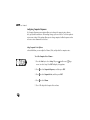
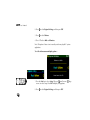
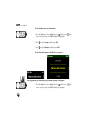
1. Press the Start key to select Setup. OR press
(small screen) /
screen) to select Setup. Press ENT to display Setup options.
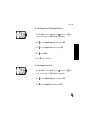
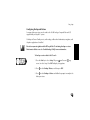
2. Press
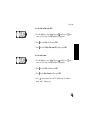
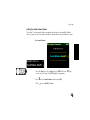
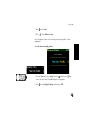
to select Clock, and then press ENT.
3. Press
to select Set Date, and then press ENT.
(large
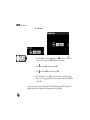
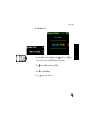
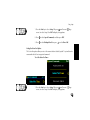
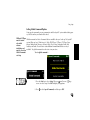
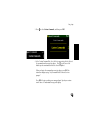
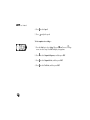
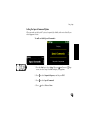
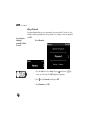
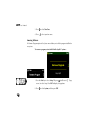
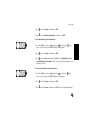
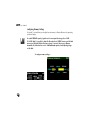
4. At the Set Date screen, press to enter date values in each box (month,
date, year). Press
to move to the next or previous edit box. Press ENT to
set the date.
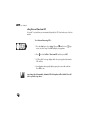
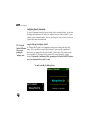
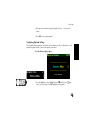
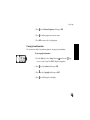
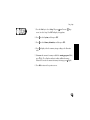
For more accurate time, set the date based on Global Positioning System (GPS) signals. This
capability does require the optional USB Navigation unit to be installed.
100