1
User’s Manual
Configuring the IR Port
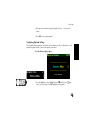
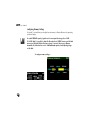
The Infrared Transfer Speed option allows you to set the data transfer speed associated with the
built-in IR port.
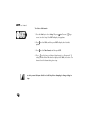
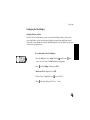
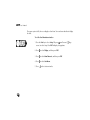
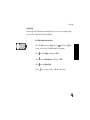
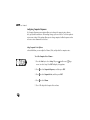
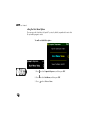
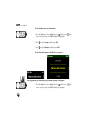
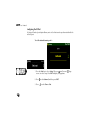
To set the infrared transfer speed—
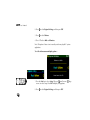
1. Press the Start key to select Setup. OR press
(small screen) /
screen) to select Setup. Press ENT to display Setup options.
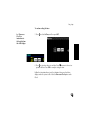
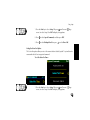
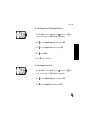
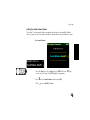
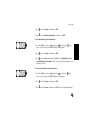
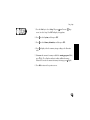
2. Press
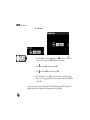
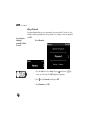
3. Press
130
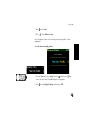
to select Infrared, and then press ENT.
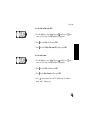
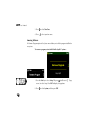
to select Slow or Fast.
(large