1
Using Setup
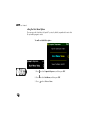
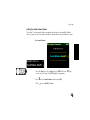
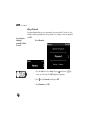
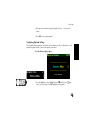
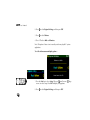
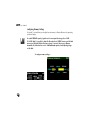
Setting the Sound Scheme Option
The Joyride™ system responds to voice commands and key presses with audible feedback
tones. As you prefer, you can enable or disable the sound scheme associated with these tones.
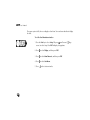
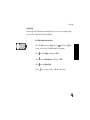
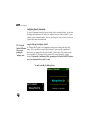
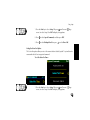
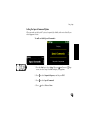
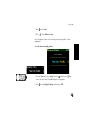
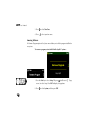
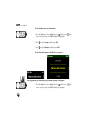
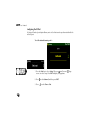
To set sound scheme—
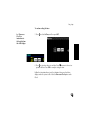
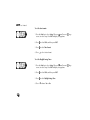
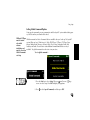
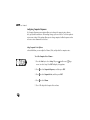
1. Press the Start key to select Setup. OR press
(small screen) /
screen) to select Setup. Press ENT to display Setup options.
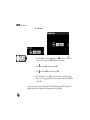
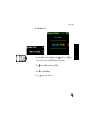
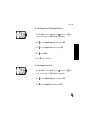
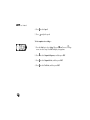
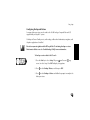
2. Press
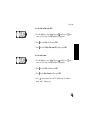
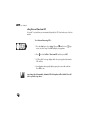
3. Press
(large
to select Sound Scheme, and then press ENT.
to select AutoPC or None.
119