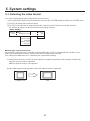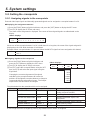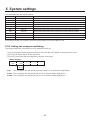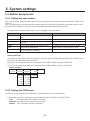
1
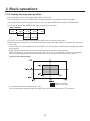
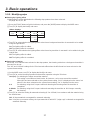
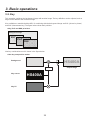
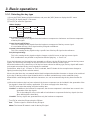
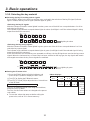
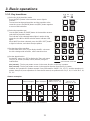
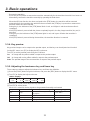
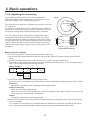
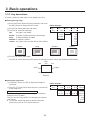
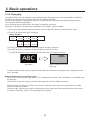
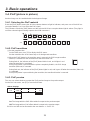
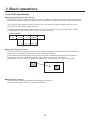
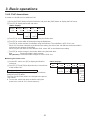
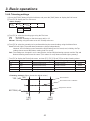
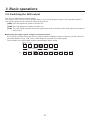
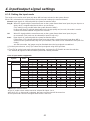
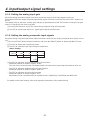
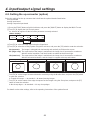
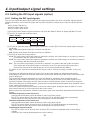
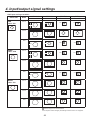
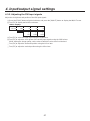
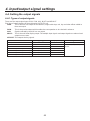
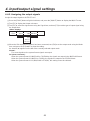
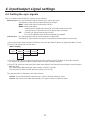
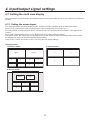
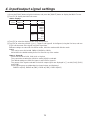
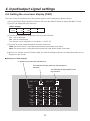
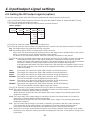
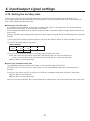
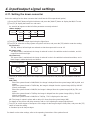
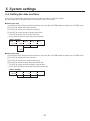
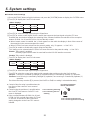
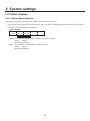
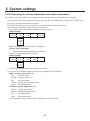
4. Input/output signal settings 4-7. Setting the multi view display The input images, program images and preview images can be output side by side on one screen on the external monitor. 4-7-1. Setting the screen layout The multi view display has three display modes: 10-division mode, 4-division mode and 8-division mode. Inputs 1 to 8, frame memory and color background can be assigned to sub screens 1 to 8. It is also possible to assign program (PGM), preview (PVW), AUX and KeyOut to the Upper-L and Upper-R sub screens. When OSD is displayed for PVW, it is also displayed for PVW of the multi view display. In 8-division mode, the aspect ratio can be kept at 16:9 for the display of HD format images when these images are displayed in the SXGA size from the DVI output (option). (Size is set to “SXGA” and Scale is set to “5:4” using the DVI output settings.) <Display modes> 10-division mode: 4-division mode: Upper-L Upper-R PGM PVW INPUT1 INPUT2 INPUT1 INPUT2 INPUT3 INPUT4 INPUT3 INPUT4 INPUT5 INPUT6 INPUT7 INPUT8 8-division mode: Upper-L Upper-R PGM PVW INPUT1 INPUT2 INPUT3 INPUT4 INPUT5 INPUT6 75