1
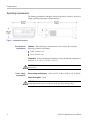
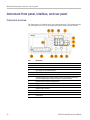
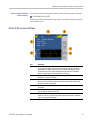
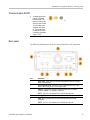
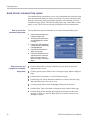
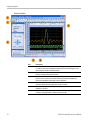
Instrument front panel, interface, and rear panel
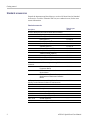
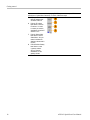
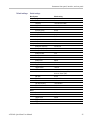
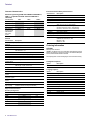
Sine, Square, Ramp, Arb, Sin(x)/x,
Gaussian, Lorentz, Exponential Rise,
Exponential Decay, Haversine
Sweep
√
Burst
√
Pulse
Noise,
DC
√
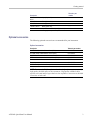
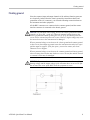
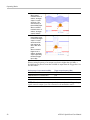
NOTE. When the instrument outputs an Arb waveform, Vp-p of instrument setup
indicates the Vp-p value of normalized waveform data.
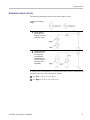
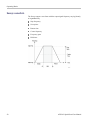
When the instrument outputs Sin(x)/x, Gaussian, Lorentz, Exponential Rise,
Exponential Decay, or Haversine, Vp-p is defined as twice the value of 0 to peak
value.
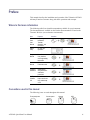
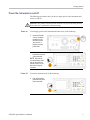
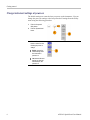
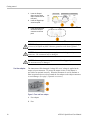
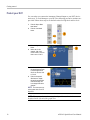
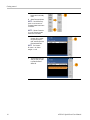
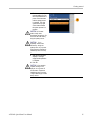
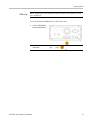
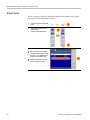
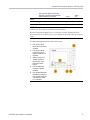
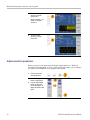
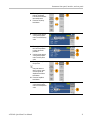
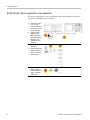
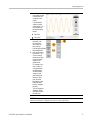
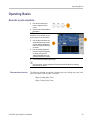
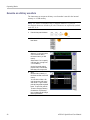
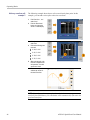
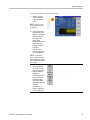
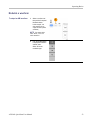
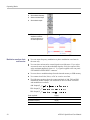
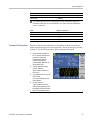
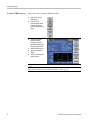
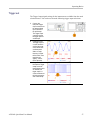
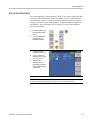
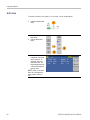
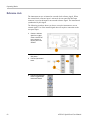
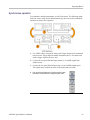
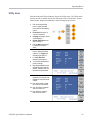
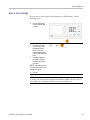
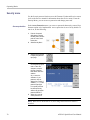
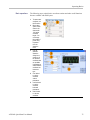
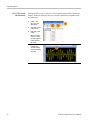
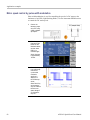
To select an output waveform, follow these steps:
1.
2.
3.
4.
5.
AFG2021 Quick Start User Manual
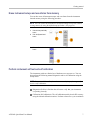
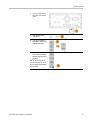
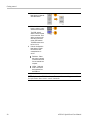
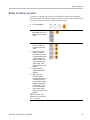
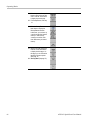
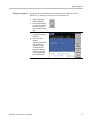
Push the front-panel
Sine button to select sine
waveform.
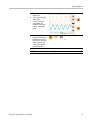
Push the front-panel
Continuous button to
select a continuous sine
waveform.
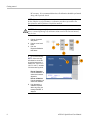
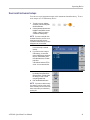
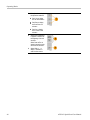
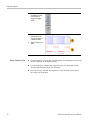
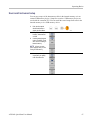
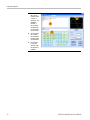
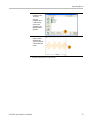
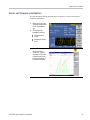
Select one of the four
standard waveforms
by pushing on of the
front-panel function
buttons.
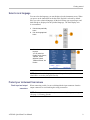
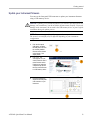
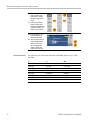
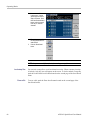
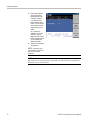
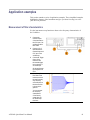
Push the Arb button
to select an arbitrary
waveform.
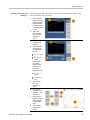
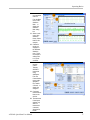
Push the More Waveform
bezel button to select from
other standard waveforms
such as Sin(x)/x, Noise,
DC, or Gaussian.
27