1
Operating Basics
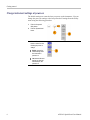
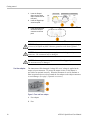
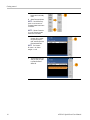
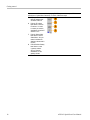
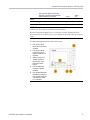
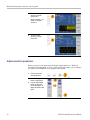
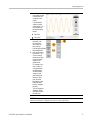
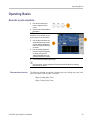
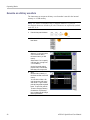
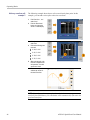
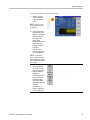
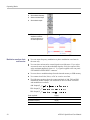
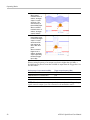
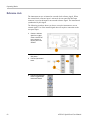
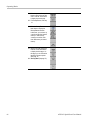
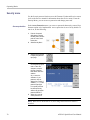
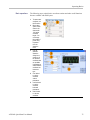
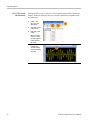
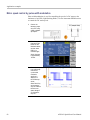
10. You can also
use a waveform
math tool.
From the Math
menu, select
Waveform
Math... to
display the
Waveform
Math dialog
box.
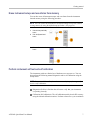
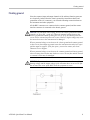
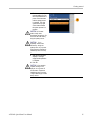
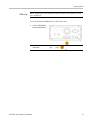
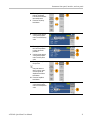
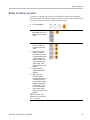
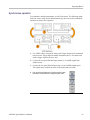
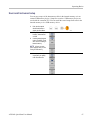
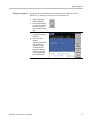
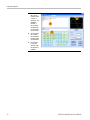
11. Select a math
source from
Waveform
Library. Select
Noise in this
example.
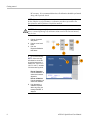
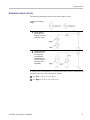
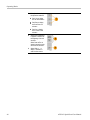
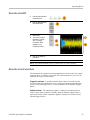
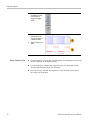
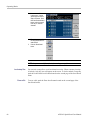
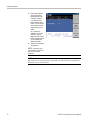
12. Calculation
results are
displayed in
the Resultant
Waveform
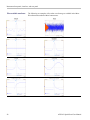
pane. This is
an example of
adding noise
to a square
waveform.
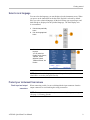
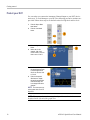
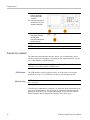
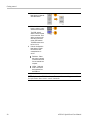
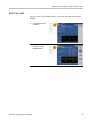
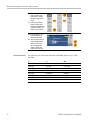
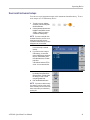
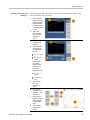
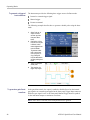
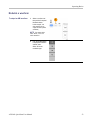
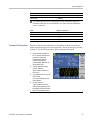
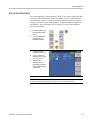
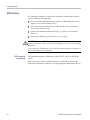
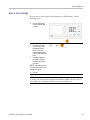
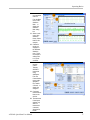
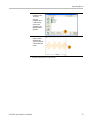
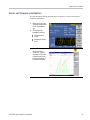
13. You can
remotely
control
Tektronix
AWG/AFG
instruments
using
ArbExpress.
From the
Communication
menu, select
AWG/AFG
File Transfer
& Control... to
display the
dialog box.
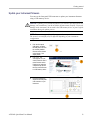
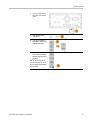
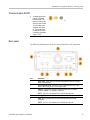
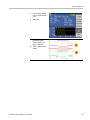
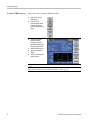
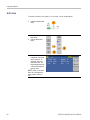
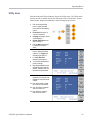
14. Connected
instruments are
listed on the
Arb List.
15. The Instrument
Control pane
appears only
when an
instrument is
connected,
otherwise it is
hidden.
AFG2021 Quick Start User Manual
77