1
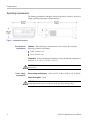
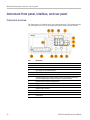
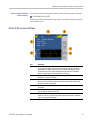
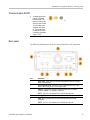
Instrument front panel, interface, and rear panel
3.
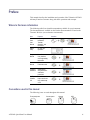
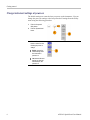
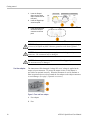
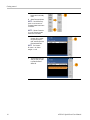
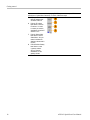
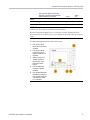
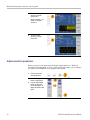
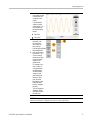
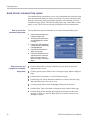
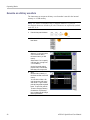
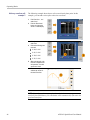
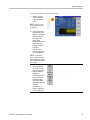
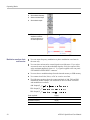
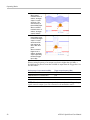
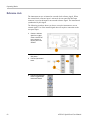
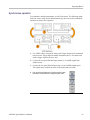
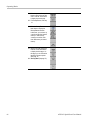
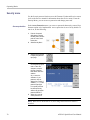
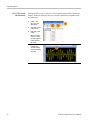
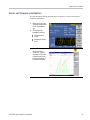
To select a sweep
waveform, push the
Sweep button.
See (See page 50.) for
details on sweeping
waveforms.
4.
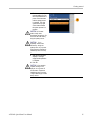
To select a burst
waveform, push the
Burst button.
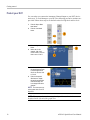
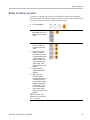
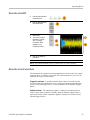
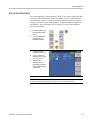
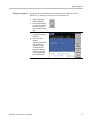
Adjust waveform parameters
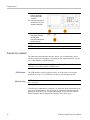
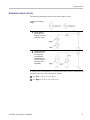
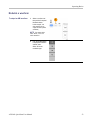
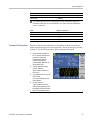
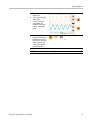
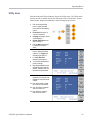
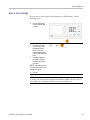
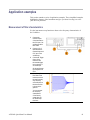
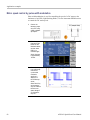
When you turn on your instrument, the default output signal is a 1 MHz sine
waveform with an amplitude of 1 Vp-p. In the following example, you can change
the frequency and amplitude of the original output signal.
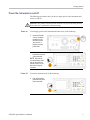
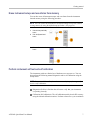
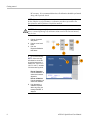
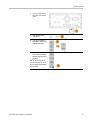
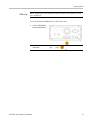
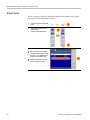
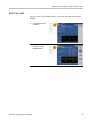
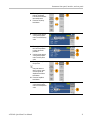
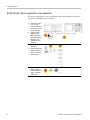
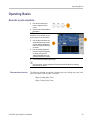
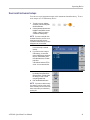
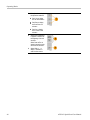
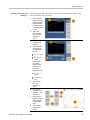
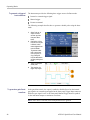
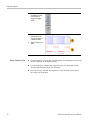
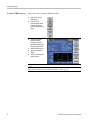
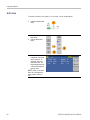
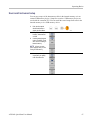
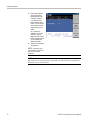
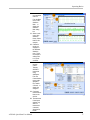
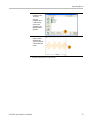
1.
Push the front-panel
Save/Recall button.
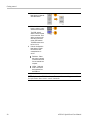
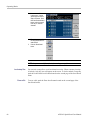
2.
Push the Setup bezel
button to select Recall.
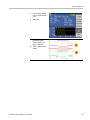
Push the Default bezel
button and then push
the OK bezel button to
display the default output
signal.
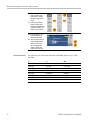
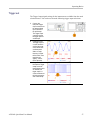
3.
30
AFG2021 Quick Start User Manual