1
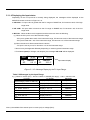
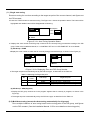
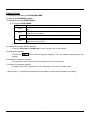
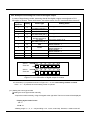
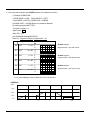
5.1.1.2 Displaying operation status
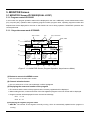
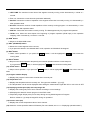
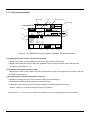
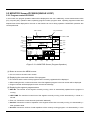
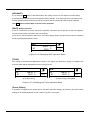
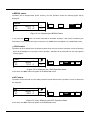
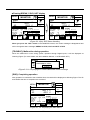
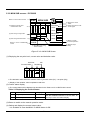
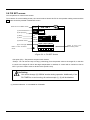
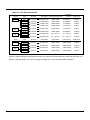
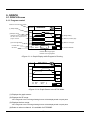
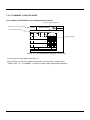
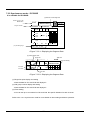
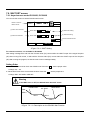
● The operation status will be displayed on MONITOR screen.
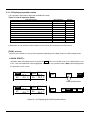
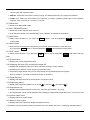
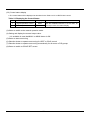
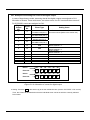
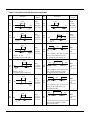
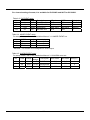
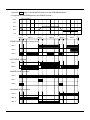
Table 5.1 List of Operation Status
Operation Status
In GSOAK wait
In Auto tuning
It starts the control operation.
Temporary stop.
Control is stopped.
Waiting by the schedule
Completion of control operation
Operation stops after power recovery
Restarts operation from the beginning after power recovery
Resumes operation after power recovery
The system error was occurred.
Status Display
WAIT
TUNE
RUN
HOLD
STOP
READY
END
BREAK
COLD
HOT
TROUBLE
Remark
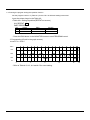
● Description on the operation status is based on the case of CH1 at the asynchronous control.
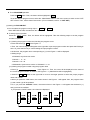
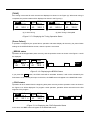
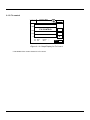
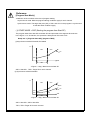
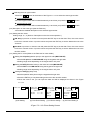
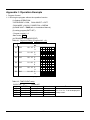
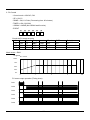
[RUN]: Operation
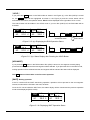
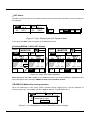
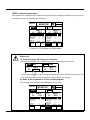
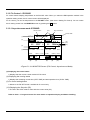
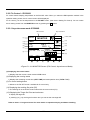
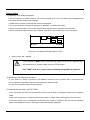
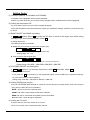
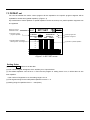
There are two methods of running control operation depending on the RUN mode in the RUN setting screen.
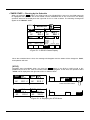
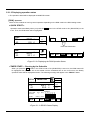
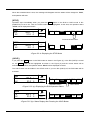
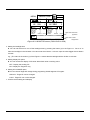
< QUICK START >
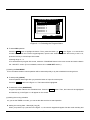
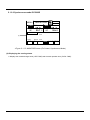
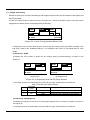
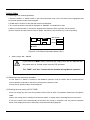
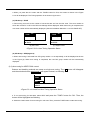
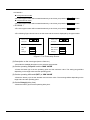
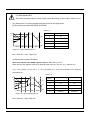
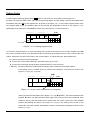
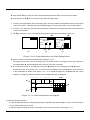
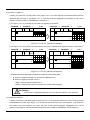
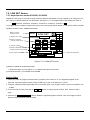
Operation starts immediately when you press the RUN button in the STOP mode or DI1 (RUN/STOP) is set
to On. Then, the RUN button will be highlighted. At this time, the operation status (“RUN”) will be displayed at
the right side of CH1 or CH2.
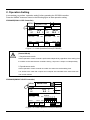
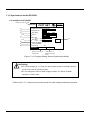
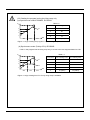
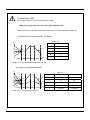
CH1 STOP
20.0
PV
SP
0.0 C
CH2 STOP
PV -85.7
SP
32.0 F
SUB
RUN
STOP
Press the RUN button.
CH1 RUN
20.0
PV
SP
0.0 C
CH2 STOP
PV -85.7
SP
32.0 F
SUB
ADV
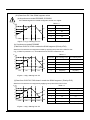
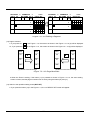
<Figure 5.1.2> Displaying the RUN Operation Status
- 14 -
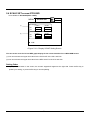
RUN HOLD STOP