1
EFIS Panel Builder
User Manual
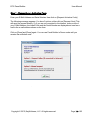
Step 2 – Install Panel Builder Modules
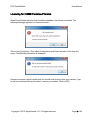
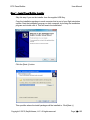
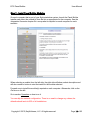
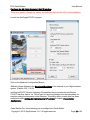
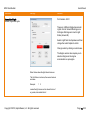
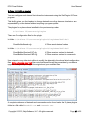
On each computer that is part of your flight simulation system, launch the Panel Builder
Installer and select the module(s) from the list as appropriate for the computer. See the
Integration Scenarios chapter for a recap what is required on each computer for each
scenario.
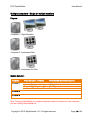
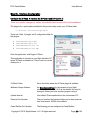
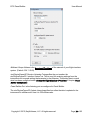
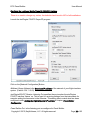
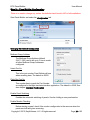
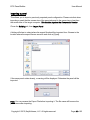
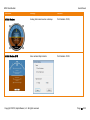
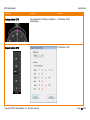
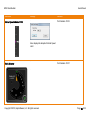
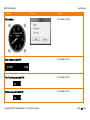
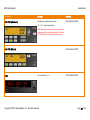
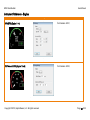
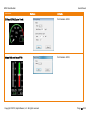
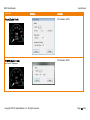
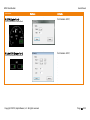
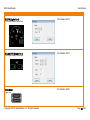
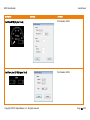
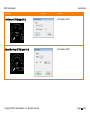
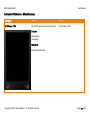
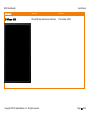
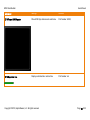
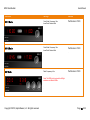
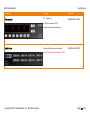
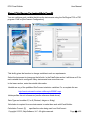
When selecting a module from the left side, the right side will show a short description and
will also contain a button to start the install for the module selected.
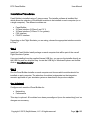
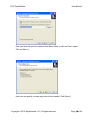
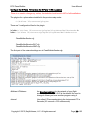
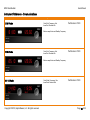
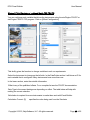
Proceed now to install the module(s) required on each computer. Afterwards, click on the
Exit icon on the left.
Go to section Operation on how to us it.
You can skip the network configuration. There is no need to change any values; the
defaults should work in 99% of all installations.
Copyright © 2015, BajuSoftware, LLC. All rights reserved.
Page 19 of 92