1
EFIS Panel Builder
User Manual
Modifying an instrument
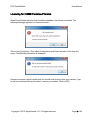
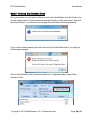
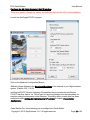
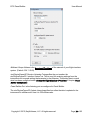
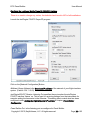
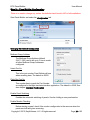
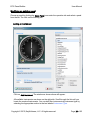
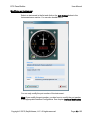
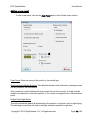
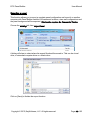
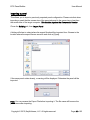
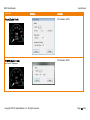
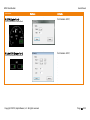
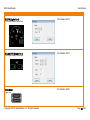
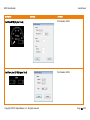
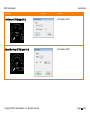
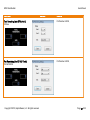
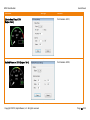
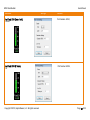
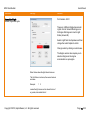
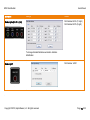
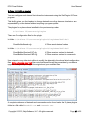
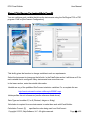
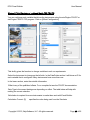
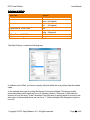
Select an instrument in the list and click on the Edit Settings button in the
Instrument menu section. You can also double-click it.
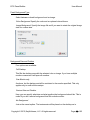
You can only modify the port number of the instrument..
Note: If you modify the port number, you also have to modify the port number
in the appropriate Interface Configuration. See chapter Interface Modification.
Copyright © 2015, BajuSoftware, LLC. All rights reserved.
Page 41 of 92