1
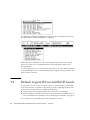
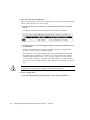
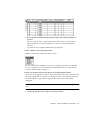
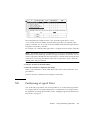
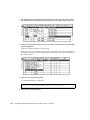
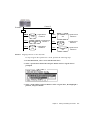
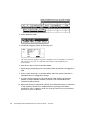
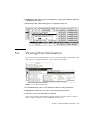
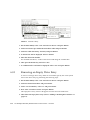
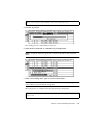
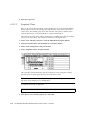
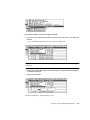
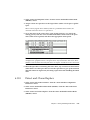
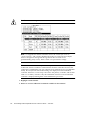
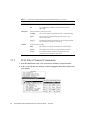
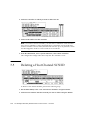
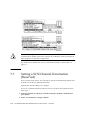
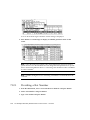
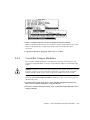
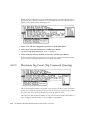
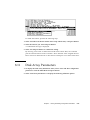
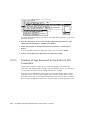
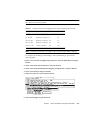
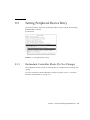
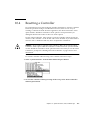
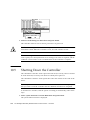
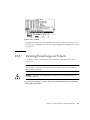
4. Select the controller on which you want to add a host ID.
5. Select an ID number for that controller.
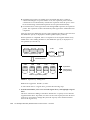
Note – To create a total of 128 LUNs, you must have a minimum of four host IDs
(two each for Channels 1 and 3) and might have a maximum of six host IDs (two
each for Channels 1 and 2, and 3). Each host ID can have up to 32 partitions, which
are then mapped to LUNs to create a total not to exceed 128.
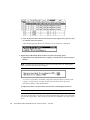
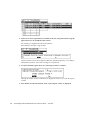
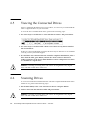
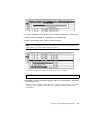
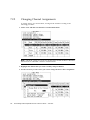
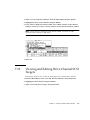
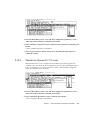
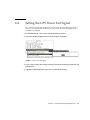
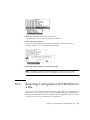
6. From the Main Menu, select “system Functions,” then “Reset controller.”
The configuration change takes effect only after the controller is reset.
7.5
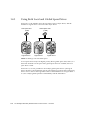
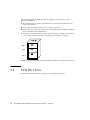
Deleting a Host Channel SCSI ID
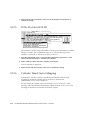
To delete a host channel SCSI ID, perform the following steps.
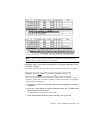
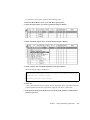
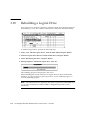
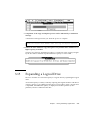
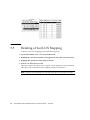
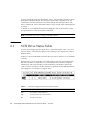
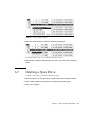
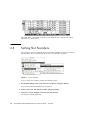
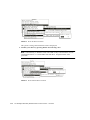
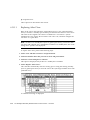
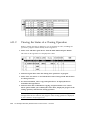
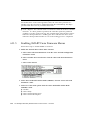
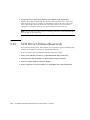
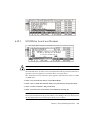
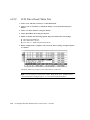
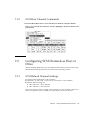
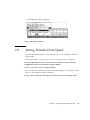
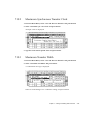
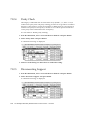
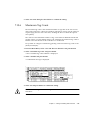
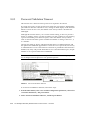
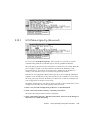
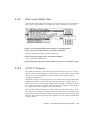
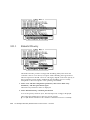
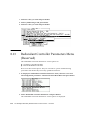
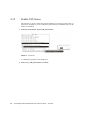
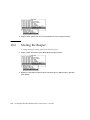
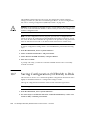
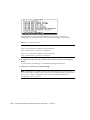
1. On the Main Menu, select “view and edit Scsi channels” and press Return.
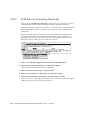
2. Select the host channel with the SCSI ID you want to delete and press Return.
7-10
Sun StorEdge 3000 Family RAID Firmware 3.25 User’s Guide • June 2003