1
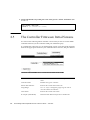
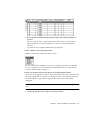
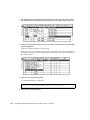
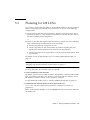
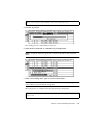
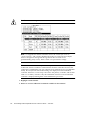
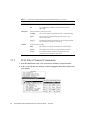
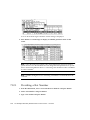
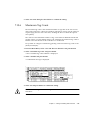
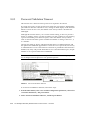
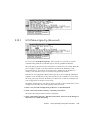
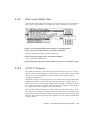
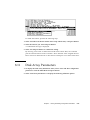
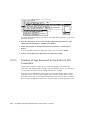
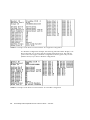
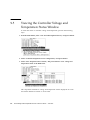
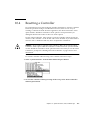
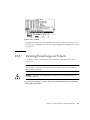
The controller can store up to 1000 event logs. An event log can record a
configuration or operation event as well as an error message or alarm event.
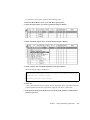
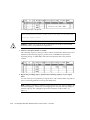
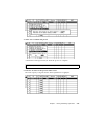
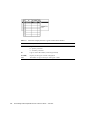
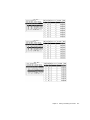
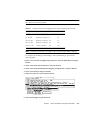
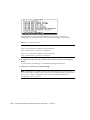
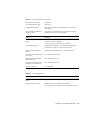
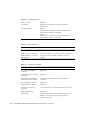
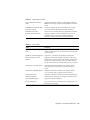
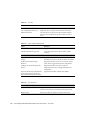
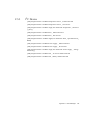
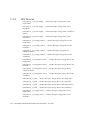
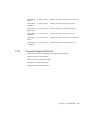
TABLE 10-1
Example Event Logs
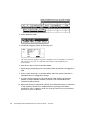
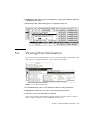
[0181] Controller Initialization Completed
[2181] LG:0 Logical Drive NOTICE: Starting Initialization
[2182] Initialization of Logical Drive 0 Completed
[2181] LG:1 Logical Drive NOTICE: Starting Initialization
[2182] Initialization of Logical Drive 2 Completed
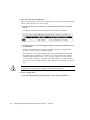
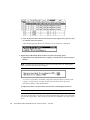
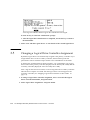
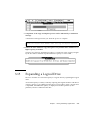
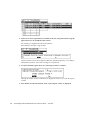
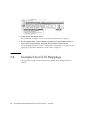
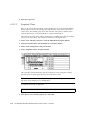
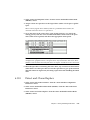
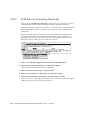
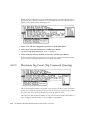
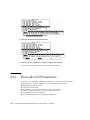
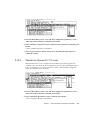
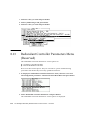
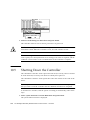
2. To clear the saved event logs, scroll the cursor down to the last event and press
Return.
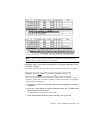
A “Clear Above xx Event Logs?” confirmation message is displayed.
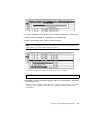
3. Choose Yes to clear the recorded event logs.
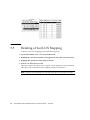
Note – Resetting the controller clears the recorded event logs. If you want event
logs to persist after controller resets, refer to Sun StorEdge 3000 Family Configuration
Service User’s Guide for information about how to install and configure the
Configuration Service software.
10-10
Sun StorEdge 3000 Family RAID Firmware 3.25 User’s Guide • June 2003