1
Managing Suffixes
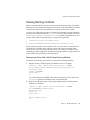
Deleting a Suffix Using the Console
1.
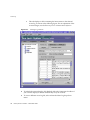
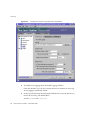
On the Configuration tab of Directory Server Console, expand the Data node.
2.
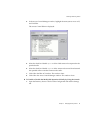
Right-click on the suffix you wish to remove, and select Delete from the
pop-up menu.
Alternatively, you may select the suffix node and choose Delete from the
Object menu.
3.
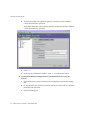
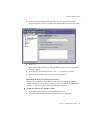
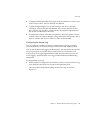
A confirmation dialog appears to inform you that all suffix entries will be
removed from the directory.
In addition for a parent suffix, you have the choice of recursively deleting all of
its subsuffixes. Select “Delete this suffix and all of its subsuffixes” if you want
to remove the entire branch. Otherwise, select “Delete this suffix only” if you
want to remove only this particular suffix, and keep its subsuffixes in the
directory.
4.
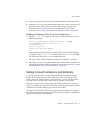
Click OK to delete the suffix.
A progress dialog box is displayed that tells you the steps being completed by
the console.
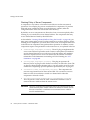
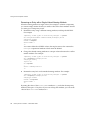
Deleting a Suffix From the Command Line
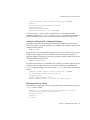
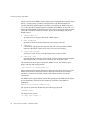
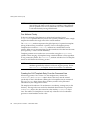
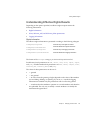
To delete a suffix from the command line, use the ldapdelete command to
remove its configuration entries from the directory.
If you wish to delete an entire branch containing subsuffixes, you must find the
subsuffixes of the deleted parent and repeat the procedure for each of them and
their possible subsuffixes.
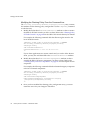
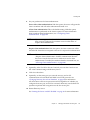
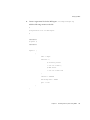
1.
Remove the suffix configuration entry using the following command:
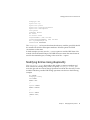
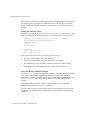
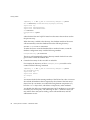
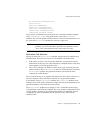
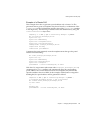
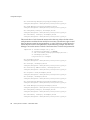
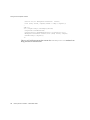
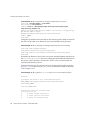
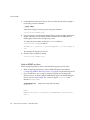
ldapdelete -h host -p port -D "cn=Directory Manager" -w password \
-v ’cn="suffixDN",cn=mapping tree,cn=config’
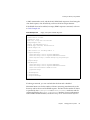
This command removes the suffix from the server, starting with the base entry
at the suffixDN. Now the suffix is no longer visible nor accessible in the
directory. The -v option specifies verbose output mode: additional information
about the delete operation is displayed.
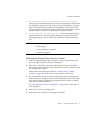
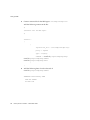
2.
154
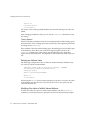
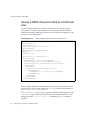
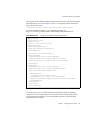
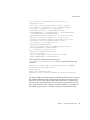
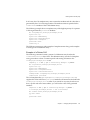
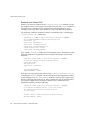
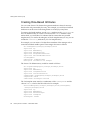
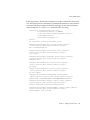
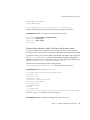
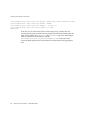
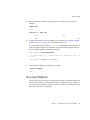
Remove the corresponding database configuration entry located in
cn=databaseName,cn=ldbm database,cn=plugins,cn=config and all entries
below it. To do this recursive delete, use the ldapsubtdel command from the
download the Directory Server Resource Kit (DSRK). This software is available
at the following location: http://wwws.sun.com/software/download/.
Directory Server 5.2 2005Q1 • Administration Guide