1
Modifying the Replication Topology
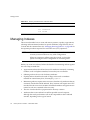
This section describes the replication retry algorithm, and how to force replication
updates to occur without waiting for the next retry.
NOTE
The procedures described in this section can be used only when
replication is already set up and consumers have been initialized.
Replication Retry Algorithm
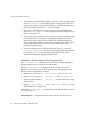
When a supplier is unsuccessful in an attempt to replicate to a consumer, it retries
periodically in incremental time intervals. The retry pattern is as follows: 10, 20, 40,
80, 160 seconds, then five times 300 seconds. The supplier repeats the same retry
pattern continuously.
Note that even if you have configured replication agreements to always keep the
supplier replica and the consumer replica in sync, this is not sufficient to bring
back up-to-date immediately a replica that has been offline for over five minutes.
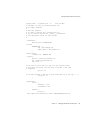
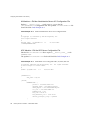
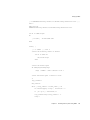
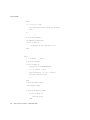
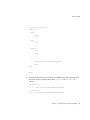
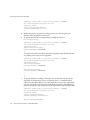
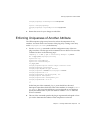
To ensure that directory information will be synchronized immediately when a
server comes back online, you can use either Directory Server Console or a
customizable script.
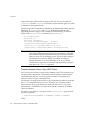
Forcing Replication Updates from the Console
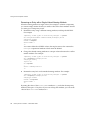
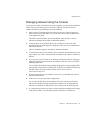
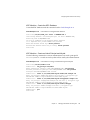
To ensure that replication updates are sent immediately when a consumer, or a
master in a multi-master replication configuration, comes back online after a
period of time, you can perform these steps on the supplier that holds the most
recent version of the directory data:
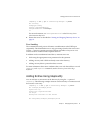
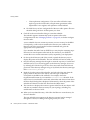
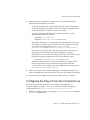
1.
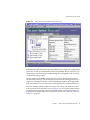
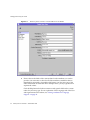
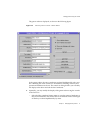
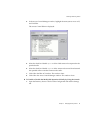
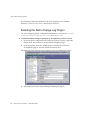
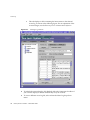
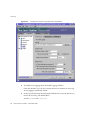
On the top-level Configuration tab on Directory Server Console, expand both
the Data node and the suffix node for the master replica, and select the
Replication node below the suffix.
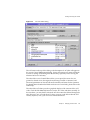
The replica status information is displayed in the right-hand panel.
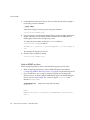
2.
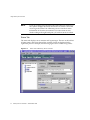
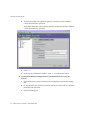
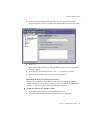
Select the replication agreement from the list that corresponds to the consumer
you wish to update, and then click Action>Send updates now.
This initiates replication toward the replica that holds the information that
needs to be updated.
Chapter 8
Managing Replication
375