1
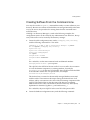
Configuring LDAP Clients to Use Security
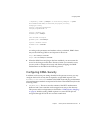
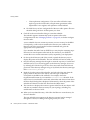
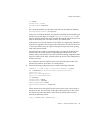
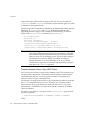
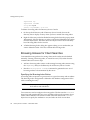
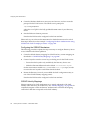
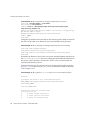
Re-enter password for principal "[email protected]": test-password
Principal "[email protected]" created.
kadmin: quit
bash-2.05#
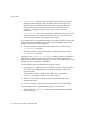
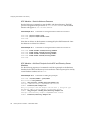
Directory Server Machine - Install the Directory Server
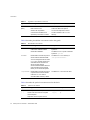
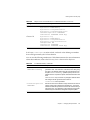
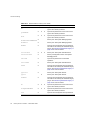
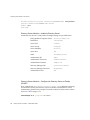
Install Directory Server 5.2 and patches. Example settings are provided below:
Fully Qualified Computer Name
directory.example.com
Install Root
/data/ds52p2
Server User
unixuser
Server Group
unixgroup
Server Identifier
directory
Server Port
389
Suffix
dc=example,dc=com
Administrator ID
admin
Administrator Password
dsadmin-password
Administration Domain
example.com
Directory Manager DN
cn=Directory Manager
Directory Manager Password
dm-password
Administration Port
390
Directory Server Machine - Configure the Directory Server to Enable
GSSAPI
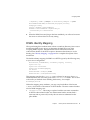
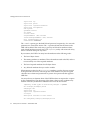
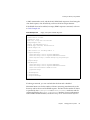
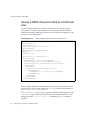
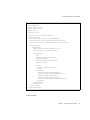
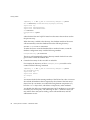
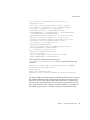
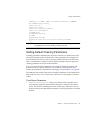
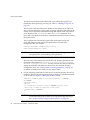
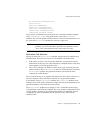
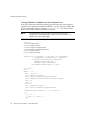
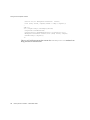
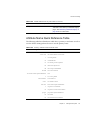
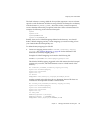
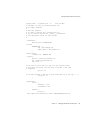
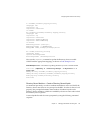
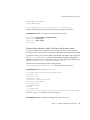
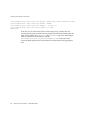
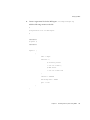
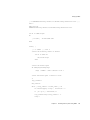
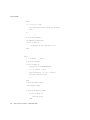
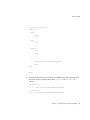
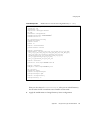
First, create the file /data/ds52p2/shared/bin/gssapi.ldif to define the mapping
that should be used by the Directory Server to identify which Kerberos user is
authenticating, based on the principal. Create file contents to be the same as what is
shown in Code Example 11-11:
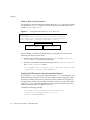
Code Example 11-11 gssapi.ldif file contents
466
Directory Server 5.2 2005Q1 • Administration Guide