1
Linux Thin Client User Guide
Introduction
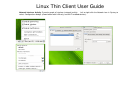
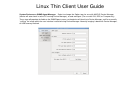
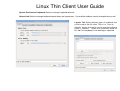
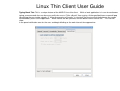
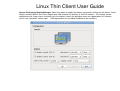
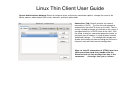
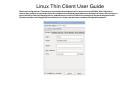
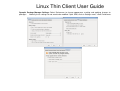
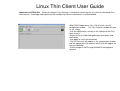
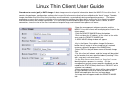
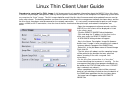
Typing Break Tab: This is a unique feature of the MAPLE Linux thin client. While a local application is in use for continuous
typing, an automated alert can be set to notify the user to “Take a Break” from typing. At the specified time a screen will pop
up notifying the user to take a break. If “Allow postponing of breaks” is checked, the user can click the button on the screen
to immediately return to the application. Work interval can be specified, and the break interval can be set. This icon will
show
in the panel notification area for the user, and begin blinking as the work interval time approaches.
Contents
Startup and
Configuration
System
Preferences
System
Administration
Places
Local Sys
File Viewer
Management
Software
3-11