1
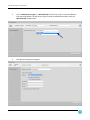
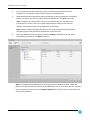
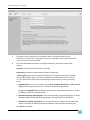
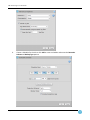
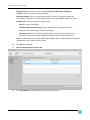
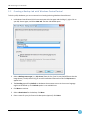
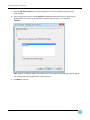
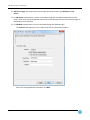
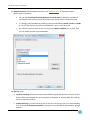
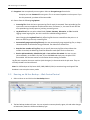
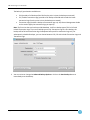
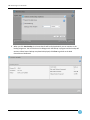
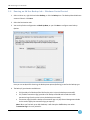
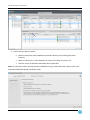
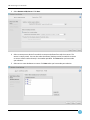
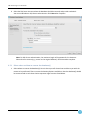
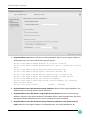
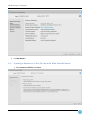
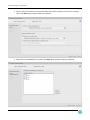
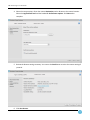
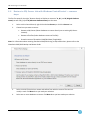
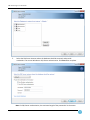
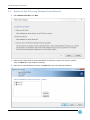
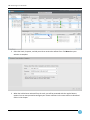
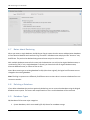
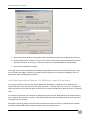
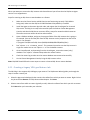
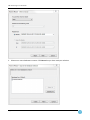
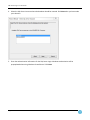
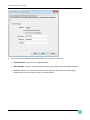
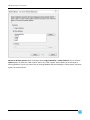
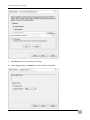
SQL Server Plug-in 7.3 User Guide 4.4 Restore to SQL Server Job with W indows CentralControl – common steps The first five steps for the eight “Restore directly to SQL Server scenarios” A, B, C, and D (Original database names) as well as E, F, G, and H (Alternate Database Name) are the same. 1. Select a Job in CentralControl, right click and select Restore, or click the Restore icon. 2. Choose how you want to restore: Restore to SQL Server (Select databases to restore directly into an existing SQL Server Instance). Restore to flat files (Select databases restore as flat files) Granular restore of SharePoint 2010/2013 data (if applicable) Note: For information about restoring SharePoint 2010/2013 using an SQL safeset share, please refer to the SharePoint 2010/2013 Backup and Restore Guide. 3. Select a source from which to restore and safeset from which to restore. The source is usually a vault. Click Next when you made your selection. 4. Select one or more databases to restore. Click Next when you have made your selection. Page 38