1
User Guide to SIMCA
3.
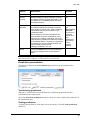
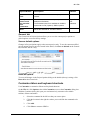
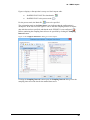
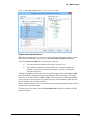
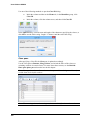
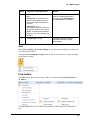
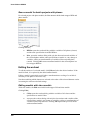
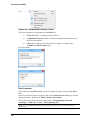
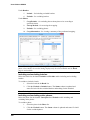
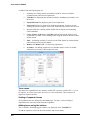
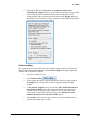
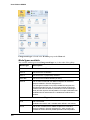
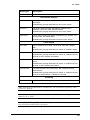
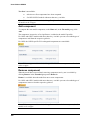
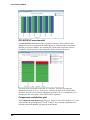
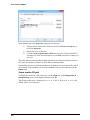
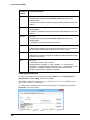
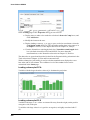
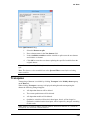
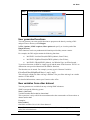
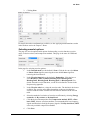
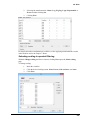
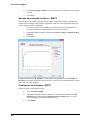
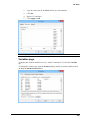
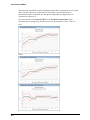
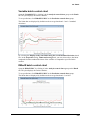
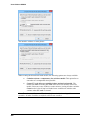
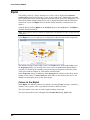
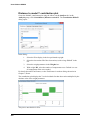
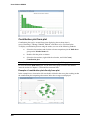
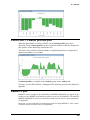
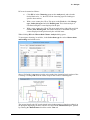
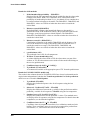
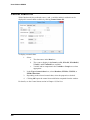
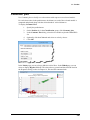
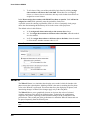
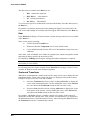
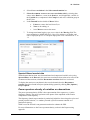
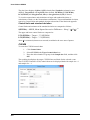
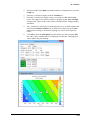
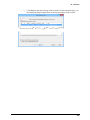
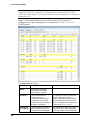
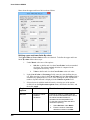
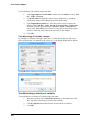
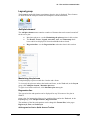
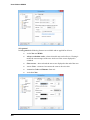
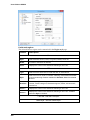
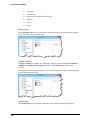
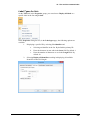
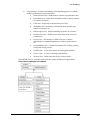
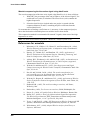
Click Transform. The software checks if any of the selected variables need a
Log transformation and if so applies it.
The criteria used to decide if a log transform is needed is described in the Transform page
criteria section in the Statistical appendix.
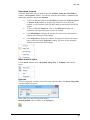
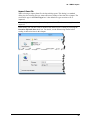
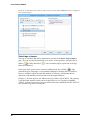
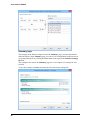
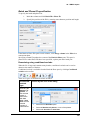
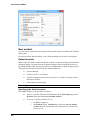
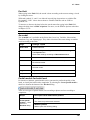
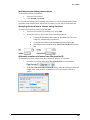
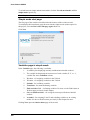
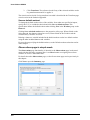
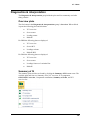
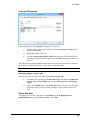
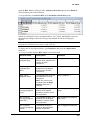
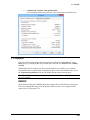
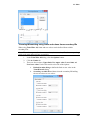
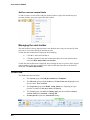
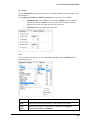
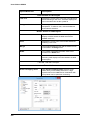
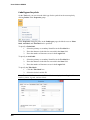
Save as default workset
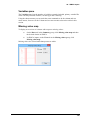
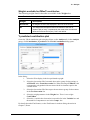
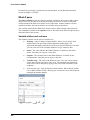
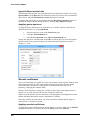
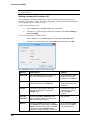
To change the default workset roles of the variables, from what was specified at import,
specify the X, Y or excluded as desired and click Save as default workset. This
specification defines the default workset when clicking New in the Workset group on the
Home tab.
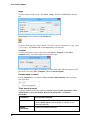
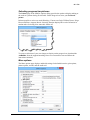
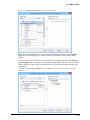
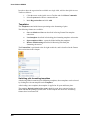
Clicking Save as default workset saves the properties of the page. When clicked on the
Select data tab, the datasets selected are saved, when clicked on the Variables tab the
excluded and y-variables are saved.
Deleting a dataset or variable included in the default workset results in a default workset
using the other included datasets and variables.
For more about specifying the default workset, see the Default workset subsection earlier
in this chapter.
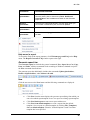
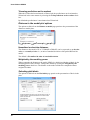
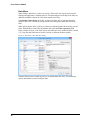
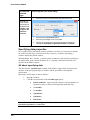
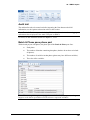
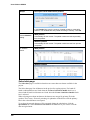
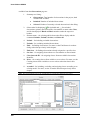
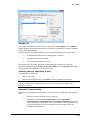
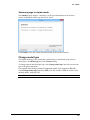
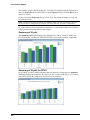
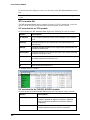
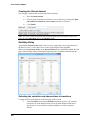
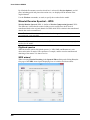
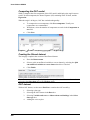
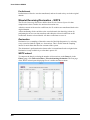
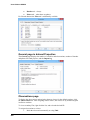
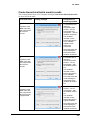
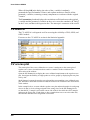
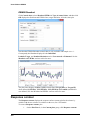
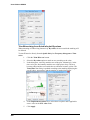
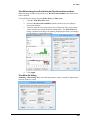
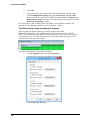
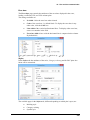
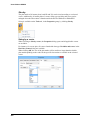
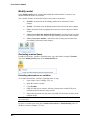
Observations page in simple mode
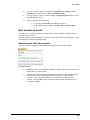
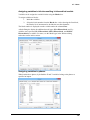
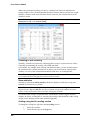
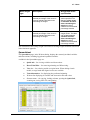
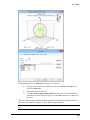
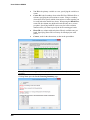
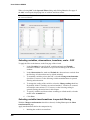
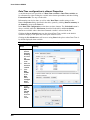
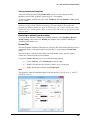
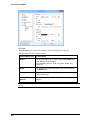
The Observations page functionality is identical to the Observations page in advanced
mode with the following exception: there is no More-button so assigning classes from
variables or scores is unavailable here.
For details about the Observations page, see the Observations page section previously in
this chapter.
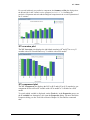
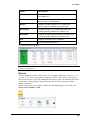
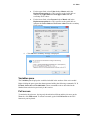
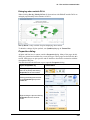
Click Next to open the Summary page.
170