1
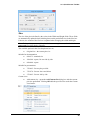
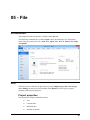
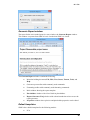
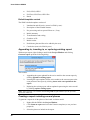
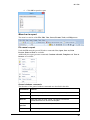
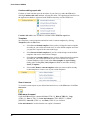
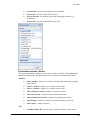
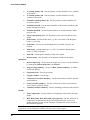
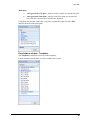
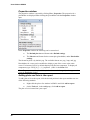
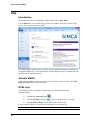
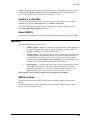
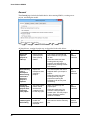
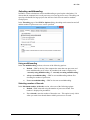
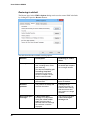
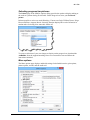
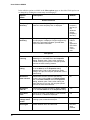
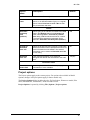
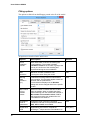
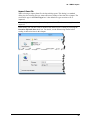
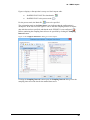
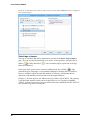
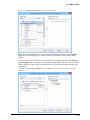
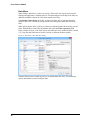
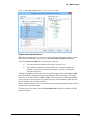
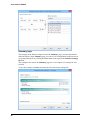
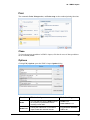
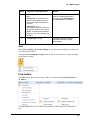
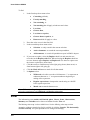
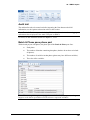
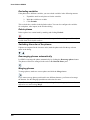
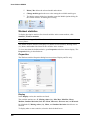
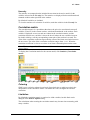
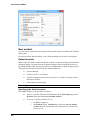
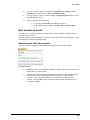
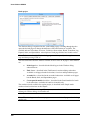
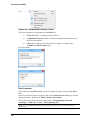
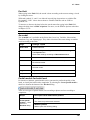
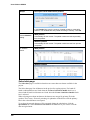
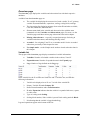
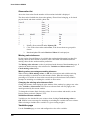
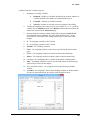
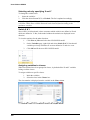
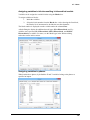
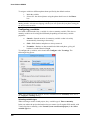
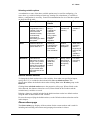
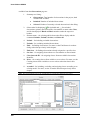
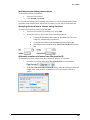
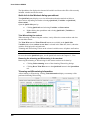
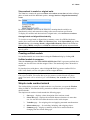
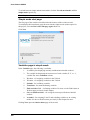
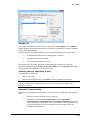
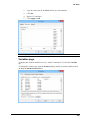
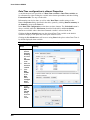
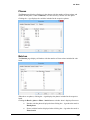
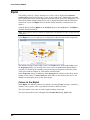
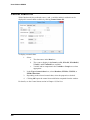
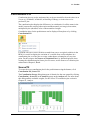
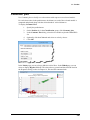
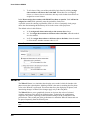
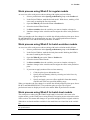
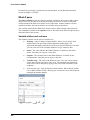
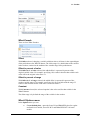
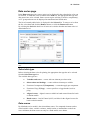
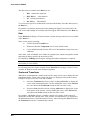
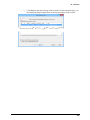
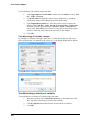
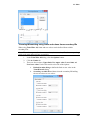
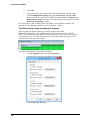
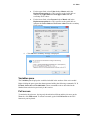
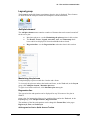
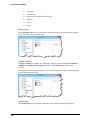
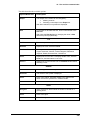
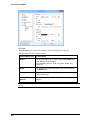
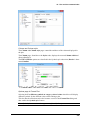
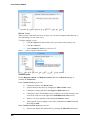
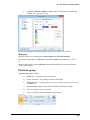
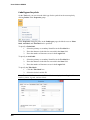
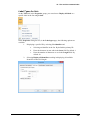
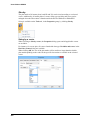
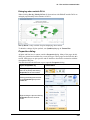
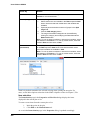
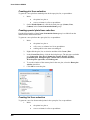
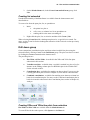
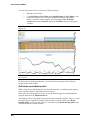
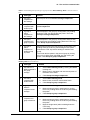
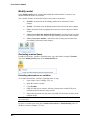
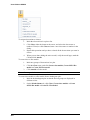
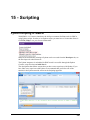
User Guide to SIMCA Help Introduction This chapter describes all commands available when clicking File | Help. Use the Help menu to: access the help, register your product, access the Umetrics web site, or view version and license details. The SIMCA help is based on the user guide. The user guide documents are transferred to a compiled HTML file. To read the Help file, Internet Explorer must be installed but does not need to be the default browser. Activate SIMCA After installing SIMCA it has to be activated. If you choose to activate later, click File | Help | Activate and follow the directions. HTML help The HTML help file is installed to include interactive and stand-alone help. Open the help by: Clicking the View help button Clicking the Help-button Starting SIMCA Help from the Start-menu or start screen. . in one of the dialogs or wizards. Use the Contents, Index, or Search tabs to find what you are looking for. Note: Using citation marks <"> allows searching of phrases. 64