1
6.2.2 Menu Edit
83
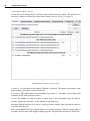
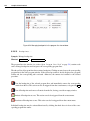
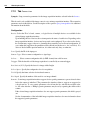
however, possible to override the supplied external procedures by placing external procedures with the
same name in one of the user-defined directories.
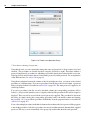
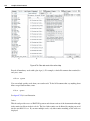
The documentation of the supplied procedures is available in the online help of HDevelop under Procedure Reference Manual.
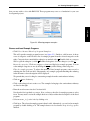
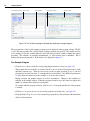
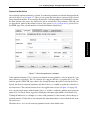
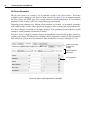
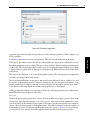
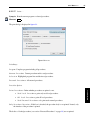
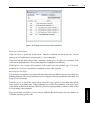
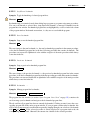
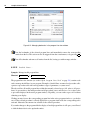
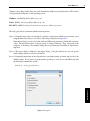
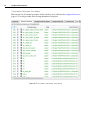
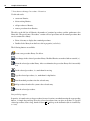
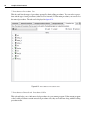
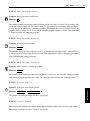
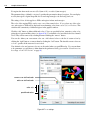
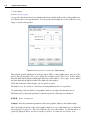
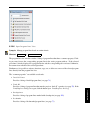
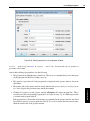
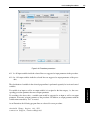
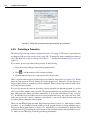
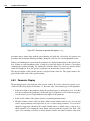
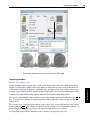
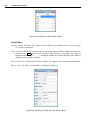
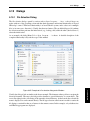
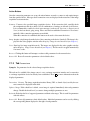
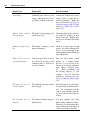
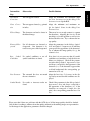
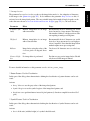
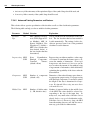
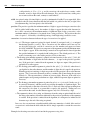
Add: Select an additional directory from the file selection dialog (page 221). This directory will be
added to the list. All subdirectories of the selected directory will be scanned as well.
Add Library: Explicitly add a library (.hdpl) file to the list of directories. This will make the library
procedures available without looking at other procedures in the same directory.
Delete: Delete the selected entry from the list. Programs using any external procedure from that directory will no longer run.
Rescan: Rescan all listed entries to reflect any changes in the file system.
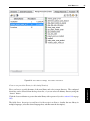
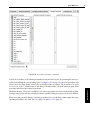
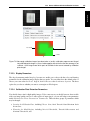
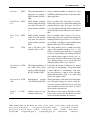
Using the check boxes you can disable the corresponding directories temporarily without removing them
from the list.
GUI Reference
The list entries can be reordered using the up/down arrow buttons.