1
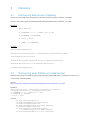
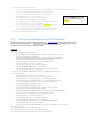
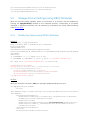
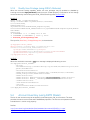
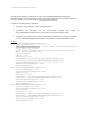
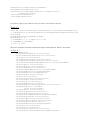
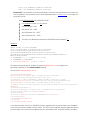
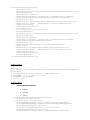
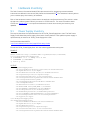
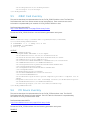
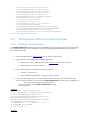
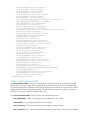
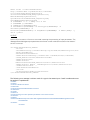
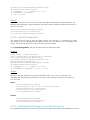
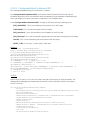
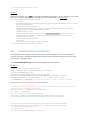
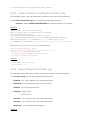
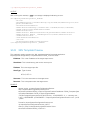
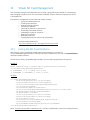
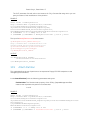
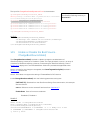
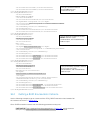
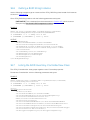
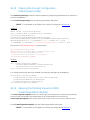
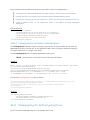
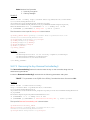
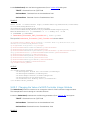
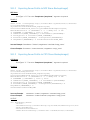
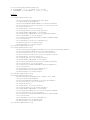
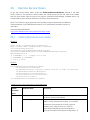
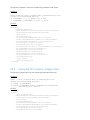
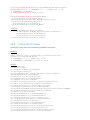
wsman invoke -a DownloadISOToVFlash
http://schemas.dmtf.org/wbem/wscim/1/cimschema/
2/root/dcim/DCIM_OSDeploymentService
?CreationClassName=DCIM_OSDeploymentService,
Name=DCIM:OSDeploymentService,
SystemCreationClassName=DCIM_ComputerSystem,
SystemName=DCIM:ComputerSystem
-h $IPADDRESS -V -v –c dummy.cert -P 443
-u $USERNAME -p $PASSWORD
-k IPAddress="[IPADDRESS-ISO]"
-k ShareName="/[DIVESHARE]" -k ShareType="[SHARETYPE]" -k
Username="[SHAREUSER]" -k
Password="[SHAREPASSWORD]" -k ImageName="[IMAGENAME]" –k PORT=”[PORT]” -j
utf-8 -y basic
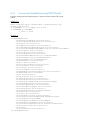
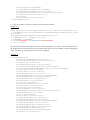
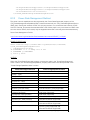
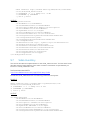
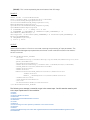
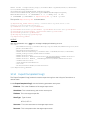
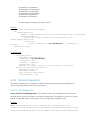
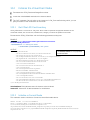
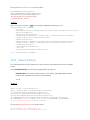
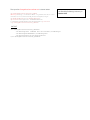
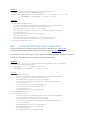
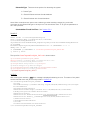
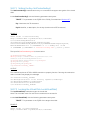
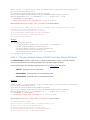
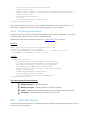
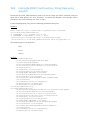
OUTPUT:
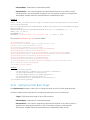
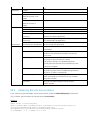
Returns 0 for success or 1 if an error occurred in starting the processing of input parameters. The
MessageID and Message output parameters will further contain method invocation information if
an error occurred.
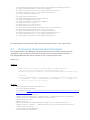
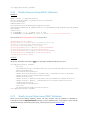
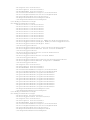
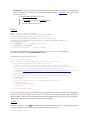
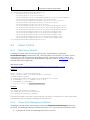
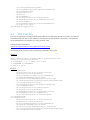
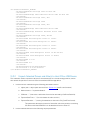
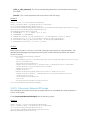
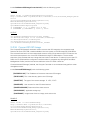
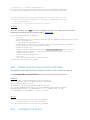
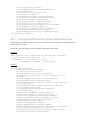
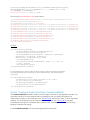
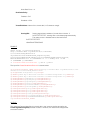
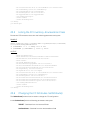
<n1:DownloadISOToVFlash_OUTPUT>
<n1:Job>
<wsa:Address>http://schemas.xmlsoap.org/ws/2004/08/addressing/role/anon
ymous</wsa:Address>
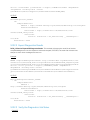
<wsa:ReferenceParameters>
<wsman:ResourceURI>http://schemas.dell.com/wbem/wscim/1/cimschema/
2/DCIM_OSDConcreteJob</wsman:ResourceURI>
<wsman:SelectorSet>
<wsman:Selector
Name="InstanceID">DCIM_OSDConcreteJob:1</wsman:Selector>
<wsman:Selector Name="__cimnamespace">root/dcim</wsman:Selector>
</wsman:SelectorSet>
</wsa:ReferenceParameters>
</n1:Job>
<n1:ReturnValue>4096</n1:ReturnValue>
</n1:DownloadISOToVFlash_OUTPUT>
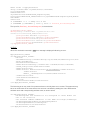
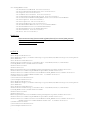
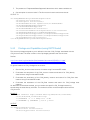
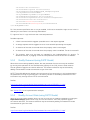
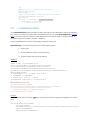
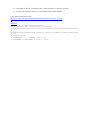
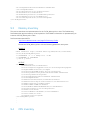
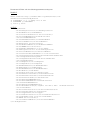
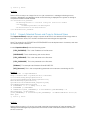
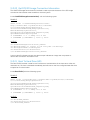
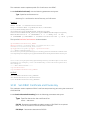
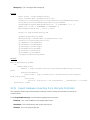
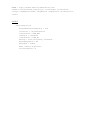
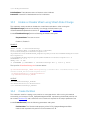
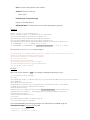
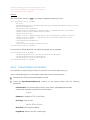
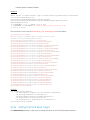
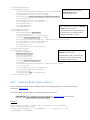
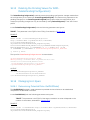
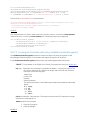
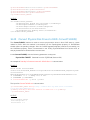
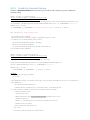
The following error message is a direct result of a typo in the wsman input. Careful consideration must
be applied to capitalization.
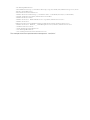
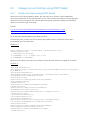
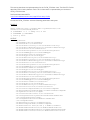
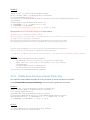
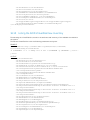
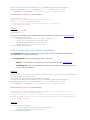
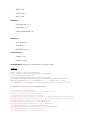
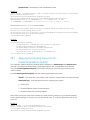
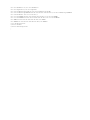
<s:Fault>
<s:Code>
<s:Value>s:Sender</s:Value>
<s:Subcode>
<s:Value>wsman:InvalidParameter</s:Value>
</s:Subcode>
</s:Code>
<s:Reason>
<s:Text xml:lang="en">An operation parameter is not valid.</s:Text>
</s:Reason>
<s:Detail>
<wsman:FaultDetail>http://schemas.dmtf.org/wbem/wsman/1/wsman/faultDetail/MissingValues</wsm
an:FaultDetail>
</s:Detail>
</s:Fault>