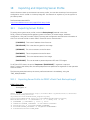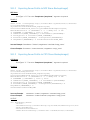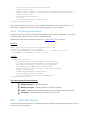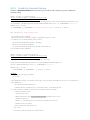
1
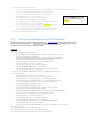
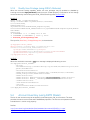
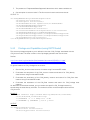
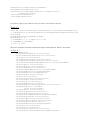
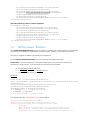
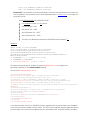
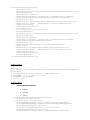
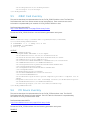
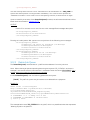
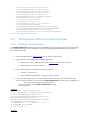
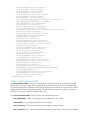
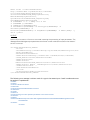
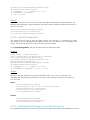
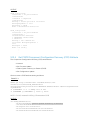
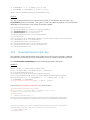
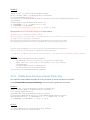
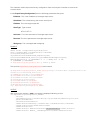
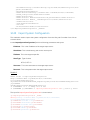
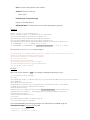
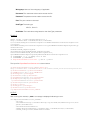
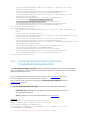
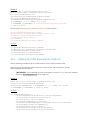
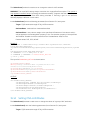
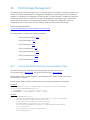
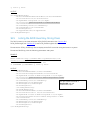
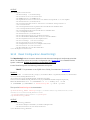
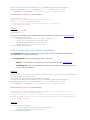
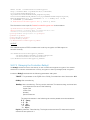
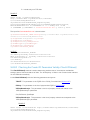
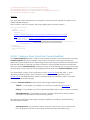
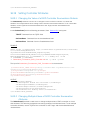
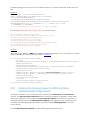
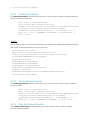
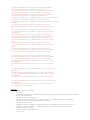
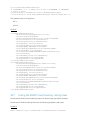
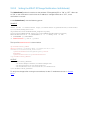
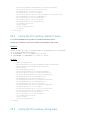
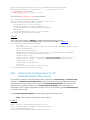
schema/2/DCIM_PersistentStorageService">
<p:PartitionIndex>12</p:PartitionIndex>
</p:DetachPartition_INPUT>
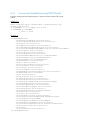
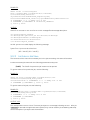
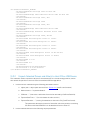
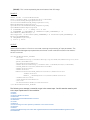
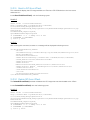
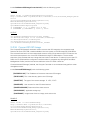
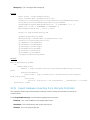
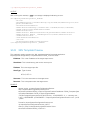
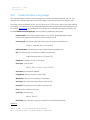
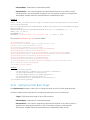
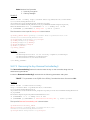
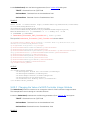
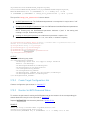
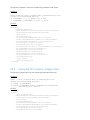
OUTPUT:
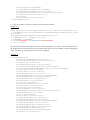
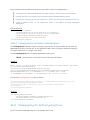
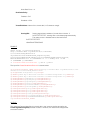
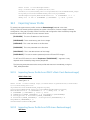
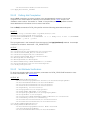
After running this method, a jobid or a message is displayed indicating an error.
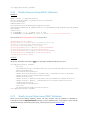
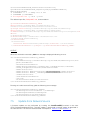
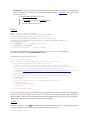
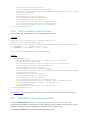
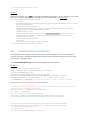
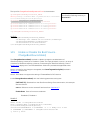
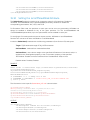
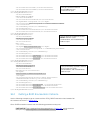
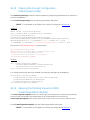
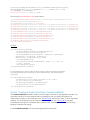
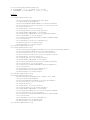
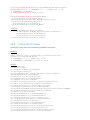
<n1: DetachPartition_OUTPUT>
<n1:Job>
<wsa:Address>http://schemas.xmlsoap.org/ws/2004/08/addressing/role/anon
ymous</wsa:Address>
<wsa:ReferenceParameters>
<wsman:ResourceURI>http://schemas.dell.com/wbem/wscim/1/cimschema/
2/DCIM_LifecycleJob</wsman:ResourceURI>
<wsman:SelectorSet>
<wsman:Selector Name="InstanceID">JID_001300787520</wsman:Selector>
<wsman:Selector Name="__cimnamespace">root/dcim</wsman:Selector>
</wsman:SelectorSet>
</wsa:ReferenceParameters>
</n1:Job>
<n1:ReturnValue>4096</n1:ReturnValue>
</n1:DetachPartition_OUTPUT>
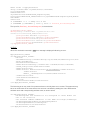
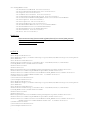
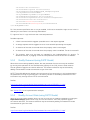
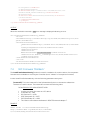
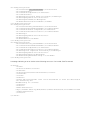
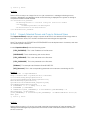
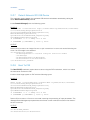
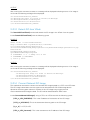
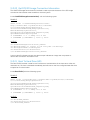
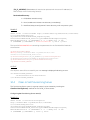
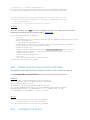
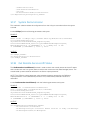
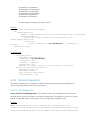
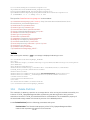
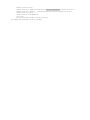
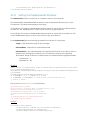
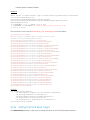
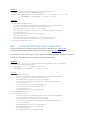
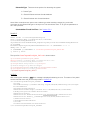
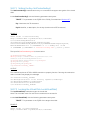
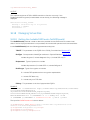
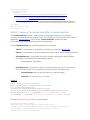
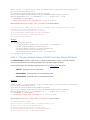
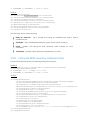
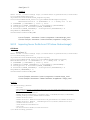
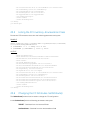
If the partition is already detached, the following message may be displayed:
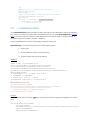
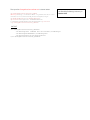
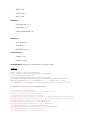
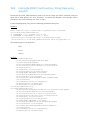
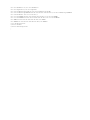
<n1:DetachPartition_OUTPUT>
<n1:Message>Partition already detached</n1:Message>
<n1:MessageID>VF028</n1:MessageID>
<n1:ReturnValue>2</n1:ReturnValue>
</n1:DetachPartition_OUTPUT>
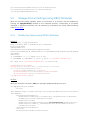
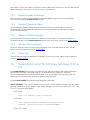
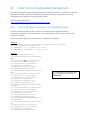
13.11
Export Data from Partition
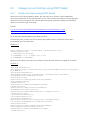
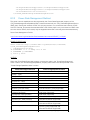
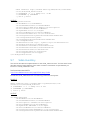
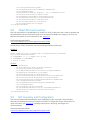
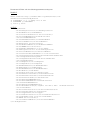
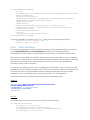
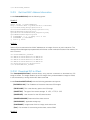
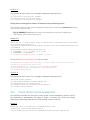
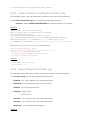
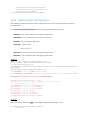
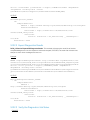
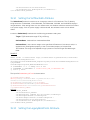
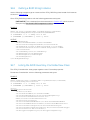
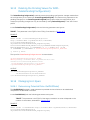
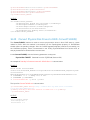
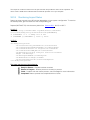
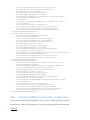
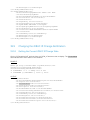
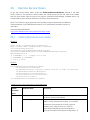
This method is for exporting the contents of a partition to a location specified by you.
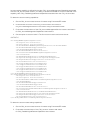
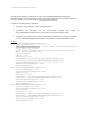
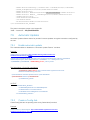
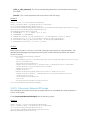
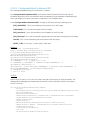
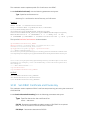
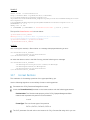
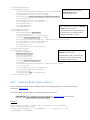
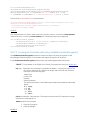
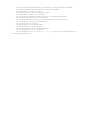
Use the following algorithm to successfully export data from an existing partition.
Enumerate the DCIM_PersistentStorageService class
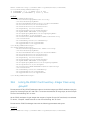
Invoke the ExportDataFromPartition() method on the instance above with the following
parameters:
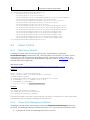
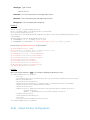
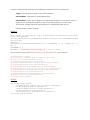
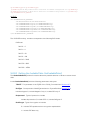
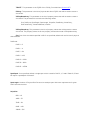
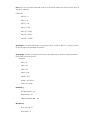
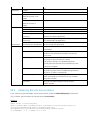
PartitionIndex: The PartitionIndex property of the DCIM_OpaqueManagementData
instance that represents the partition to be formatted
1 to 16
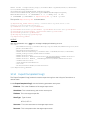
IPAddress: IP address of TFTP or NFS share
ShareType: Type of share
NFS=0, TFTP=1, CIFS=2
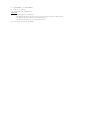
SharePath: NFS sharepoint address
ImageName: Name of the ISO or IMG image