1
Go to Reference Links
Reference
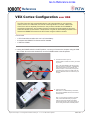
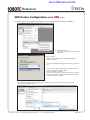
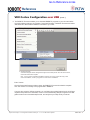
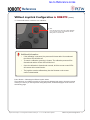
VEXnet Joystick Configuration in ROBOTC
(cont.)
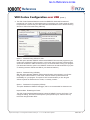
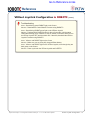
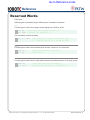
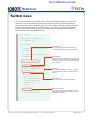
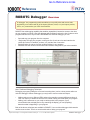
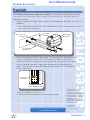
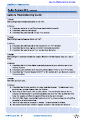
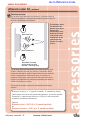
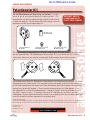
Troubleshooting
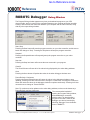
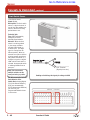
Issue: Slow blinking green ROBOT light on the Cortex
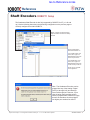
Solution: Download the Cortex Master Firmware using ROBOTC.
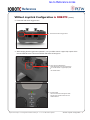
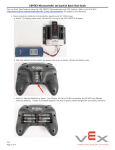
Issue: Slow blinking ROBOT green light on the VEXnet Joystick
Solution: Push and hold CONFIG button for about 5 seconds, until the status
LEDs starts blinking green. Release it, wait for another 5 seconds, and then turn
the VEXnet Joystick OFF and then back ON. If that fails, download the VEXnet
Joystick Firmware using ROBOTC.
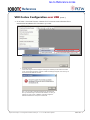
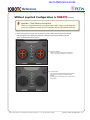
Issue: Yellow or red ROBOT light on the Cortex
Solution: Make sure you are using fully charged Robot battery.
Issue: Yellow or red ROBOT light on the VEXnet Joystick, even though they are
both green on the Cortex.
Solution: Power cycle both the VEXnet Joystick and CORTEX.
Project Lead The Way © and Carnegie Mellon Robotics Academy © / For use with VEX® Robotics Systems
VEXnet Joystick Configuration • 12