1
RASFinder RF300E/RF310E User Guide
Remote User Database
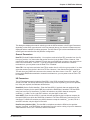
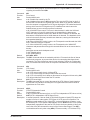
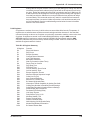
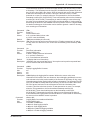
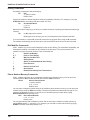
The Remote User Database option from the RASFinder Management Menu enables you to add and
configure a list of users who will access the RASFinder remotely. After selecting Remote User
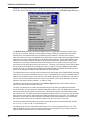
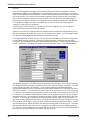
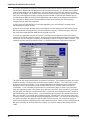
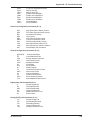
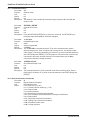
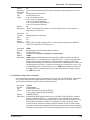
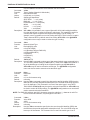
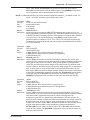
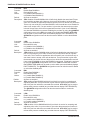
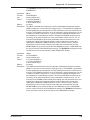
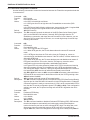
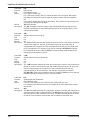
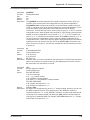
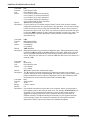
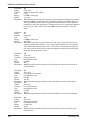
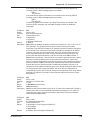
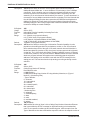
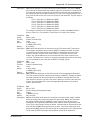
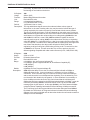
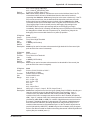
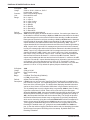
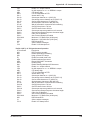
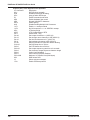
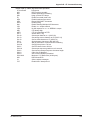
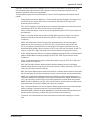
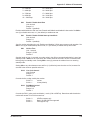
Database (type 2 <Enter>) from the main menu, type A <Enter> to add a new user to the database.
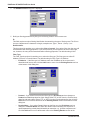
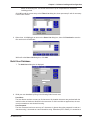
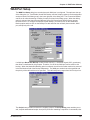
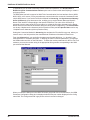
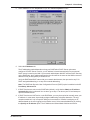
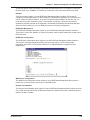
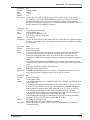
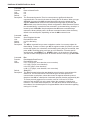
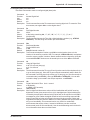
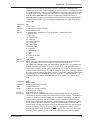
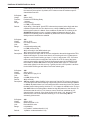
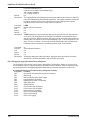
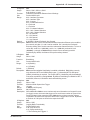
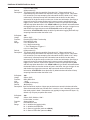
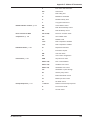
The following list of options is displayed:
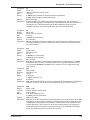
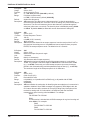
By selecting and configuring the various options and entering the desired information, you can
construct a database of remote users for the RASFinder. For a detailed description of each option,
refer to the on-line Help provided in your RASFinder software.
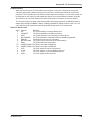
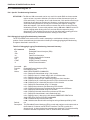
Web Browser Management
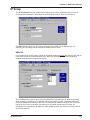
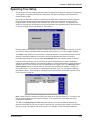
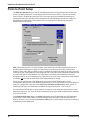
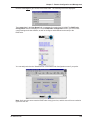
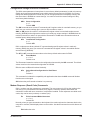
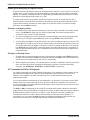
The RASFinder can be accessed, via a standard Web browser, from anywhere on the connected
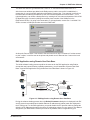
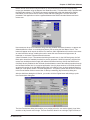
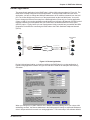
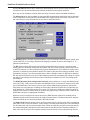
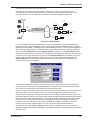
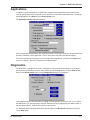
Internet. First, WEB Server must be checked (enabled) on the Applications Setup dialog box to
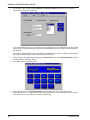
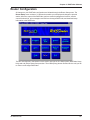
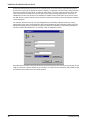
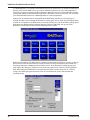
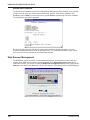
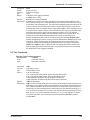
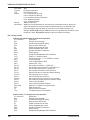
enable this function. You can then access the RASFinder Configuration dialog box by typing the IP
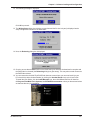
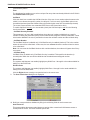
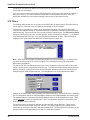
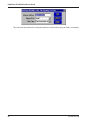
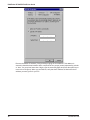
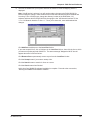
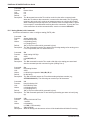
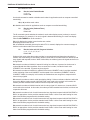
Address of the unit into the address line of your web browser. The following screen will be displayed:
106
RF300E/RF310E