1
Chapter 6 - RAS Dial-out Redirector
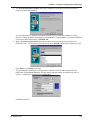
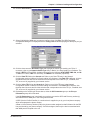
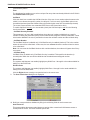
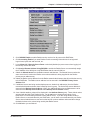
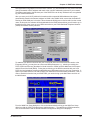
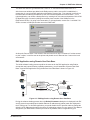
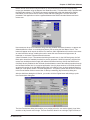
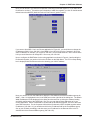
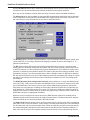
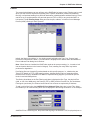
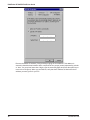
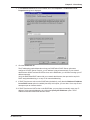
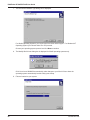
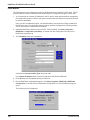
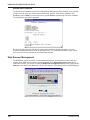
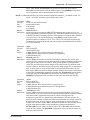
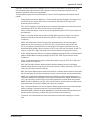
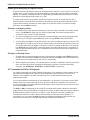
The Available Servers box lists the names of the available servers. Click the name of the server
to which you want to attach, type a User Name and Password in their respective fields, and then
click Login. A window is displayed stating that your login was successful. Click OK. If there are
no servers listed in the Available Servers box, then click the Search button to search for a
server.
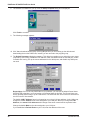
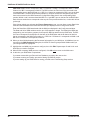
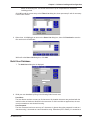
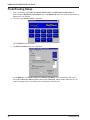
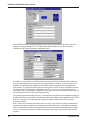
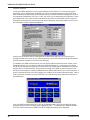
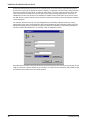
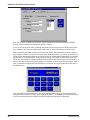
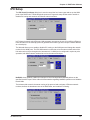
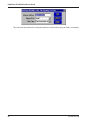
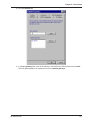
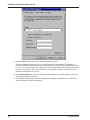
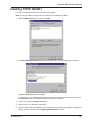
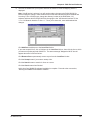
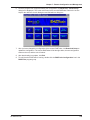
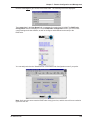
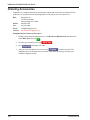
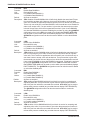
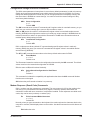
5. At the ComMap for Windows main window, view your log status by clicking File | Log Status.
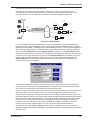
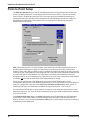
The MCSI Login Status window is displayed.
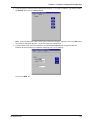
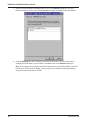
This window shows the name of the server to which you are logged in and the name with which
you logged in. Click Close when you are finished.
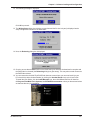
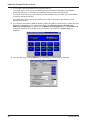
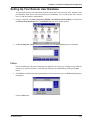
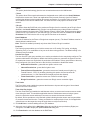
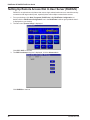
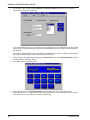
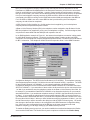
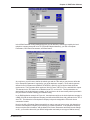
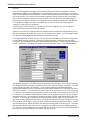
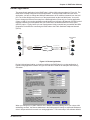
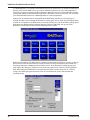
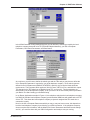
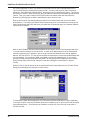
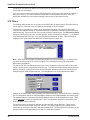
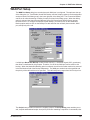
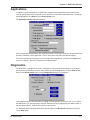
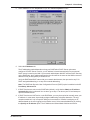
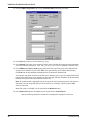
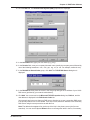
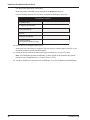
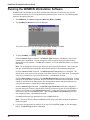
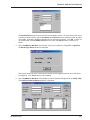
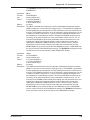
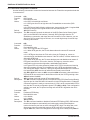
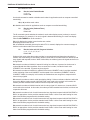
6. At the ComMap for Windows main window (to map a COM port through MCSI) click Map | Map.
The COM Port to MCSI Mapping window is displayed.
RF300E/RF310E
97