1
Basic Operation
Inputting words for a dictionary search
In this section, the basic search operation is described. For details, refer to the
manual chapter for each dictionary.
<Example>
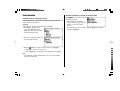
Find definitions of ‘sharpen’ in the Oxford Dictionary of English.
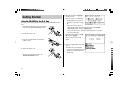
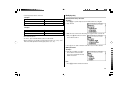
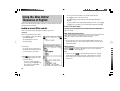
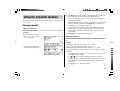
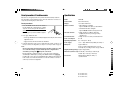
1. Press d to display the input
screen for the Oxford Dictionary of
English, then input ‘sharp’. The entries
starting with ‘sharp’ are listed.
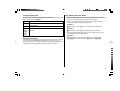
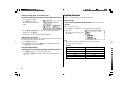
Selecting a dictionary / function in the main menu
Press m.
The main menu appears.
• Select an item by its index number
using the number keys (1 to 3). The
initial screen of the selected item
appears.
• The desired item can also be selected by using the { } keys, followed by
pressing the e key.
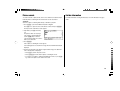
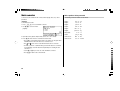
2. Enter ‘en’ to complete the spelling. The
list is narrowed down further.
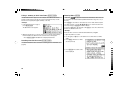
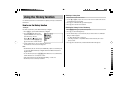
3. While the ‘
’ indication is visible on the left of ‘sharpen’, press e.
• Press f to go back to the previous view.
• Press ^ l to list the headwords in the Oxford Dictionary of English.
Note:
• To learn different searching methods from those above, refer to the manual
chapter for each dictionary.
7