1
Chapter 3 – Using the Web Management Software
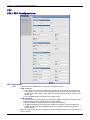
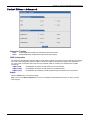
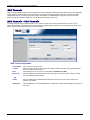
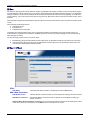
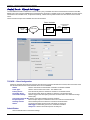
63BPacket Filters > Advanced
92B
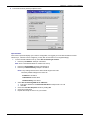
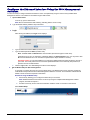
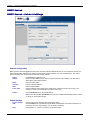
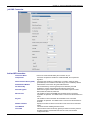
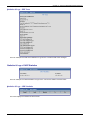
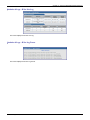
Connection Tracking
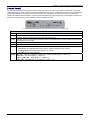
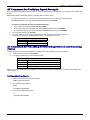
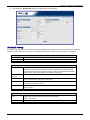
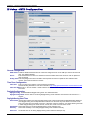
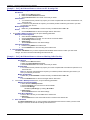
H323:
PPTP:
Enable/disable the forwarding of H323 packets across the firewall.
Enable/disable PPTP Packet Pass-through (PPTP NAT support).
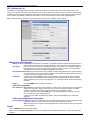
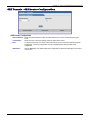
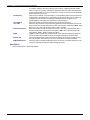
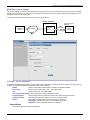
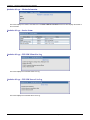
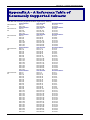
ICMP Configuration
The Internet Control Message Protocol (ICMP) is used to test the network connections and the functionality of the firewall
and is also used for diagnostic purposes. ICMP on Firewall and ICMP Forwarding always apply to all IP addresses; i.e.,
Any. When these are enabled, all IP hosts can Ping the firewall (ICMP on Firewall) or the network behind it (ICMP
Forwarding).
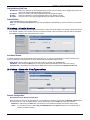
ICMP on LAN:
Enable/disable the transfer of ICMP packets on the LAN interface.
ICMP on WAN:
Enable/disable the transfer of ICMP packets on the WAN interface.
ICMP Forward:
Enable/disable the forwarding of ICMP packets through the firewall into the local network.
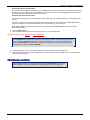
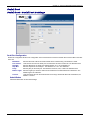
Submit
Click the Submit button to save these settings.
Note: You must click Save and Restart once you have completed and submitted all the screens on which you have
made changes.
Multi-Tech Systems, Inc. MultiModem rCell User Guide
39